Hey guys, I feel super because I was able to continue a download from a server that does not allow you to continue the download, if your download fails for any reason you start from the beginning which is pretty bad especially when the
internet connection is slow and the file size is big.
Here is what happened
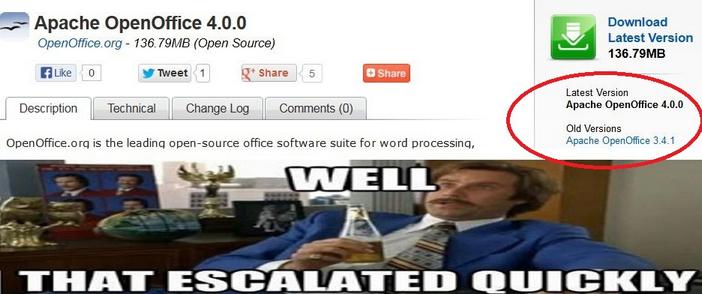
I was downloading Apache OpenOffice 4.0.0 which is 137MB, I used FDM to download the file because it’s faster, even if the servers in filehippo didn’t support resuming downloads.
When the download reached 99% the lights were out!! And since my modem is AC powered i lost the connection and the download.
I went to the directory and marked the file as visible the file and did a test using 7zip, the archive was corrupt.
When the lights were back on I tried starting the download again (Right click and then start download), that didn’t work, i was given the message: File no longer existed on server.
So here is what I did to resume the download and save the time and Internet quota:
- I went to FDM and right clicked the file and went to download properties, or hit the shortcut key Alt + Enter
- Go to the second tab from the left “Mirrors” and click the button add to add the same link you used to download the file.
- Hit OK then OK.Wait for the download to resume and Continue from where it stopped. Go to the download, check it using 7zip, you have yourself the file ..!
Hope you liked it, please recommend me on Google+ & subscribe to my RSS feed.