مرحبًا بك عزيزي القارئ، في عدد جديد من مجلة حديث اﻷربعاء. أستعرض فيه بعضًا من أفكاري، وخواطري، واﻷحداث التي صادفتني خلال اﻷسبوع المنصرم.
لذلك، هلم معي، ولنطالع معًا مفردات هذا الحديث الجديد.
مرحبًا بك عزيزي القارئ، في عدد جديد من مجلة حديث اﻷربعاء. أستعرض فيه بعضًا من أفكاري، وخواطري، واﻷحداث التي صادفتني خلال اﻷسبوع المنصرم.
لذلك، هلم معي، ولنطالع معًا مفردات هذا الحديث الجديد.
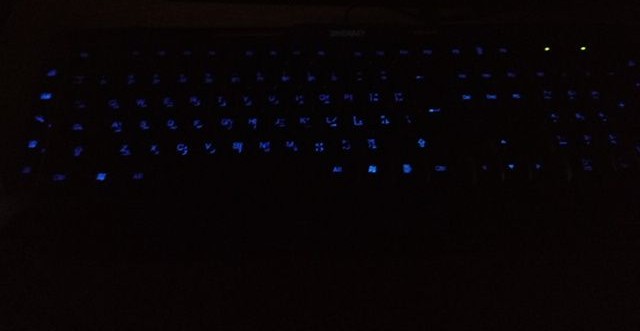 |
| A picture of the keyboard led on |
Sadly these products don’t have websites and the companies don’t provide any kind of support, let alone for Linux! But that’s where this post comes in handy.
When you turn on the computer and press the LED switch, it works during boot. But as soon as the Linux kernel loads it turns off and stays off. You might even notice new lines when booting similar to the Comm reset issue, but don’t worry, Xset is our friend!
The button that enables the led light isn’t recognized by Linux, you can make sure by typing in the command acpi_listen and testing it for yourself. It won’t be recognized and won’t give out a code, unlike other multimedia keys.
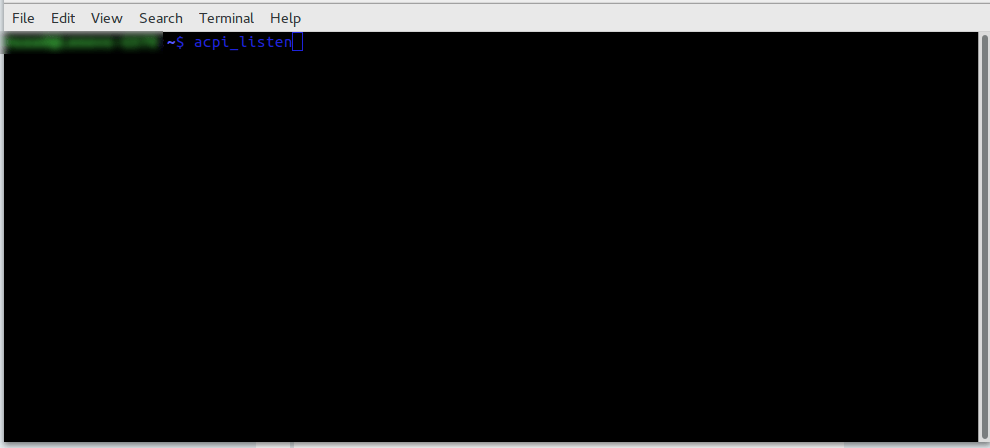
To enable the keyboard light, all you have to do is to open a terminal window and type in the command
for the light on the keyboard to work:
xset led on
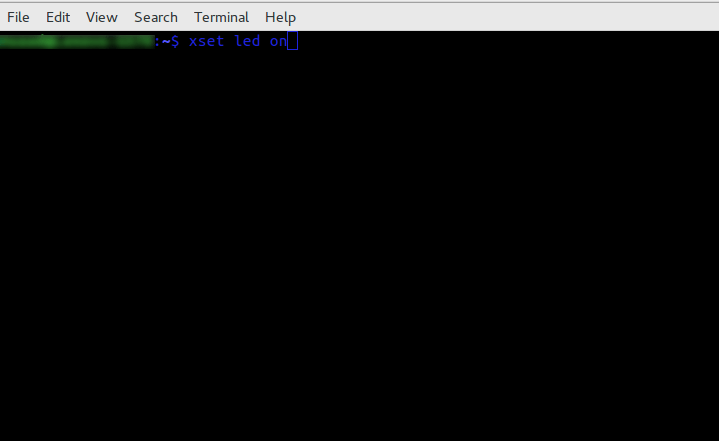
Yes it’s as simple as that, but that command is incomplete! When I tried it on my computer it enabled the mouse keys, an old bug dating back to 10 years ago in Xorg that didn’t get fixed. I made sure the two were related (the LED being on and mouse keys).
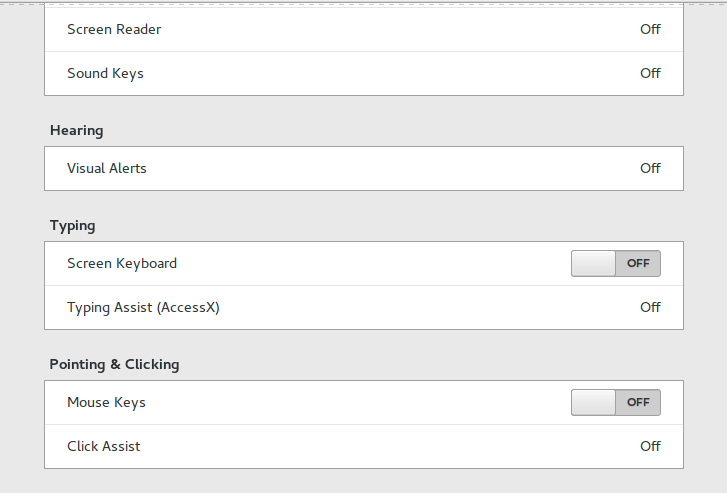
Having to go into accessibility every time and disable the mouse keys by hand every time the computer was out of sleep was frustrating, no where near a fix!
But luckily, the terminal has a fix..
xset led on && gsettings set org.gnome.desktop.a11y.keyboard mousekeys-enable false
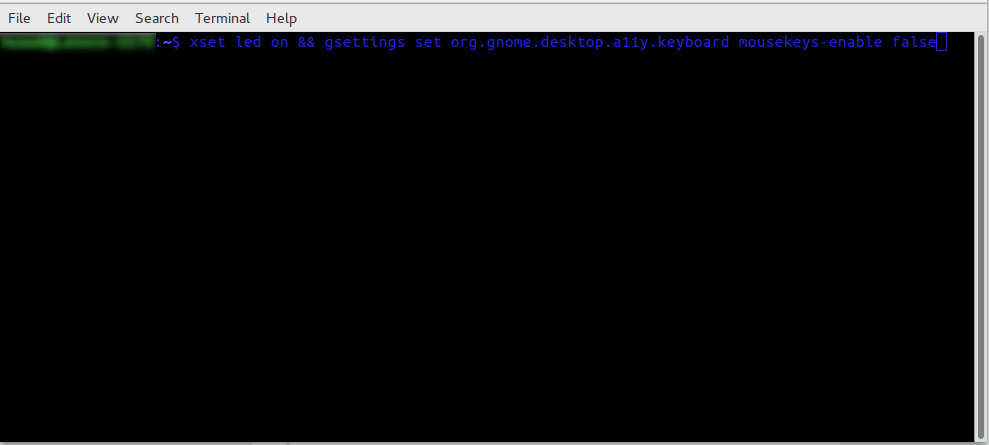
This will enable the led light and keep the number pad acting the way it should.
You will have to enter this command every time you turn off your computer, if I managed to turn it into a bash script and make it start with the system, I will update this post.
You don’t have to break the bank to get a decent looking keyboard, and using Linux doesn’t mean you need to sacrifice functionality or have to dual boot windows just for a keyboard to function normally!
Let me know how the code worked for you. And have a good one.
P.S: If you shutdown or unplug the keyboard, you will have to enter into the terminal the script again.

