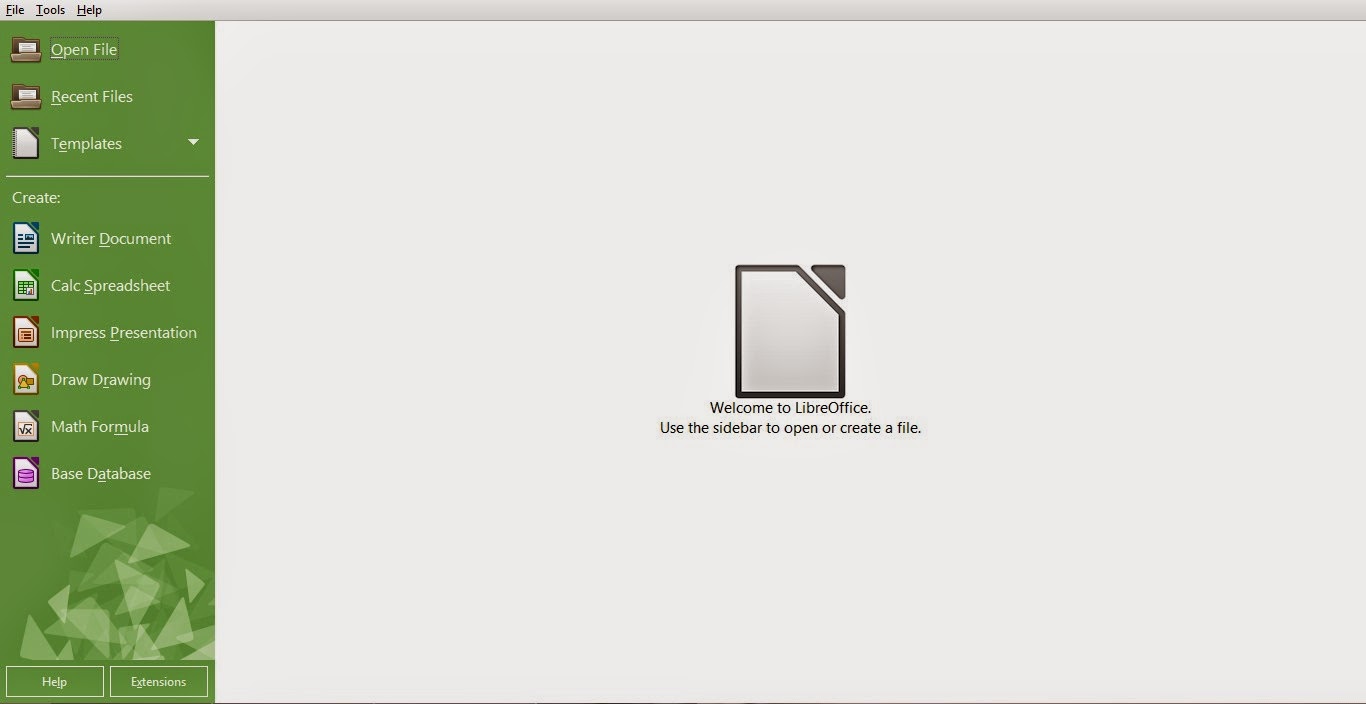
I have been reading articles all over the web and testing the new LibreOffice since I published my post two days ago, I must say: I’m very impressed!!
Every objection I had on LibreOffice was gone! Everything about this version is so right!
I’m not talking about the appearance. That’s obvious!
I’m talking about all the work the guys at the document foundation did “Under the hood”, it’s really something! I can totally feel the over all changes ..
I’ve just uninstalled Apache OpenOffice after a five year run (started with OpenOffice of course ) , it was good while it lasted 🙁
I think the guys at the Apache foundation lost the track on OpenOffice, it’s not the same product as it used to be!
I’ve had some stops here in this blog with Apache OpenOffice, like when I wanted it as a the default word processor for Ubuntu 13.04, and when that transparency bug was driving me crazy!! And my utter joy when I got it fixed!
I can’t believe how happy I was when Apache OpenOffice 4.0.0 was out! And the frustration I had when the download broke at 99%!!
I felt like the first time when I used OpenOffice, that overwhelming feeling you only get with true freedom!!
As sad as it may seem. It’s time to move on ..
In sense, it’s not really moving away, it’s actually going back to the roots! Having a truly free and open source word processor for all of your daily needs ..
I’m a LibreOffice guy now 🙂
I’ve decided to download the last OpenOffice version before the Oracle acquire, for memories sake that’s all ..
One last thing .. Could someone tell me how to change the green color scheme? I’d be really happy without it :p
Have a nice day. I can’t wait your feedback on the whole post and the green scheme bit 😉