Category: Apache OpenOffice (Page 3 of 4)

Apache OpenOffice vs LibreOffice .. I madeup my mind!!

Hey you guys 🙂

I have been reading articles all over the web and testing the new LibreOffice since I published my post two days ago, I must say: I’m very impressed!!
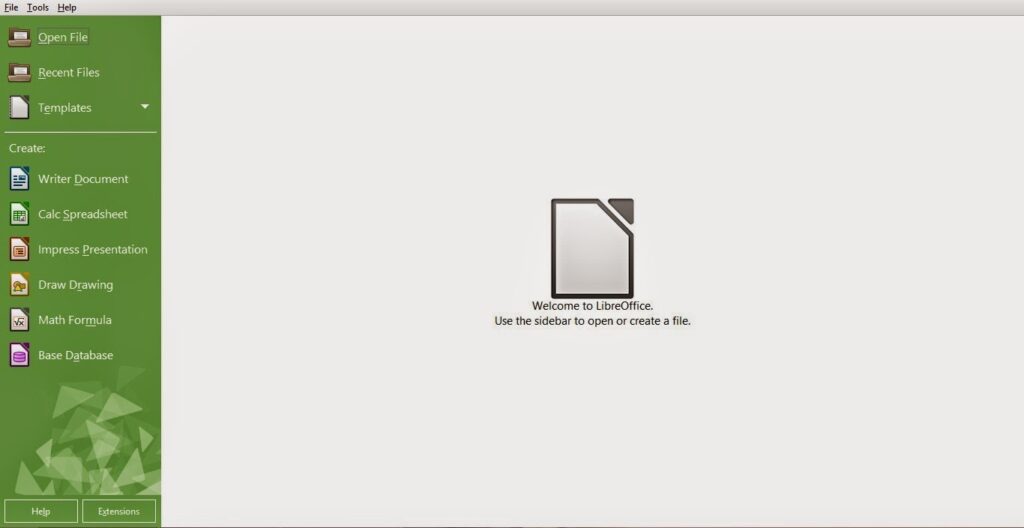


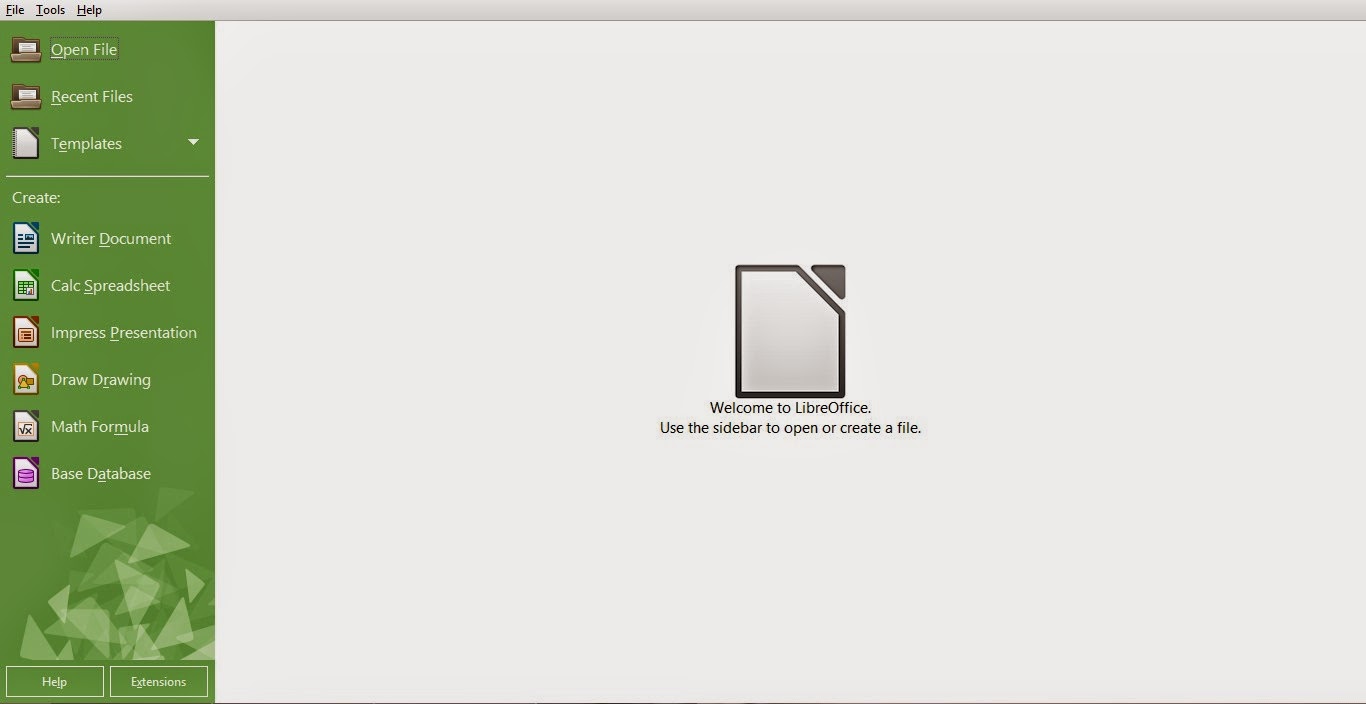
Every objection I had on LibreOffice was gone! Everything about this version is so right!
I’m not talking about the appearance. That’s obvious!

I’m talking about all the work the guys at the document foundation did “Under the hood”, it’s really something! I can totally feel the over all changes ..

I’ve just uninstalled Apache OpenOffice after a five year run (started with OpenOffice of course ) , it was good while it lasted 🙁

I think the guys at the Apache foundation lost the track on OpenOffice, it’s not the same product as it used to be!
I’ve had some stops here in this blog with Apache OpenOffice, like when I wanted it as a the default word processor for Ubuntu 13.04, and when that transparency bug was driving me crazy!! And my utter joy when I got it fixed!

I can’t believe how happy I was when Apache OpenOffice 4.0.0 was out! And the frustration I had when the download broke at 99%!!

I felt like the first time when I used OpenOffice, that overwhelming feeling you only get with true freedom!!

As sad as it may seem. It’s time to move on ..
In sense, it’s not really moving away, it’s actually going back to the roots! Having a truly free and open source word processor for all of your daily needs ..

I’m a LibreOffice guy now 🙂

I’ve decided to download the last OpenOffice version before the Oracle acquire, for memories sake that’s all ..

One last thing .. Could someone tell me how to change the green color scheme? I’d be really happy without it :p
Have a nice day. I can’t wait your feedback on the whole post and the green scheme bit 😉
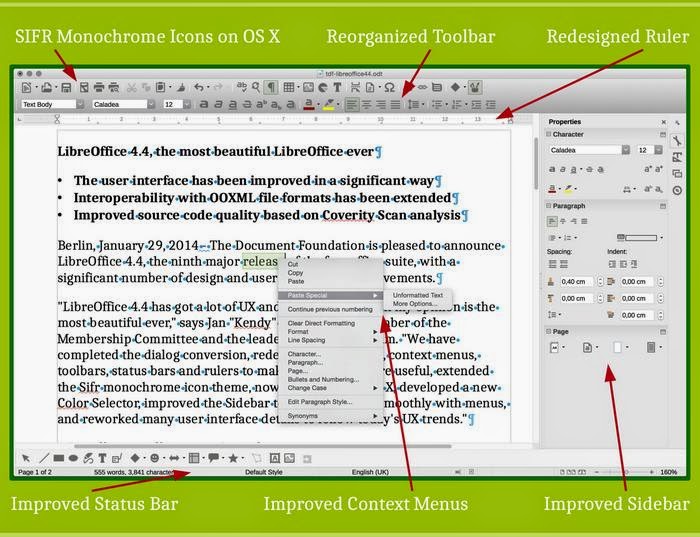
LibreOffice 4.4.0 is out. And it looks better than ever!!

Hey guys. I hope you are doing great!

I had to interrupt my weekly plan to bring this awesome update! LibreOffice 4.4 is out!

LibreOffice is an OpenOffice fork developed by the Document foundation that started after Sun Microsystems was acquired by Oracle in January 2010 Source Changing it’s name to Apache OpenOffice and the license to Apache License

Since the acquire development was overtaken by Oracle and it wasn’t that frequent. In fact it took them 11 months to update from 3.4.0 to 4.0.0. Check out my blog post mocking it!

Unlike Apache OpenOffice, LibreOffice is rapidly developed, having new versions all the time! And it’s being maintained as the truly open source word processing suit.


What are the new features this update brings?

First of all: A lot of improvements has been made “under the hood” regarding the source code.

Another important thing is the use of open fonts to solve the compatibility issues facing documents.

Turns out it has a lot to do with the compatibility. As the default fonts cannot be used without installing MS Office.

Also they did a lot of improvements to the program interface. Making it the “The most beautiful LibreOffice ever”

You can digitally sign documents while exporting them to PDF!

And added support for OpenGl transitions in Windows.

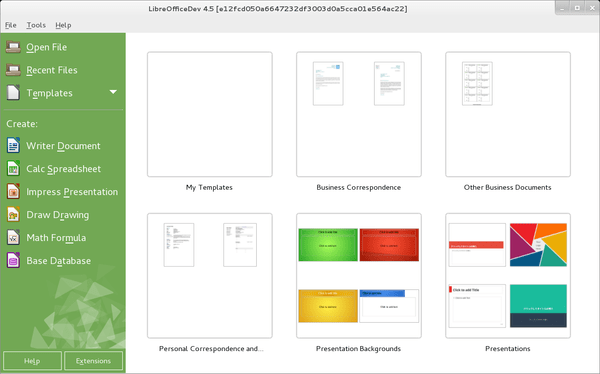
New templates have been created, and included in the default installation and can be viewed from the start center!

(Thanks for Jay Philips ‏@jphilipz for pointing it out for me 🙂 )

You can check the full list of features from here

It’s not a final version, it’s marked under fresh in the website. And if you are looking for a more stable version. You need to check version 4.3.5


What’s next?

They will continue to improve the product and fix some bugs as they go. They will release a 4.4.x every month building up to 4.5

The GPL license on LibreOffice ensures it gets the best of benefits and all the features while the Apache license hinders the development of Apache OpenOffice.

Of course if you have one of them installed you can install the other without effecting the other! I will give it a try and let you know! Also noted that it will ship with Ubuntu 15.04 coming later this year ..

I’m also happy to add that there is an android application to view documents! Check it out on the Google Play store

Download

You can download it from here for your system. If you feel like you want to play it safe here is the more stable 4.3.5 download link

With a redesigned interface, compatibility issues improvements and an android application. This version really stands out and sets a mark in the industry! How will Microsoft face this challenge? And will Apache OpenOffice come with something to keep the loyal fans on board? Only time will tell 😉

This has been my revision of LibreOffice 4.4.0. I will post when I download it and give it a try.

Hope you guys enjoyed this piece. Can’t wait to read your comments!

Install Apache OpenOffice on Ubuntu 13.04

Hi there, welcome to another tech tip, today we will look into downloading Apache OpenOffice in Ubuntu 13.04, It shall work on other Ubuntu based Distros like Mint and Xubuntu.

  • At first you need to download Apache OpenOffice from this offical link
  • After that you need to Uninstall LibreOffice:
  • Use the command: sudo apt-get purge libreoffice-* and confirm with y
  • Copy the downloaded archive to your desktop and open it.
  • Extract the folder DEBS to your desktop
  • In terminal write cd Desktop
  • Then write cd DEBS, the command should look like username@machinename:~/Desktop/DEBS$ []
  • Write the command sudo dpkg -i *.deb to install all the debs in the folder (Batch install)
  • Use the command cd desktop-integration
  • Write the commandsudo dpkg -i *.deb to install the menus on your system, or simply access the folder and double click on it install them.

Thank you for reading, and I hope you enjoy your time with Apache OpenOffice

I moved to Linux three months ago, guess what??

Hello my dear readers

I have been through a lot in these months I haven’t been posting, but I have to say I missed this blog and posting in it, sadly I don’t have a lot of free time like I use-to, but I will try to keep it active.

So after years of using Windows, 98, 2000, XP, 7, and even a little bit of Windows 8, I decided to leave it all behind and jump ship to Linux and I LOVE IT!

I have been aware of Linux for years, and have been using it’s software on windows for quite sometime (most of the posts of this blog are about GIMP and Apache OpenOffice right?)
Anyway it has been incredible, and I will post an article about it very very soon
Stay tuned
Please +1 me on Google+ and subscribe to my blog, it would encourage me to do more work.
Take care:)

PS: 15 thousand views!!
Thank you all <3

« Older posts Newer posts »