Category: Open source (Page 18 of 20)

Install Apache OpenOffice on Ubuntu 13.04

Hi there, welcome to another tech tip, today we will look into downloading Apache OpenOffice in Ubuntu 13.04, It shall work on other Ubuntu based Distros like Mint and Xubuntu.

  • At first you need to download Apache OpenOffice from this offical link
  • After that you need to Uninstall LibreOffice:
  • Use the command: sudo apt-get purge libreoffice-* and confirm with y
  • Copy the downloaded archive to your desktop and open it.
  • Extract the folder DEBS to your desktop
  • In terminal write cd Desktop
  • Then write cd DEBS, the command should look like username@machinename:~/Desktop/DEBS$ []
  • Write the command sudo dpkg -i *.deb to install all the debs in the folder (Batch install)
  • Use the command cd desktop-integration
  • Write the commandsudo dpkg -i *.deb to install the menus on your system, or simply access the folder and double click on it install them.

Thank you for reading, and I hope you enjoy your time with Apache OpenOffice
Lords a war review and download

Hello guys, good day to you
I am sorry that I wasn’t very active lately, I was busy a little.
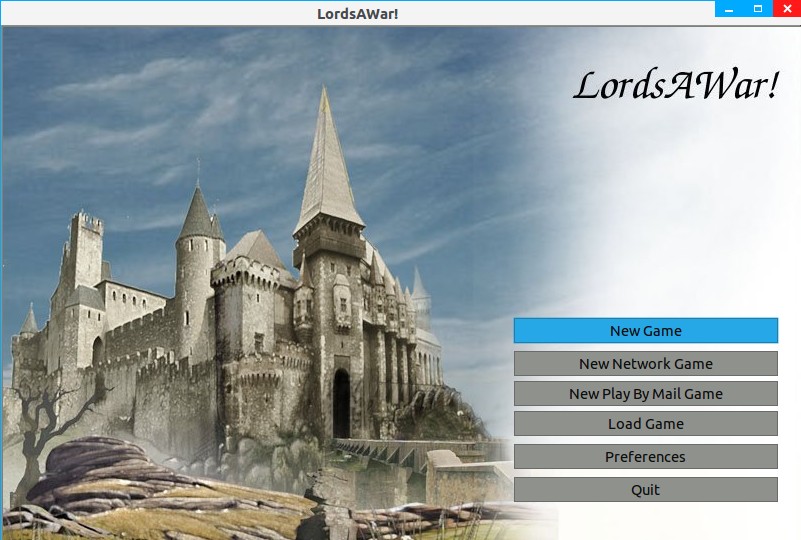
Today I present to you: Lords a war!
Here I quote from the site of the game


“LordsAWar! is a free, turn-based strategy game where up to 8 players strive for control of as many cities as possible. Produce new armies in cities to conquer nearby cities. Using the income from those cities, make more armies to take more cities. Send a hero to a temple to get a quest, or maybe search a nearby ruin instead. Play with others or against the computer.

The goal of this project is to make a game that is similar to Warlords II and is playable on GNU+Linux, Windows, and Macintosh. This project has a longer history than most people realize!”
The game is available for Linux only, and even on linux it’s a bit tricky, I tried downloading the Tar.gz and compiling it, but I wasn’t successful.
There wasn’t any site that provided a DEB link (Easy install on Linux) Until now!!
Here I present to you, the game complete with the data file with a direct link size 32MB

DOWNLOAD HERE<<

The game is really interesting and supports online gaming 🙂

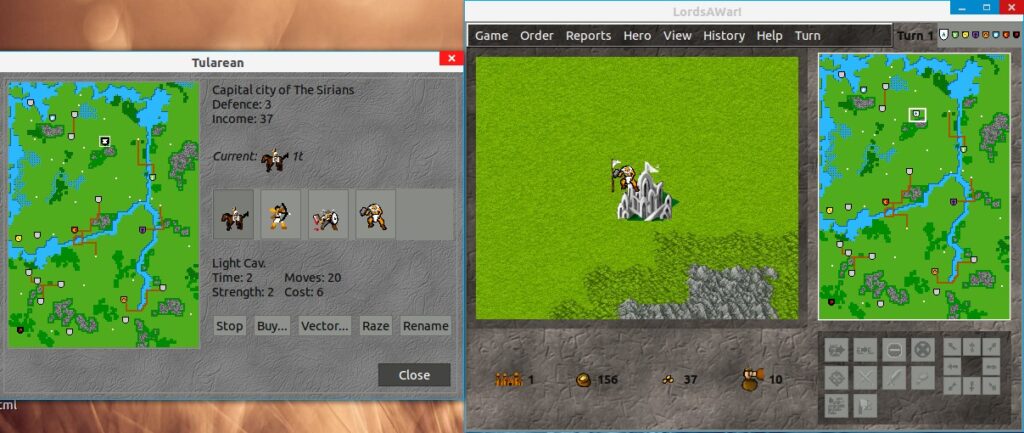
Here are some screenshots I took:

For any support contact me here 🙂
Please support my effort, comment and subscribe to my blog, and share on Google+
If you are using Linux. You should be able to find it on the software manager.

7 things you need to know about Linux

7 things you need to know about Linux


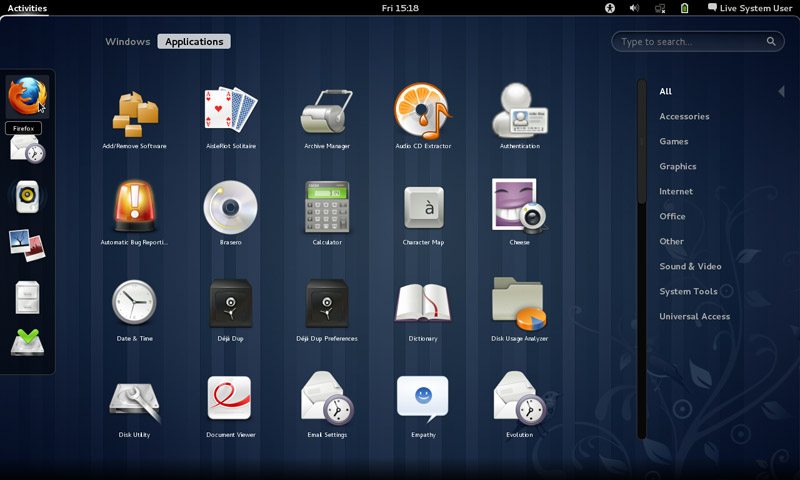
  • Linux has some visually stunning interfaces, it’s not a command line monster like most people think!!
  • You can edit the source code and develop your own software, with proper license of course.


  • You can distribute the software free of any legal issues in most cases.


  • It has Steam support now and there is a new distribution named Steam OS just released, which solves Linux’s issue of having no professional quality games.


  • It has a Windows emulator that enables you to run most of your Windows software on it.


  • Much more secure than Windows, much harder to hack than other operating systems.


  • Many of the softwaresyou use everyday and cannot get enough of are open source such as: Firefox, VLC, and most distributions come loaded with software packages by default, such as Ubuntu, The most popular distribution of all time.


  • So it’s a free system with many free software for you to try that has a low learning curve, you have to try it for yourself.

Thank you for reading my post, please like and share on Google +

للنسخة العربية من هذه التدوينة الرجاء الضغط هنا

RedNotebook 1.5.0 review

Hey hey guys

Today I will be reviewing a really good software to keep your journal ordered and organized, it’s also a good way to practice writing and keep it consistent!!


It’s Called RedNotebook, it helps you keep a daily journal but it can do much much more, make to do lists, use tags for frequent entries, and other features!


The software is open source and free of charge, you can download from their site on source forge size around 20 MB

for Linux and Windows!

And I have written a post on how to backup the journal entries and transfer them. It’s a must have if you install it and use it on daily basis!!

My verdict: It’s a good solid software that anyone would need!
Cons: I wish it was more of a native style in writing, for example to end sentences you need to use “//”, why can’t it be a simple “.”?

Thank you for reading, please comment on my post for any questions and I would love for you to join my blog.

« Older posts Newer posts »