Page 310 of 325

There won’t be an Executor on Linux

Hi, good day to you

As it hurts me to report, the best Keyboard launcher won’t be making the jump toLinux..
And here I quote from the author of Executor:


“Hi,  Unfortunately there are no plans on a Linux version of Executor. My development time is very limited and the code base for Executor is heavily tied into the low level Windows API. I remember a colleague of mine showing me some quite impressive alternatives to Executor on Linux, can’t remember their names though.”

You can check the full thread from here

He suggested other alternatives that he forgot, I will update this post if he replied to me.
What are the alternatives you are using? Please share them with us..

I will make a separate post about it later this week when I have some time..
Here you have it 😀 I hope you find this useful  🙂

If you like it please recommend it on Google + and subscribe to my blog
Have a nice day <3

How to add downloaded packages to Synaptic Package Manager in Ubuntu 13.04

Hi, good day to you

There are several ways to install software in Ubuntu, some are easy like the Software Center, and are a bit advanced like Synaptic Package Manager, and you can download a DEB file form the Internet and install it (not recommended)..


But what happens when you want to transfer a lot of software to another computer, or install them on your freshly installed Ubuntu?

You can download them one by one of course :/ but you don’t want to do that, don’t you?
That’s why you are here 😉

My way is very simple and requires a little knowledge of your system.

  •  First copy the software you need from this directory on your computer:
    “/var/cache/apt/archives”
  • Copy the ones you need or all of them if you like
  • Paste them in a folder in your system partition (Where Ubuntu is installed), like your home folder.
  • Now open Synaptic Package Manager and enter your administrator password.
  • When it loads up navigate to File Add downloaded packages
  • Browse to the folder Archives you just copied form the old computer
  • Wait for it to add the packages, and here you have them.
  • It will install the changes automatically (Batch install your packages). 

As easy as that 😀

And the sweet part is: If you previously backed up your computer and restored it after adding the packages you will restore the settings as well 😀

Here you have it 😀 I hope you find this useful  🙂
P.S: I tested it on Zorin OS 7, so it should work on Ubuntu 13.04 with no problem.
If you like it please recommend it on Google + and subscribe to my blog
Have a nice day <3
Fix it Felix Jr Remake!! Review and download

Hey you guys, Sorry for not posting last Friday I was on vacation with no internet access!

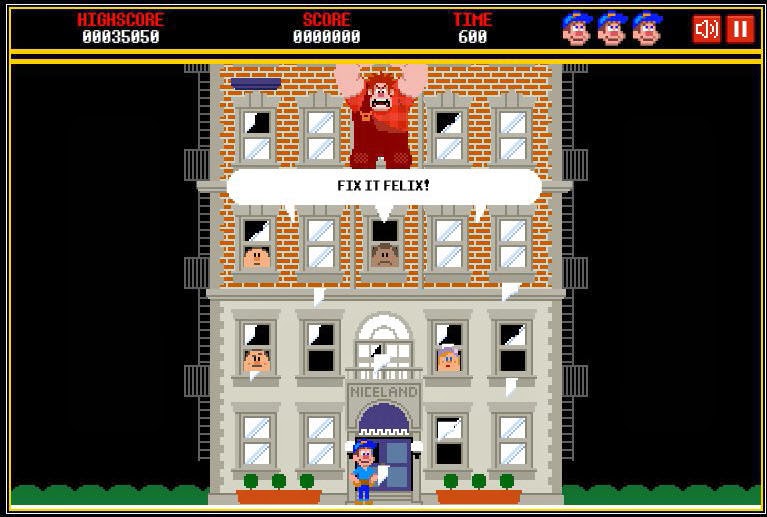
This is game of the week presenting: Fix it Felix Jr remake 🙂


Did you watch the movie Wreck-It Ralph?
I really enjoyed it, specially the game Fix it Felix jr

Download

It’s available for online play, but if you want the remake to play anytime on your PC, here is the link  download, extract and enjoy.
I uploaded it on my account, it’s a freeware but I can’t recall who made it, and cannot provide any support. 

Controls 

C: Coin for continues.
1: Start the game for player 1.
Direction pad: Move Felix around, up is for jump.
X: Fix broken windows.

Comment on my post and share on Google+
Have a nice day

Lords a war review and download

Hello guys, good day to you
I am sorry that I wasn’t very active lately, I was busy a little.
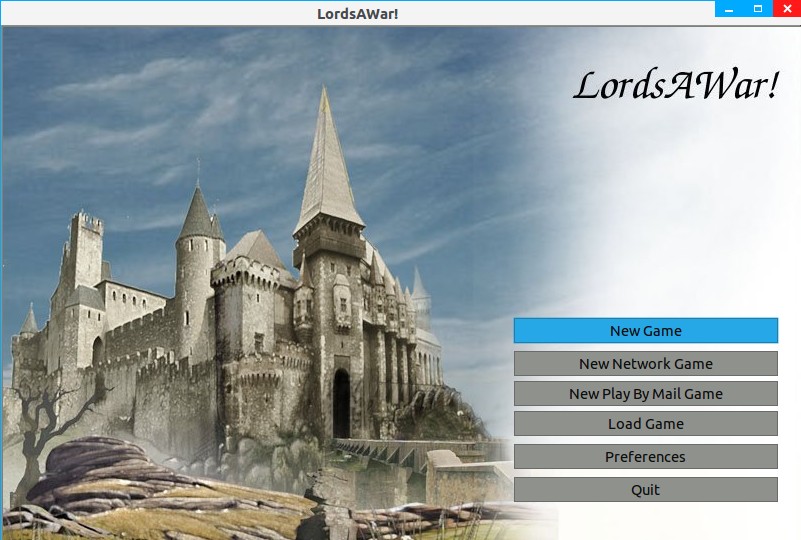
Today I present to you: Lords a war!
Here I quote from the site of the game


“LordsAWar! is a free, turn-based strategy game where up to 8 players strive for control of as many cities as possible. Produce new armies in cities to conquer nearby cities. Using the income from those cities, make more armies to take more cities. Send a hero to a temple to get a quest, or maybe search a nearby ruin instead. Play with others or against the computer.

The goal of this project is to make a game that is similar to Warlords II and is playable on GNU+Linux, Windows, and Macintosh. This project has a longer history than most people realize!”
The game is available for Linux only, and even on linux it’s a bit tricky, I tried downloading the Tar.gz and compiling it, but I wasn’t successful.
There wasn’t any site that provided a DEB link (Easy install on Linux) Until now!!
Here I present to you, the game complete with the data file with a direct link size 32MB

DOWNLOAD HERE<<

The game is really interesting and supports online gaming 🙂

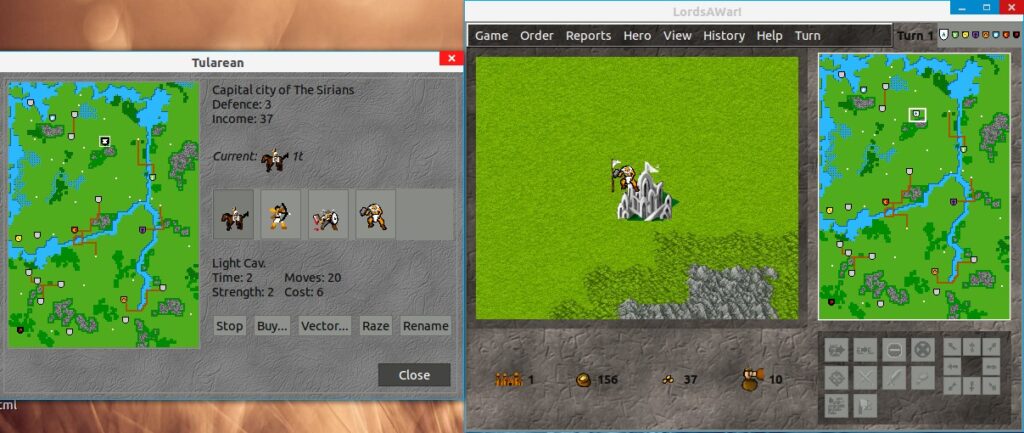
Here are some screenshots I took:

For any support contact me here 🙂
Please support my effort, comment and subscribe to my blog, and share on Google+
If you are using Linux. You should be able to find it on the software manager.
« Older posts Newer posts »