A bit about my life right now
If you have been following my blog for the past six months, then let me tell you this: Things are a bit of the same old, nothing has changed, I’m not sure if that’s a good thing or a bad thing. It depends on how you look at things and what is your perspective on life.
The blog
If you have been checking my blog in the past few days you would notice that I have been trying out many themes and going back and forth between them, I have standards and if a theme doesn’t match it, then I simply drop it.
My standards for themes are rather simple
- Shows similar posts.
- Has adsense support.
- Simple, not the magazine type.
- I can add the basic widgets I use like archive, search and blog stats.
Blogger’s new themes
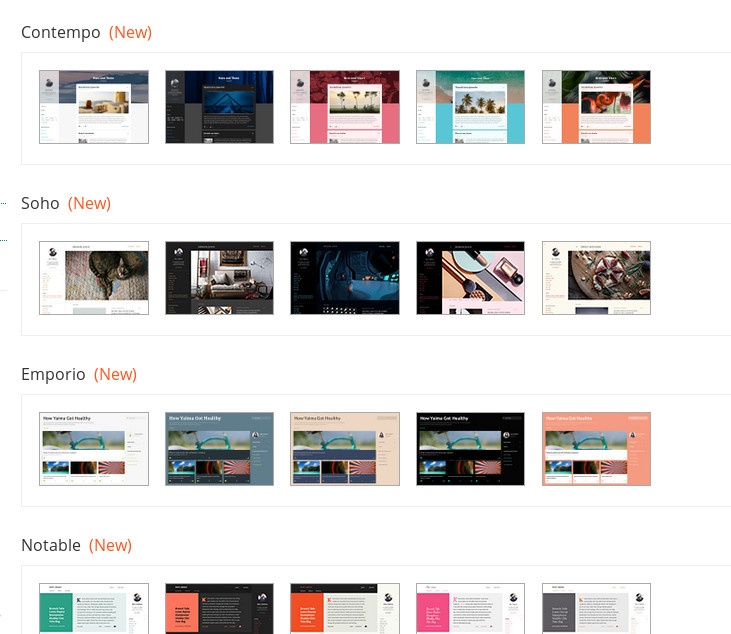
Custom themes give a wide range of customization (and I used my fair share of them), and they usually have everything I need out of the box, but they require adding links and what not, and usually have some items that can’t be edited, and they seem heavier and slower to load because of the junk code added by whoever made them, compare the number of lines between them and native ones to get an idea of what I’m talking about!
Similar posts widget
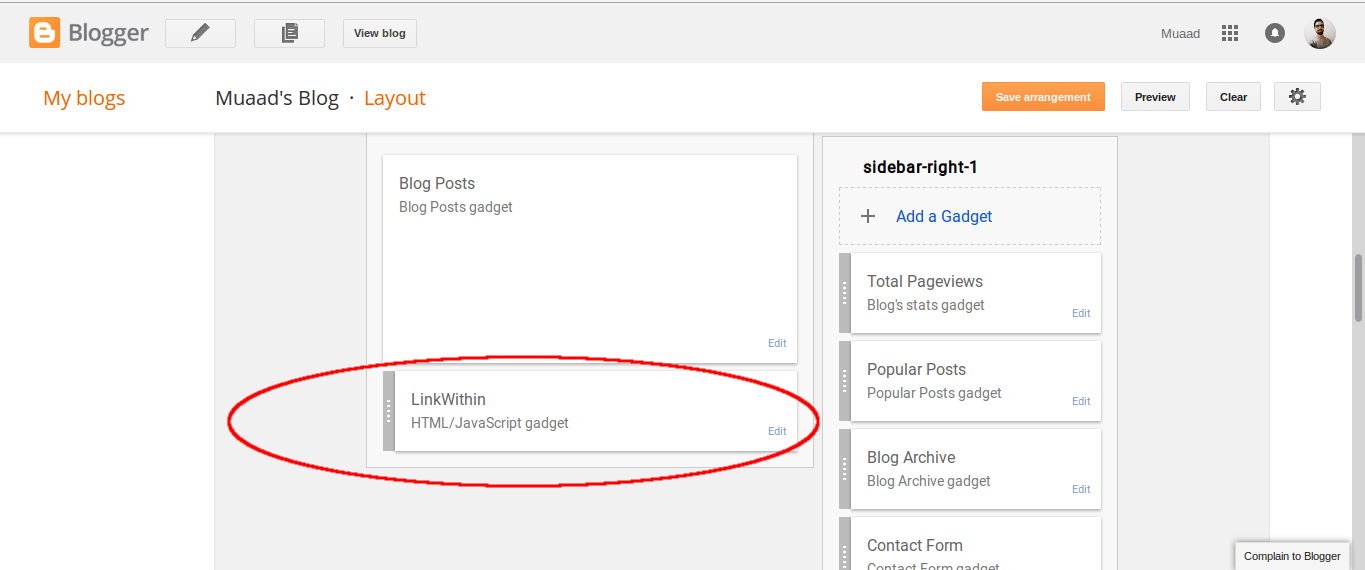
Issues with Linkwithin
1. The custom domain issue
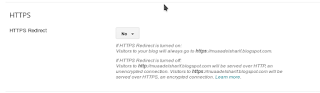
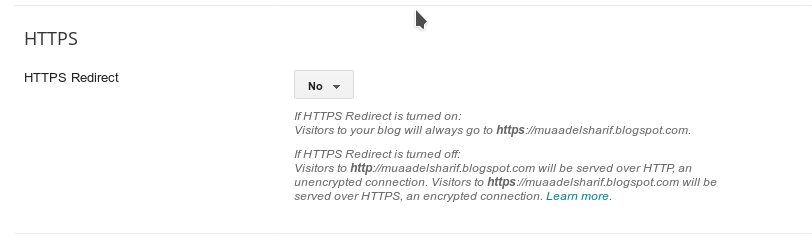
2. No secure connection
Having the secure connection added to the site wouldn’t show Linkwithin, as it requires a regular connection to work, so if you want to keep Linkwithin, you will have to sacrifice the extra layer of security.
I added some code to my blog’s template manually and now it shows the posts without an external widget, it’s much better this way!
And don’t bother contacting Linkwithin‘s support site, I‘m still waiting on replies from a year ago when the issue started!
Adsense
I’ve also added ads, and found a way to control the content so nothing indecent would be displayed on my blog (the main reason that prohibited me from adding them a long time ago).
So be kind and add my site to your ad blocker’s exception list, I’m trying to make some money here,Okay?
Views drop
The blog isn’t doing as good as it used to do (what is in this country anyway?) I used to get around 2000 views on Thursday alone -the passport zombie stampede day as I call it sometimes- and now it takes me ten days to get the same amount of views! I know I keep saying I don’t care, but I just got my Adsense configured, with this rate I’ll get the first payment in 2030!!
Settling down
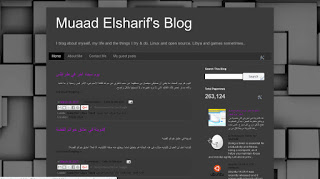
I customized a simple theme, it looks nice and it has all the elements I think a blog needs, it looks great and I think it says a bit too much about me, but you have to look closer to be able to see it!
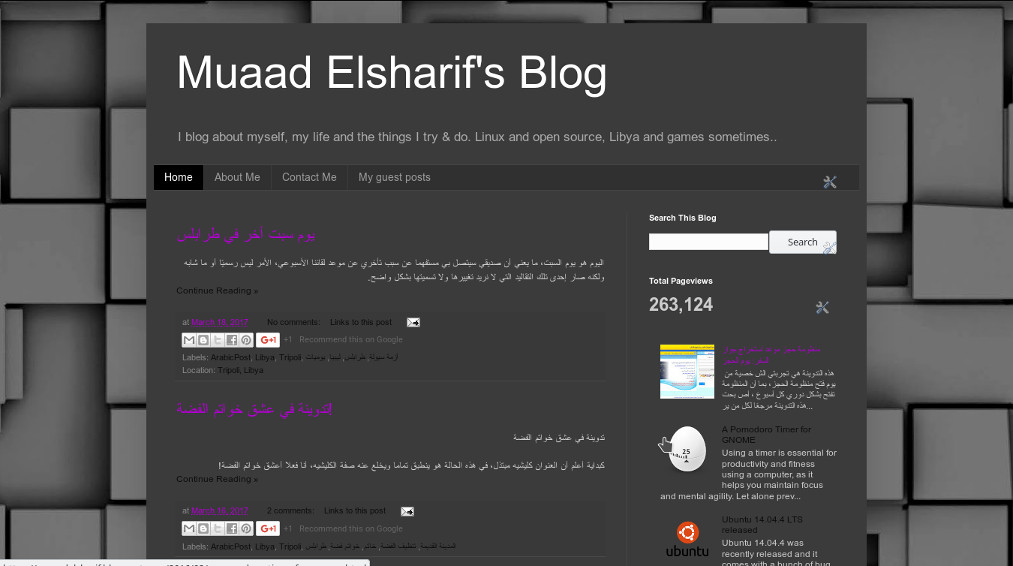
Things I like about this theme
What I like about this new theme I have is that it’s made by Blogger itself, it’s cleaner than the free themes available on the market, that is filled with malicious code that drags the blog down and referral links that steals your blog’s traffic, it is lighter and leaner and it’s everything I wanted in a blog put in one place!
I hope you like it because it’s staying for a while! This must be what a home owner feels like!
Cutting back on social media
A detox is a bit too extreme, but I think that taking some time off of social media every now and then is actually healthy, especially when it spreads nothing but negativity and bad news, that’s living in a war zone for you!
Which is why I write, I write to see things more clearly and to get things off of my chest, and it feels nice to know that someone reads this and connects with me (even as a sympathetic reader).
Final words
It’s a bit of a nostalgic fresh start, this theme is almost identical to the one I used back in 2012, and the views are low just like when I began. So it’s my chance to go back on top and even bigger as me.
Life is a series of ups and downs, I enjoyed my time on the top and now I’m sliding down, only to go back on top again!
What do you have to say about this post? Please leave a comment and share on social media 🙂