While working as an IT, I come across some technical problems that simply make me wanna blog!
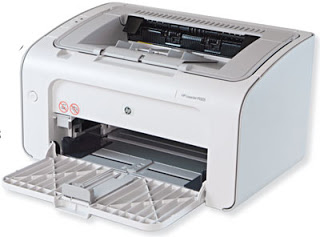
There was this old HP printer sitting on a shelve at the department I worked for, and while fixing other major downtime issues, the head of the department asked me to look at it: “I know you are busy, but could you look at this printer when you have some time to spare? It stopped printing and we already ordered another one, but it wouldn’t hurt if you fixed it so we could have another one to spare?”.
I wasn’t going to turn the request down.
Problem description
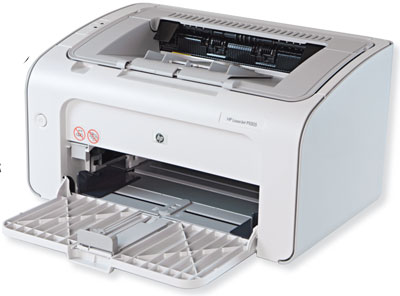 I plugged the printer to the main PC at the department (running Windows 7 professional) and the printer was recognized by the computer, took the printing command. And made that printing noise, but nothing was coming out! The paper was jammed!
I did some research on the HP forums, but couldn’t get a single piece of information regarding the issue, and I wasn’t going to sign-up for the form and post the issue (it’s a 10 year old printer!) so I let it go at that point.
The actual fix
One day I was feeling bored and decided to give it a go.
I took the printer and removed the ink cartridge and inspected it for physical damage, nothing was broken or dislocated, so I decided to clean it up since it had gunk inside it, mainly dried up ink that fell from a broken ink cartridge.
I used some alcohol and a cloth to clean the ink, then decided to lubricate all the moving parts and wheels with some alcohol (since the alcohol evaporates and won’t mess things up).
I then plugged it into the same computer and gave it a printing command, to my pleasure it printed up a page! In many years no paper has came off that printer tray!
Sadly the page was all black!
So far I wasn’t able to tell what’s the reason of that or how to fix it! So if anyone knows give me a clue in the comments section below 🙂
Fun update
I hope you enjoyed this post, let me know what you think in the comments section below 🙂
Have a lovely weekend, share this post with your friends and help the blog grow 🙂