Page 285 of 325

Customize LibreOffice with these awesome native themes

With LibreOffice 5.0 just around the corner, I thought I should share this awesome tutorial with you to make LibreOffice look better and enhance your productivity!
LibreOffice’s killer looks is just one of the many features it sports. Today I’ll be showing you how to change the default look to enjoy the awesome themes it has!
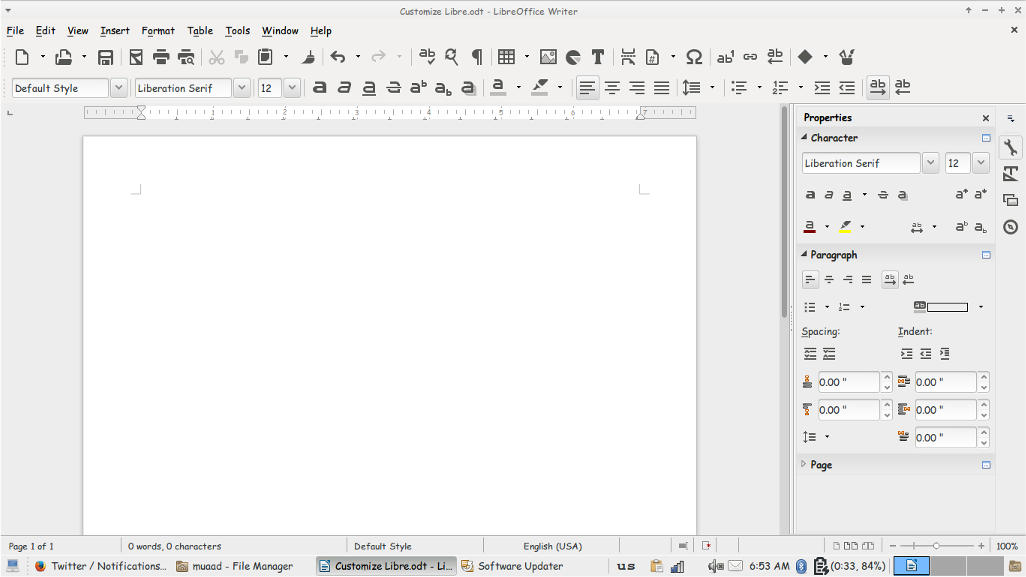
At first, let’s take a look at the default theme:

Not bad! It looks fresh and modern, especially if you are coming from “another” productivity suit, this one is called Tango and it’s the default theme. Now the question is: How to change the theme?
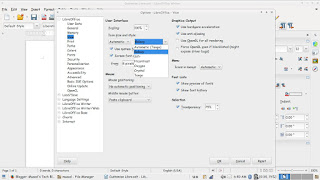
Navigate to: Tools Options View and choose the theme you like from: User interface Icon size and style.
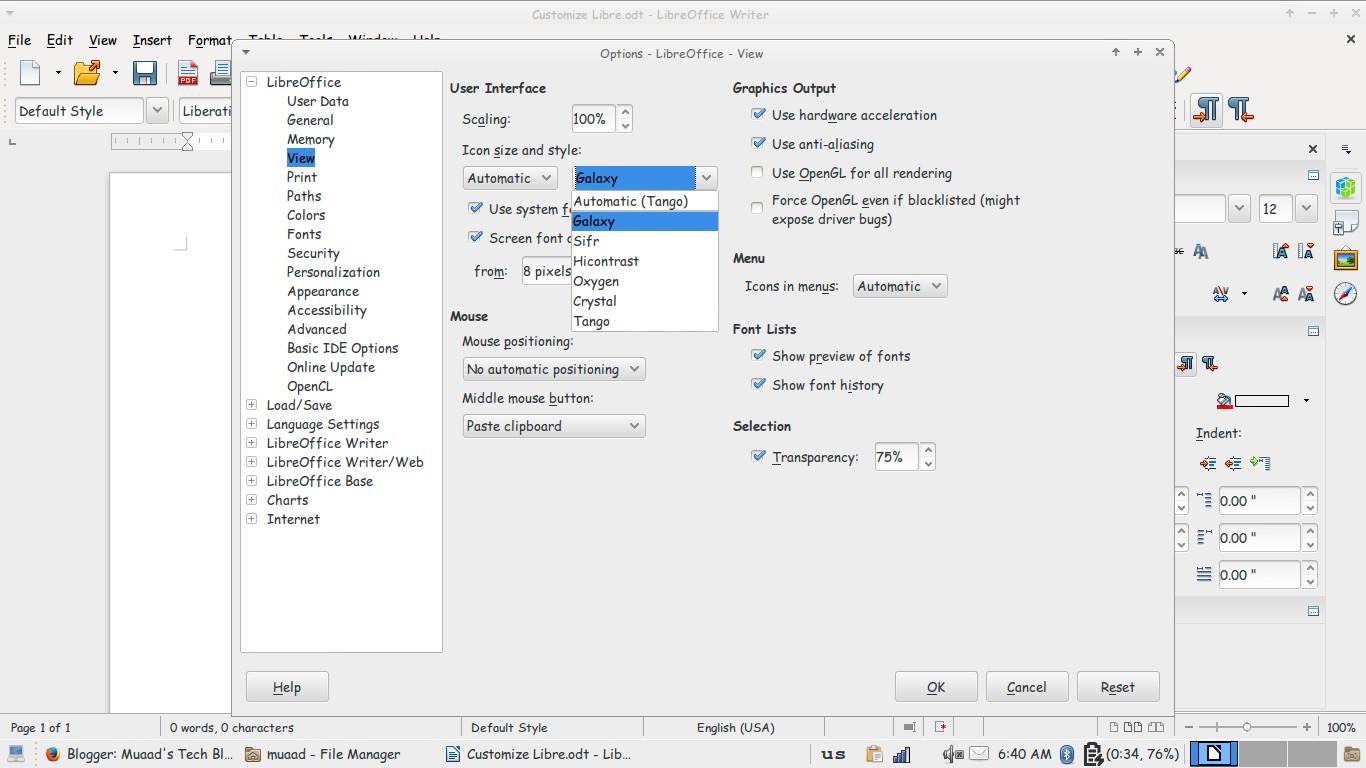
Options menu

There is a total of six themes available (Tango included) and we are going to take a look at all of them! Then I’m going to say which is the best one!
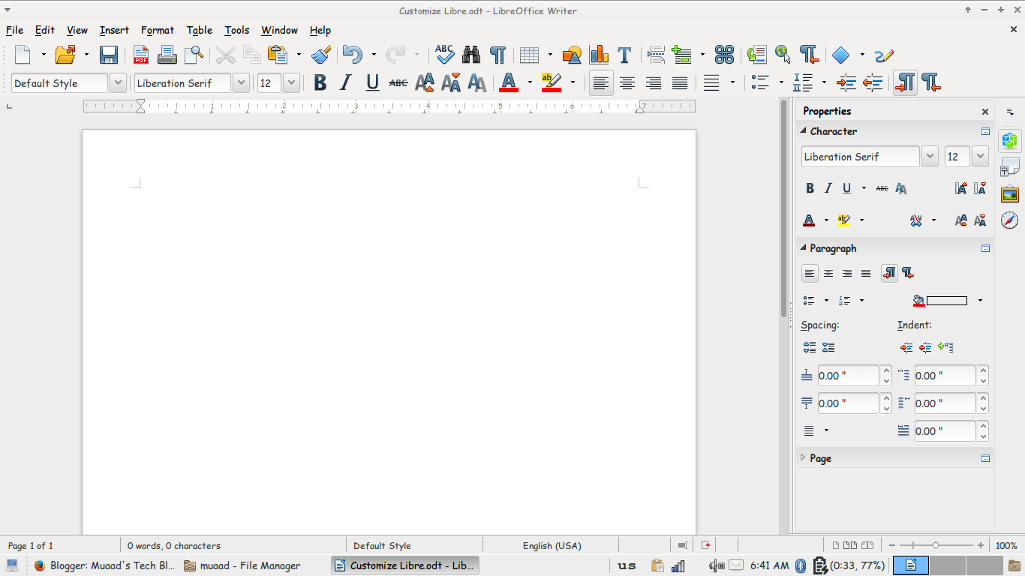
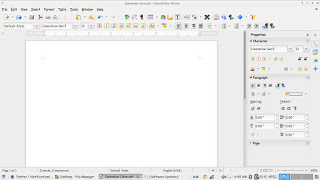
Tango
Tango (Default theme)
Crystal
Crystal


High Contrast
 High contrast


Oxygen
Oxygen  


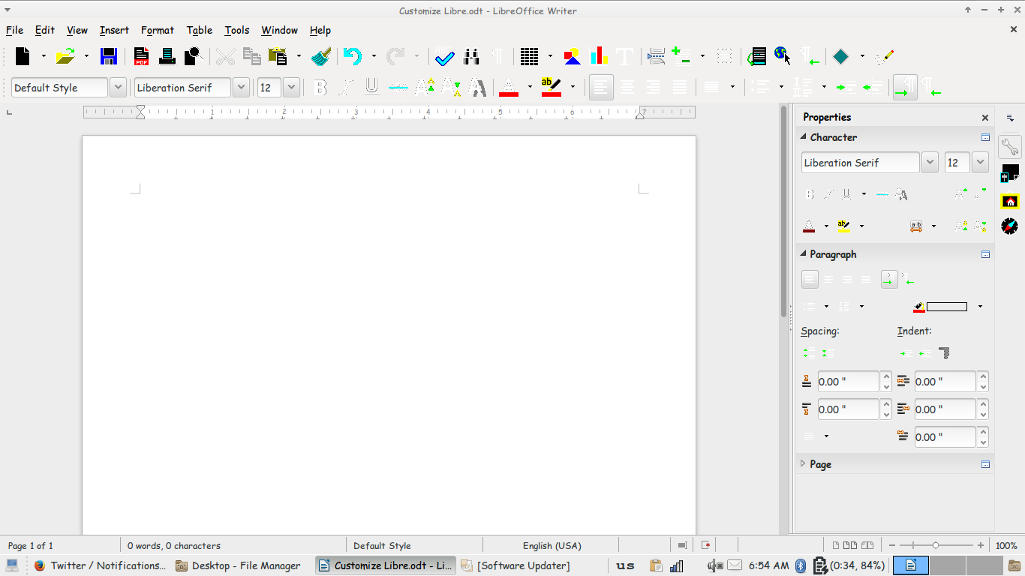
Sifr
Sifr
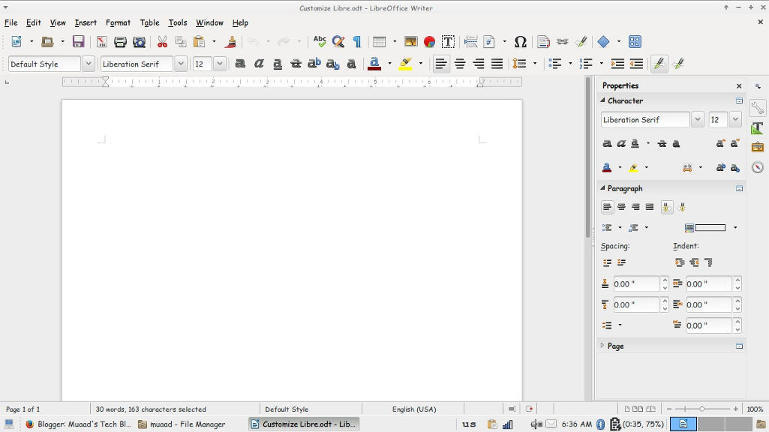
Galaxy
weight: normal;”>Galaxy
Pretty sweet, don’t you think? 

And I’m willing to tell you the best one!

The best theme is the one you like the most and allows you to be most productive!
Which one is the one for you? Let me know in the comments section below! 
I like Sifr btw 😉

LibreOffice 4.4.5 is out. LibreOffice 5.0 is around the corner

Hey fellas!
Thank god that craze was over, now let me return to what I really love, open source!

LibreOffice’s next milestone is just around the corner, it should be there on  Wednesday the 5th of August. but let’s talk about the latest version first!
LibreOffice 4.4.5 is the fifth minor release of the LibreOffice 4.4 family bringing 80 fixes over the previous version.
It’s also replacing 4.3.7 as the stable branch of development (means it’s stable)!
Feel free to download it from this link.

Now that we covered 4.4.5 let’s talk in detail about the much awaited 5.0 milestone.
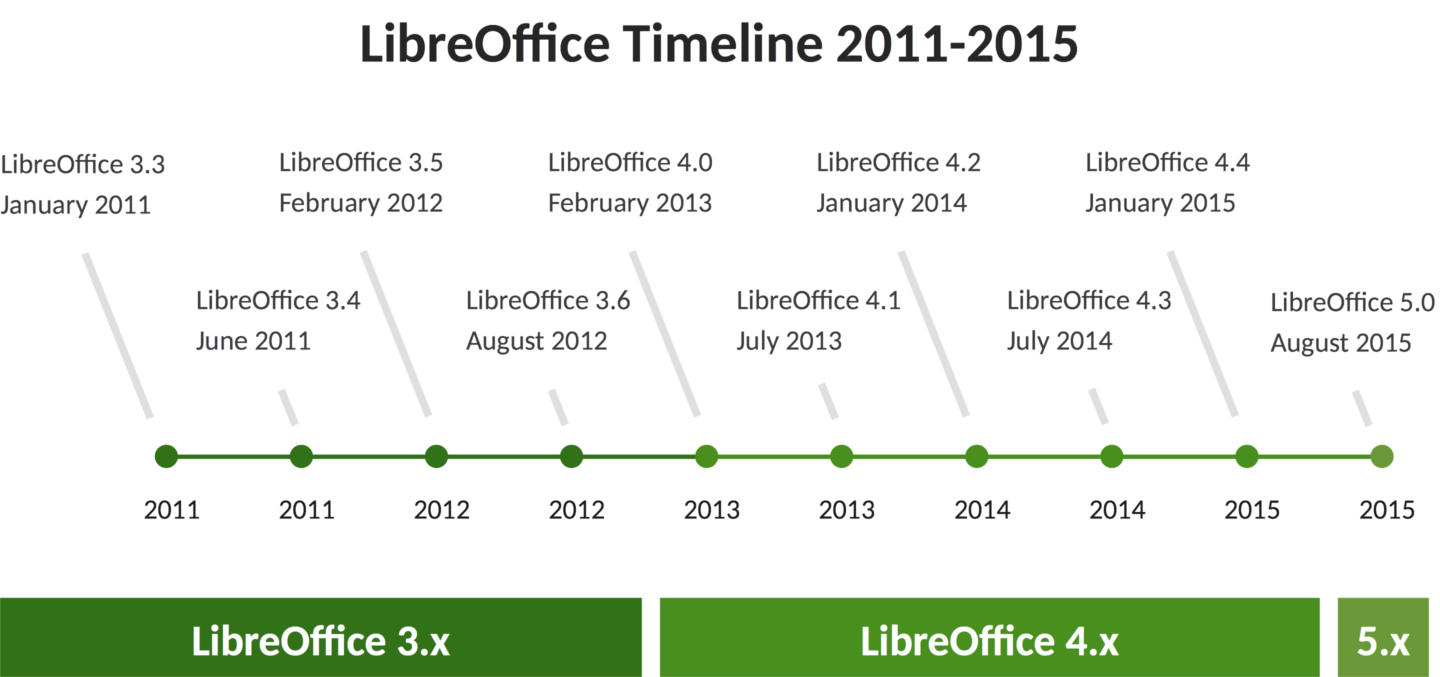
To make things more clear the document foundation has made a chart highlighting the development milestones of LibreOffice since it took over Apache Open Office in 2011.

LibreOffice development milestones

Among the features it’s having a 64x version for Linux, Mac, And Windows alongside the 32x version.
And will be Windows 10 compatible (I am running 4.4.3 with no issue on 10 btw).

Are you excited? I know I am and I have been waiting all summer for this release! It’s so good to see an open source project take off with confidence and make global impact!
Will you download it?

Upgrade to Windows 10 today! Not from Windows Update!

I’ve been following the Windows 10 hype since it’s been rumored to be named Windows 9. And I have covered many news and opinions about it, including the release date and the debate of it being free or not.

As Windows 10 arrive today I decided I deserve an early taste, after all I might not get it for months! Who knows when my “turn” will arrive? I also wasn’t too keen about downloading from the Windows Update and have been vocal about it!


While browsing the Windows 10 news I came across a Reddit post that claimed to have “Clean ESD” for installing Windows 10. (ESD stands for Electronic Software Delivery). I had to make sure so I posted in the Microsoft answers site and it was confirmed to be “legit” so I got to work!

Difficulty: Medium

Continue reading

« Older posts Newer posts »