Page 319 of 325

Executor + Everything = Super power

This is an old post edited. Think of it as a remastered version!

Today we are going to talk about a huge productivity advantage.
Adding Everything to Executor to gain the ultimate combination.
For those who are unfamiliar with the programs. Here is a short intro:


1. Everything
Everything is a lightning fast search utility that searches the entire (drive / drives) to get results. It has many parameters to customize the search and many advantages over the usual search utility provided by windows.

2. Executor
What more I could say than I said? It’s an amazing software!

Imagine the power of the two combined!!

1. Index Everything as a search word in Executor. List it as anything you like, for example: Search. (You can do it by simply right clicking everything.exe and choosing send to Executor!)
2. From there launch everything from Executor.
3. Start typing into Everything. The folders and files will appear as you type!

And that’s it!
I hope you enjoyed this remastered version and found it useful!
Please comment and share my post!
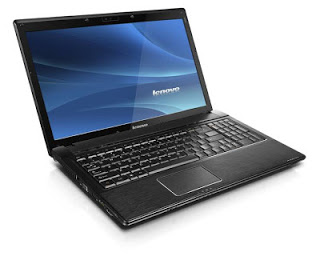
Lenovo notebook caps lock and num lock light don’t work + standby problem fixed

Affected system Windows 7 Ultimate 64 bit


Symptoms : The Notebook doesn’t go into standby and the power button flashes continuously instead of blinking (normal behavior)  , and the Num lock and caps lock work but don’t flash light .

The cause of the problem is the Energy management utility that comes with system drivers , just disable it from start up and restart then uninstall using IOBIT uninstaller , then restart and install it again .

Don’t forget to create a restore point before installing the energy management again .

Export your firefox passwords with this Addon

Good day to you , here we have this easy tech tip

For various resons you might want to have your passwords where you can back them up . or simply transfer them to another place , in the old times you had to write them down manually , then enter them one by one .


That seems endless right ?

Until they we had this little addon .
It gives you extra options in the password menu to export and import your passwords , add it to Firefox and follow the steps , if you have any questions post them here .
Thank you for reading .

Update: For versions newer than 57, please use this method. 

FDM Best free download manager

Hi there and welcome to another tech tip

Today we will look at one of the best free download  managers , which allows you to speed downloads up to six times , stop and resume download (if permitted by the server you are downloading from) , bit torrent support , scheduling , and so much more .

You can check it out from here .
It can be integrated with Firefox , and so many browsers via settings , add on  Download the latest Firefox from here .

« Older posts Newer posts »