Hey there you guys! How are you doing today? I hope you are great!
Here I have some unique ways to make maximum use of LibreOffice. You don’t need to install external tools with this suit on your PC! Here are the ones I came up with while experimenting:
1. Draw and design software
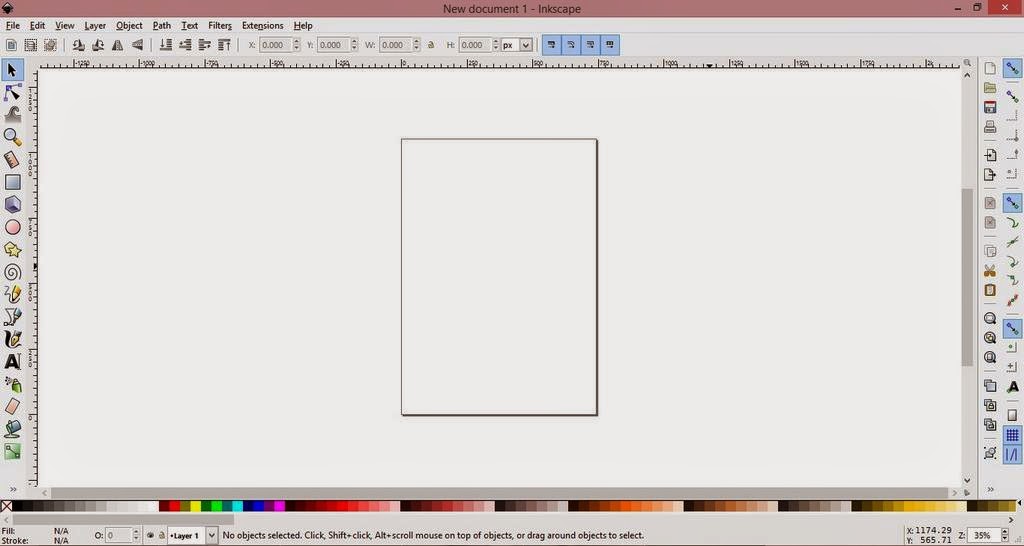
I used (Draw) to design the blog icon, it has amazing features and it’s super easy to use.
It can be used to design logos and banners! It reminded me of Inkscape so much!
2. Database management
Base can be used to create and mange databases, anywhere from your book collection to an entire school or your small business! Why blow money on a full scale database when all your needs can be met by your user friendly office suit?
It can be buggy on report wizard in Windows.
*Update: Fixed on 4.4.2.2 😀
3. Basic HTML and XHTML Editor
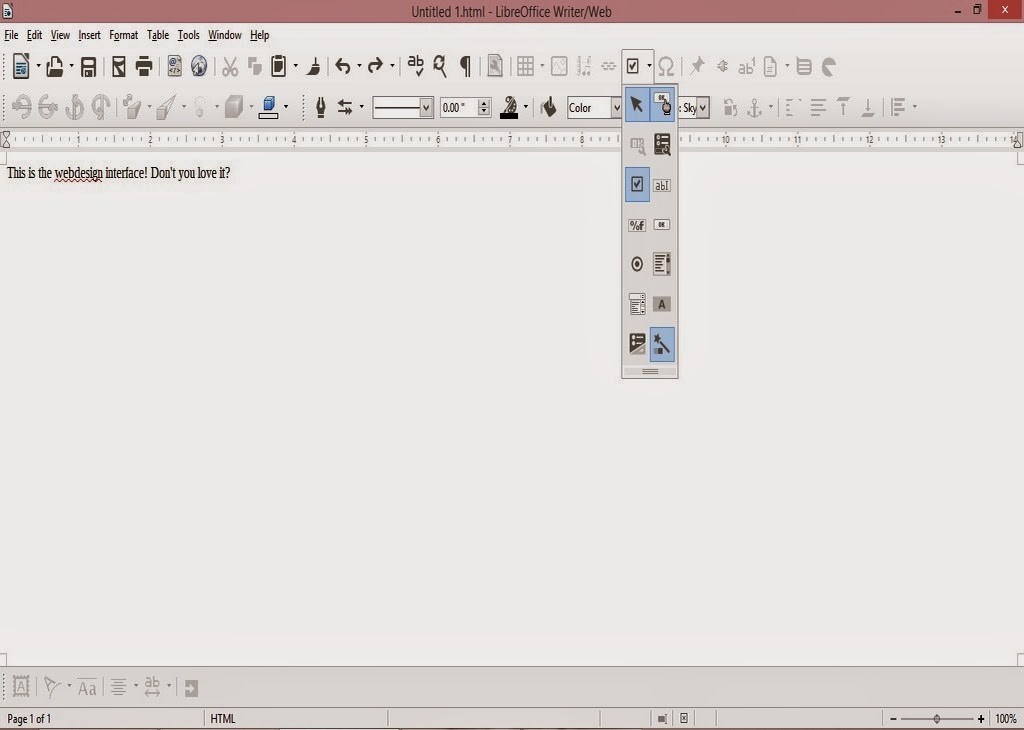
You can access it from File New HTML Document / XHTML Document
It provides a WYSIWYG (What you see is what you get) editor for working with webpages
It has many of the standard features you would expect from an HTML editor. I was amazed when I saw the capabilities this tool had! (Better than most of the free bunch!!).
- You can toggle between source and WYSIWUG view.
- Open the document in your default browser (One button click).
- Has many page controls
- Image controls: image map etc ..
If you follow the wizard your design will be much much better!
As for XHTML well. I don’t know how to use it so 😛 xD
4. Web publisher
It can publish your website to a local folder, a zip file or even an FTP site!
Sadly it crashes. See the bug details. Works fine in Linux!
*Update (Works great in 4.4.4).
5. Batch convert documents!
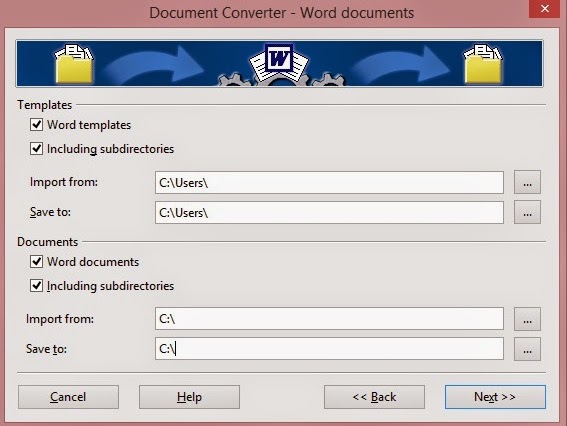
If you have some documents in Microsoft office format that you want to convert to LibreOffice format, then all you have to do is to go to File Wizards Document converter.
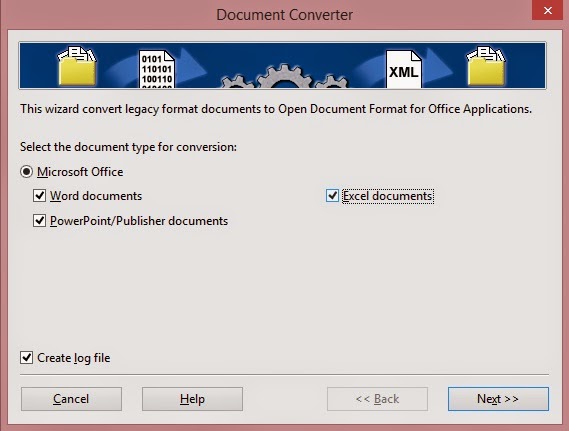
Determine the document types you want to convert
Then set the source folder and destination folder. Note the sub-folder option. It can take a while if you choose many files!
6. Create labels and business cards!
You can use it to design labels and business cards right out of a database you have!
You can access it from File New Label
You can access it from File New Business Card
7. Create awesome agendas for work and home
You can create professional looking agendas for work and home. And to keep it as a template for creating future agendas!
8.Write books!
Yes that’s right! You can use LibreOfficeto write books! I’ve made an entire post about it that you can checkout from here, it has a fair share of tools and tips to turn LibreOffice into the book writing software you always fancied!
9. Mind maps!
10. Tons of extensions to increase usability
You can increase the usability by adding one of the thousands of extensions ready for download, from dictionaries to Templates.
What’s the hidden feature you came across? How much can you name? Please let me know. I’ll add it right away! Hope you like it. Drop a line below and let me know!
Join my blog and subscribe to my mailing list so you don’t miss a post! NEW!!