Category: Ubuntu (Page 22 of 24)

Apache OpenOffice vs LibreOffice .. I madeup my mind!!

Hey you guys 🙂

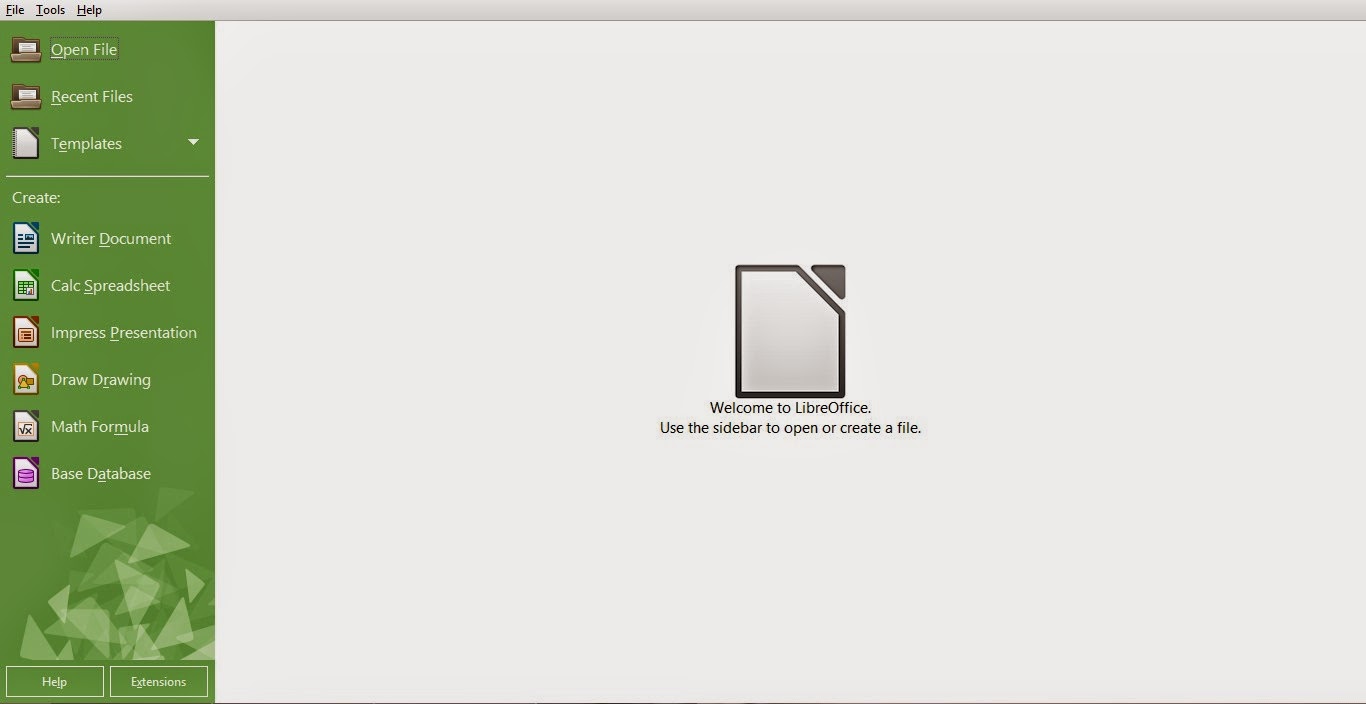
I have been reading articles all over the web and testing the new LibreOffice since I published my post two days ago, I must say: I’m very impressed!!
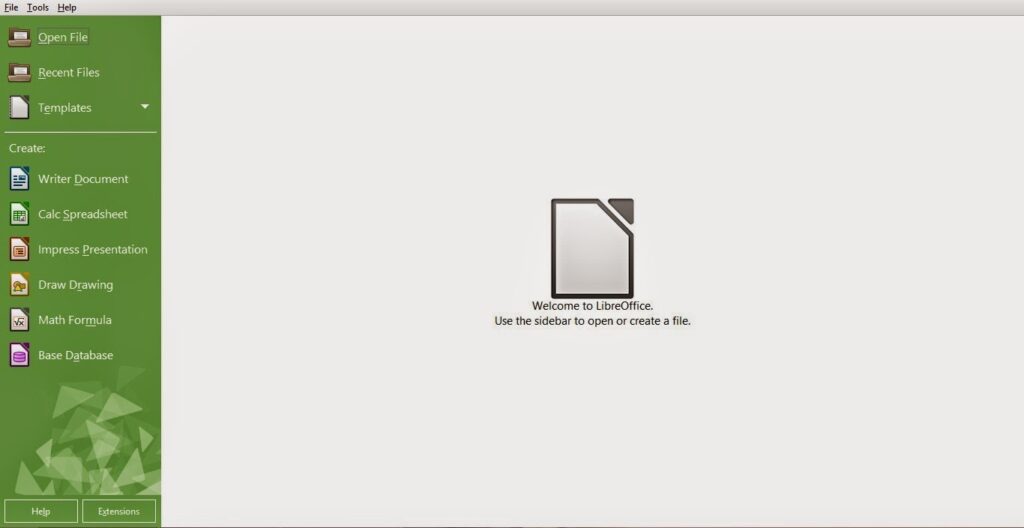


Every objection I had on LibreOffice was gone! Everything about this version is so right!
I’m not talking about the appearance. That’s obvious!

I’m talking about all the work the guys at the document foundation did “Under the hood”, it’s really something! I can totally feel the over all changes ..

I’ve just uninstalled Apache OpenOffice after a five year run (started with OpenOffice of course ) , it was good while it lasted 🙁

I think the guys at the Apache foundation lost the track on OpenOffice, it’s not the same product as it used to be!
I’ve had some stops here in this blog with Apache OpenOffice, like when I wanted it as a the default word processor for Ubuntu 13.04, and when that transparency bug was driving me crazy!! And my utter joy when I got it fixed!

I can’t believe how happy I was when Apache OpenOffice 4.0.0 was out! And the frustration I had when the download broke at 99%!!

I felt like the first time when I used OpenOffice, that overwhelming feeling you only get with true freedom!!

As sad as it may seem. It’s time to move on ..
In sense, it’s not really moving away, it’s actually going back to the roots! Having a truly free and open source word processor for all of your daily needs ..

I’m a LibreOffice guy now 🙂

I’ve decided to download the last OpenOffice version before the Oracle acquire, for memories sake that’s all ..

One last thing .. Could someone tell me how to change the green color scheme? I’d be really happy without it :p
Have a nice day. I can’t wait your feedback on the whole post and the green scheme bit 😉
LibreOffice 4.4.0 is out. And it looks better than ever!!

Hey guys. I hope you are doing great!

I had to interrupt my weekly plan to bring this awesome update! LibreOffice 4.4 is out!

LibreOffice is an OpenOffice fork developed by the Document foundation that started after Sun Microsystems was acquired by Oracle in January 2010 Source Changing it’s name to Apache OpenOffice and the license to Apache License

Since the acquire development was overtaken by Oracle and it wasn’t that frequent. In fact it took them 11 months to update from 3.4.0 to 4.0.0. Check out my blog post mocking it!

Unlike Apache OpenOffice, LibreOffice is rapidly developed, having new versions all the time! And it’s being maintained as the truly open source word processing suit.


What are the new features this update brings?

First of all: A lot of improvements has been made “under the hood” regarding the source code.

Another important thing is the use of open fonts to solve the compatibility issues facing documents.

Turns out it has a lot to do with the compatibility. As the default fonts cannot be used without installing MS Office.

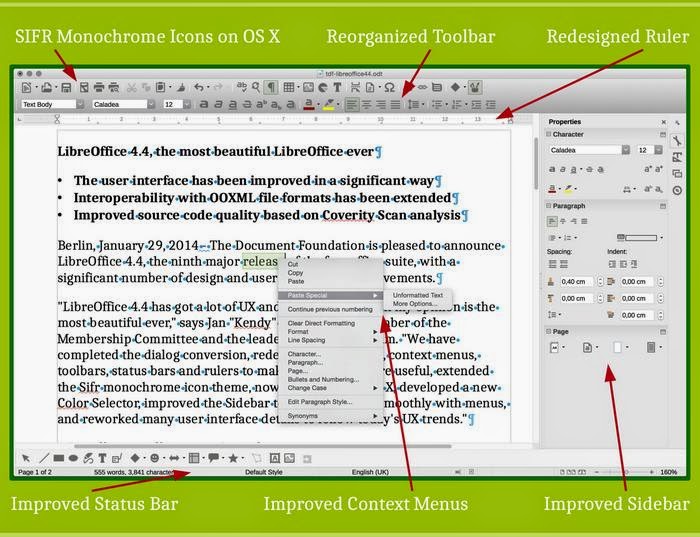
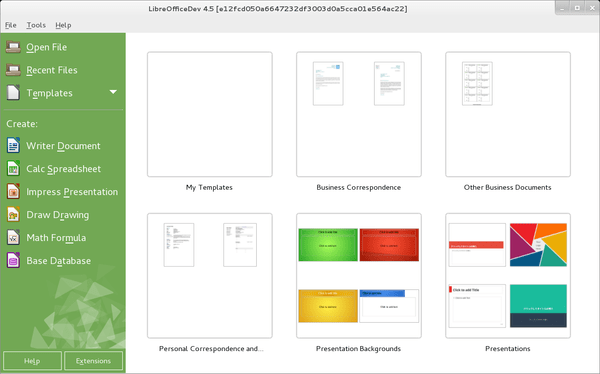
Also they did a lot of improvements to the program interface. Making it the “The most beautiful LibreOffice ever”

You can digitally sign documents while exporting them to PDF!

And added support for OpenGl transitions in Windows.

New templates have been created, and included in the default installation and can be viewed from the start center!

(Thanks for Jay Philips ‏@jphilipz for pointing it out for me 🙂 )

You can check the full list of features from here

It’s not a final version, it’s marked under fresh in the website. And if you are looking for a more stable version. You need to check version 4.3.5


What’s next?

They will continue to improve the product and fix some bugs as they go. They will release a 4.4.x every month building up to 4.5

The GPL license on LibreOffice ensures it gets the best of benefits and all the features while the Apache license hinders the development of Apache OpenOffice.

Of course if you have one of them installed you can install the other without effecting the other! I will give it a try and let you know! Also noted that it will ship with Ubuntu 15.04 coming later this year ..

I’m also happy to add that there is an android application to view documents! Check it out on the Google Play store

Download

You can download it from here for your system. If you feel like you want to play it safe here is the more stable 4.3.5 download link

With a redesigned interface, compatibility issues improvements and an android application. This version really stands out and sets a mark in the industry! How will Microsoft face this challenge? And will Apache OpenOffice come with something to keep the loyal fans on board? Only time will tell 😉

This has been my revision of LibreOffice 4.4.0. I will post when I download it and give it a try.

Hope you guys enjoyed this piece. Can’t wait to read your comments!

Acer Aspier A5 11 inch Windows 8 boot problem + fix so far

Hey you guys
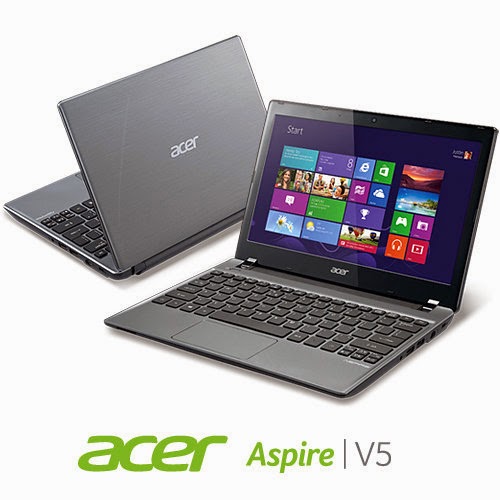
You probably checked out the slick notebook by Acer. Acer Aspier A5 11 inch. It comes with neat features compared to price. Most notably a touch screen and Windows 8 OEM, sadly it has a fatal bug!!


The issue

As I searched the web ( including the Acer help ) I noticed a lot of people talking about it online and no one has a clear answer .. 🙁

What happens is: After a short while the computer refuses booting!!

No matter what you do, It won’t boot!

Since it doesn’t have a DVD-ROM there isn’t a way for you to insert the disk to restore Windows !

Even if you were slick enough to use a USB drive. It’s hopeless..

Any and all settings lead to nothing at all ..

So I was fiddling with it. Being an open source fanatic I decided to give my Linux live USB a go. I wasn’t able to boot as well!!

My fix was really simple, all you need us the windows USB and the Ubuntu USB. I’ll make a post on how to make bootable media next year 😉 notice the date 😉

**Update the tutorial for windows can be found here

**Update 2 the tutorial for Linux can be found Here

Steps are as follows

1. Insert the Windows USB installer.

2. Go to advanced options and then to command prompt.

3. Insert the following command to disable hibernate ( I’ll tell you why in a minute ) powercfg /h off then shutdown /s /t 0

4. After rebooting go to bios and change boot type from UEFI to Legacy. Save the changes and restart.

5. Make sure the Ubuntu flash is connected, boot from it.

6. Select try Ubuntu and in a minute you will get the desktop. Click the hard drives to gain access to your media and recover it.

7. The commands you entered from step two is to access the drive under Ubuntu, or else you will receive an error message saying you can’t access the drives. Because windows 8 doesn’t really shutdown, it hibernates to save boot time.

Also note that the BIOS moves very fast so make sure you press really fast too 😀 and if it doesn’t work check the boot order from the f2 menu putting USB as the default boot device ..

This is how to recover the media. And frankly this is what I was asked to do on the Acer Aspire A5 11 inch. I hope it helps. And if I make any changes I’ll post a new post referencing this one 🙂

*Update!! Problem fixed!

Check this link for full details 😀

Top alternatives for Executor on Linux

Hey guys
After confirming that there wasn’t an executor coming for Linux, I was bummed 🙁

Luckily Linux has a lot more to offer, here are my top alternatives of executor on Linux:

1. Launchy

A popular launch app. I even used it on windows for a while. It was my first serious app. I didn’t like it due to index issues. It took over 100 MB of ram to index the drive!

Website (Windows – Linux)

2. Synapse

One of the best simply! It can replace Executor for you with ease. I had one bug with it. It displayed file and folder history alongside the results. To me that was not good! 3:)

Website (Linux only)

3. Gnome Do.

I tried it for a while. I wasn’t really impressed, I mean it has some big shoes to fill.

Website (Linux only)

4. Unity Dash

Simple. Shipped with Ubuntu by default. has some nice features. It searches the internet as well the local sources. But me suing Xubuntu ..

Linux only Wikipedia

5. Kupfer

Which happens to be my personal favorite) I think it’s the best. It works almost the same. And with some knowledge you will be able to make your own keywords.

It’s fast, light weight, and customizable.

Website (Linux only)

These were my picks. I’d love to hear what you think about keystroke launchers. What are your favorites?

Comment below and let the knowledge flow 😀

« Older posts Newer posts »