
Category: Atom Editor (Page 2 of 2)

Atom.io v1 Atom facts + 1 year of open source!

Hey there you guys. I hope you are doing well on this fine day

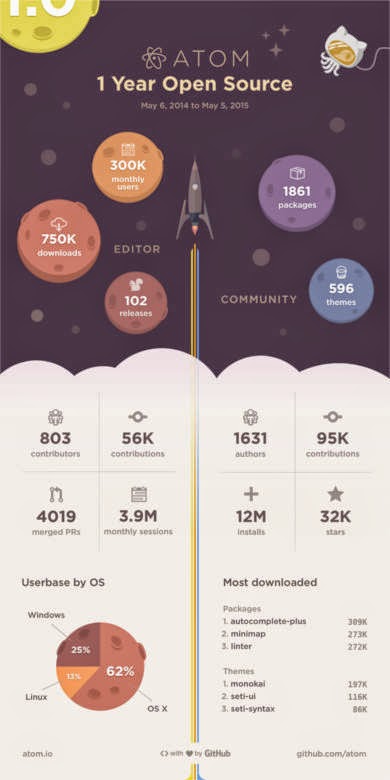
Atom celebrated it’s first year as an open source on the 6th of May by releasing an info-graphic. It contains facts and numbers that are truly interesting!!
Interesting facts

I never would have guessed that most Atom users were Mac users! Or that it has been downloaded 750.000 times!! for full info click this post over here.

Great read
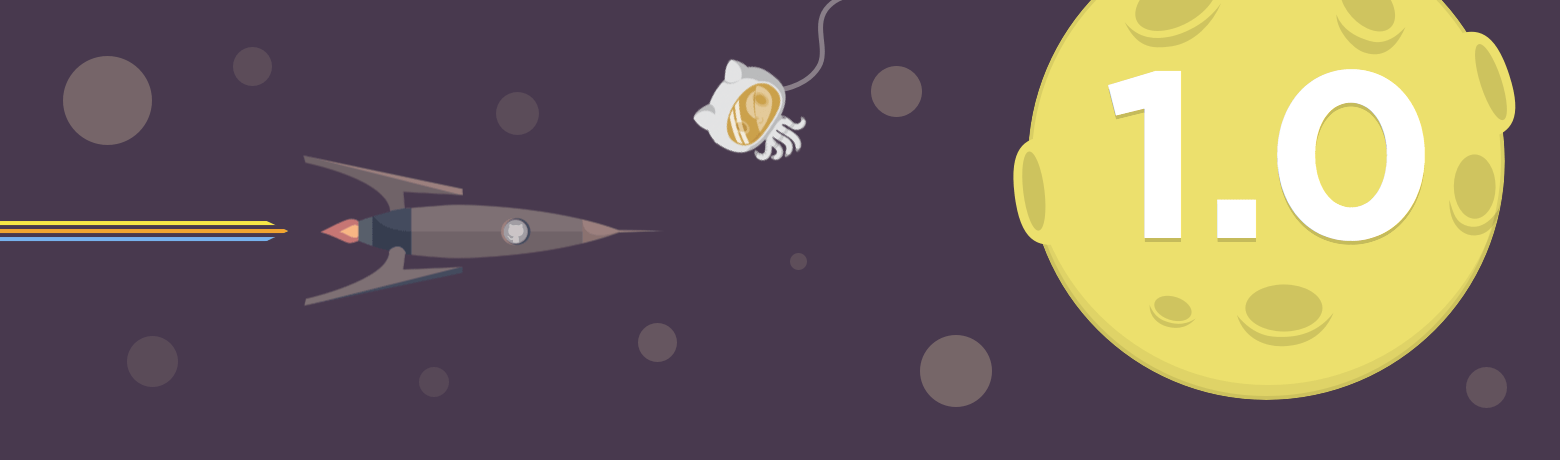
As I was browsing the Atom blog I came across this rather interesting announcement: That the support for deprecated API’s will end on June 1st.
(Sounds really exciting huh? No! Not really!) but the other part of the announcement is what really matters. Announcing that V1.0 milestone will be released sometime later that month (June).
Atom v1.0 will be released in June. That’s according to the official atom blog.

Future hopes

I’m hoping that update brings the removal of the file size restriction. Which has been a real drawback for Atom. I’m also expecting some under the hood improvements. I hope they work the Arabic language problem (it’s shown as scrabble). And maybe the icon. I don’t like it very much :p. Other than that I’m quite happy with the program’s features and performance (on Linux! Of course) Windows boot is almost as long as the Windows boot itself!!

Promised bug fixes 

They have published a list of bug fixes to include in the 1.0 milestone. Some of them as you might have guessed were boot time and file size restriction. The rest can be checked from here.
Let’s see if the Atom team can pull it together. I wasn’t in favor of comparing them to industry titans as I kept saying it’s in Beta. But now the play time is over!

Final words

I really wish them the best. As they put together what could impact the coding world!
What do you expect out of V1.0 of Atom? Are you excited as I am? Please let me know in the comments section below. Don’t forget to give Kudos. Share this post and help the blog grow! Have a lovely day 😀

Atom text editor review

Hey there you guys!

How are you today? I hope you are doing good

Today we are going to look at an amazing text editor. Free and open source, Atom.
GitHub presented it’s text editor and made it open source under the MIT license in mid 2014. Available for Linux and Windows. “A Hackable text editor for the 21st century!”

It’s made by GitHub. The biggest code repository online.

Lets take a look at the awesome features of Atom.

1. It looks amazing!


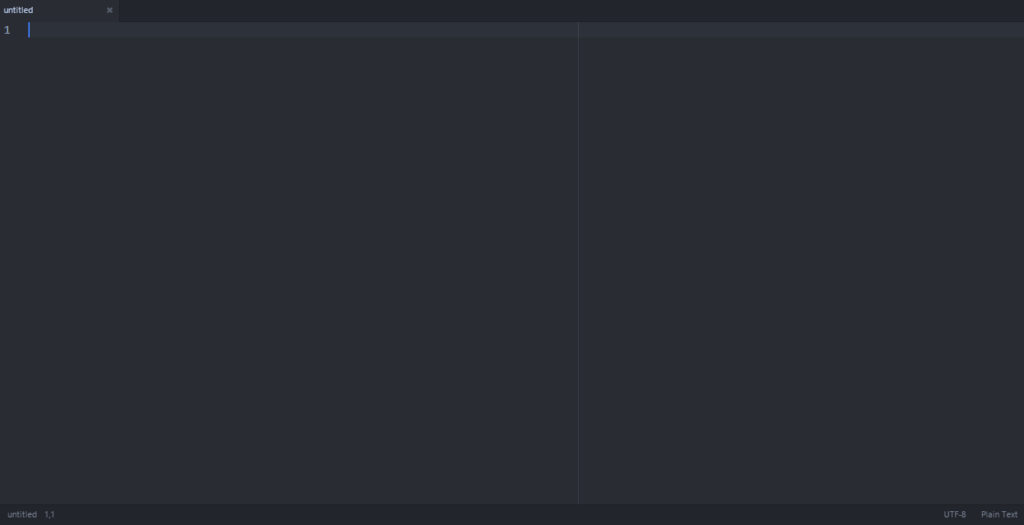
Atom’s main interface. Two panes

No more black text on a white background. (Unless you are into that thing. There is a white theme 😛 ) it has the look and feel that made Sublime text the favorite text editor of many developers. It’s divided into panes for ease of use.

2. It has many plug-ins for you to choose from.

It comes preloaded out of the box with many plug-ins and the syntax support of many languages, and you can add as many as you like and need!

3. Great community support

As it is being developed by GitHub you are bound to receive great support and many plug ins and themes to your liking.

4. Cross – Platform

It’s available for Linux (Ubuntu / RedHat). Windows and OS X 10.8 and later. I must note that the version for Windows and Mac checks for Auto update. While in Linux you need to check for it manually!

5. If you didn’t find it. Make it yourself!

You can customize Atoms to your liking and needs by “Hacking it”. That’s right! You can edit parts of the interface and look using your knowledge of CSS & html.

As everything else there are some draw backs to it, let’s check them out:

1. Resource consuming

It’s takes around 200 MB more less. Separated into background services and the program itself (which is 20 MB). In comparison it takes a LOT more than Sublime text.( Same load on Xubuntu)

2. It takes a long time to load

It takes around 19 seconds to load. Compared to Sublime text which takes seconds to load. While when I installed it on Linux Xubuntu. It loaded in 2-3 seconds!!

3.File size restriction of 2 Mega byte file size 

I’ve read around the web that you can’t open files larger than 2 mega bytes. I am yet to test that. I’ll update this section when possible. *Update: Crashed with a 1.5MB .js file on Windows & Linux!

Download

The download page detects your system type and gives a timely link. So go check it out from here.
Also checkout the flight manual which gives you all the information you need to know like Keybindings.

Final words

I think it’s unfair to compare Atom to industry giants like Vim and Sublime Text. Simply it wasn’t around for as long. And it has room for improvement and plenty of potential!  It’s highly customizable, has a great interface and 100% free. Totally worth a try!

How did you like this post? Did you find it useful? Please comment below and let me hear what you have in mind.

Please give Kudos! Comment and share.

Newer posts »