
مرحبًا بك أيها القارئ العزيز في عدد آخر من حديث الأربعاء. فيه أناقش الكثير من الأخبار والأفكار. والقليل من هنا وهناك. فلنبدأ دون تأخير في هذا العدد.
Category: Atom Editor (Page 1 of 2)
 |
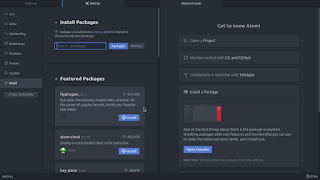
| Not a fan of the green icon. |
Life is all about discovery, learning and not being afraid of making mistakes, with that being said, I say that I’m back to using Atom after a rocky relationship, of love and hate!
Why I am bothering to give Atom a second chance, the reasons are detailed below.
1. The only “free” editor of the bunch.
I’ve identified Sublime text as the best text editor for development purpose, let’s not forget that Sublime is not free, I know that they allowed using it for those who are under-privileged, but it’s still a Freemium that costs 70$ (free if you can handle the annoying pop up telling you to register every now and then), after changing the licensing plans in early 2018, I don’t know the current status of Sublime text and don’t care very much to be honest!
Atom editor is free and open source under the MIT license, and despite of Microsoft making a money grab for GitHub, Atom will remain free and open source for everyone to enjoy.
2. It’s down right beautiful!
Of all the text editors available on Linux (I use Linux on my everyday laptop), Atom the best looking of the bunch! Not just the color schemes and themes, everything in Atom is designed to look awesome, from user interface to the website, even the shirts and mugs look great (never got any but my birthday is coming up ;), and the user experience is great, even compared to Microsoft VS code (who is based on coffee script and javascript as well), despite my love for efficiency, I value a beautiful GUI.
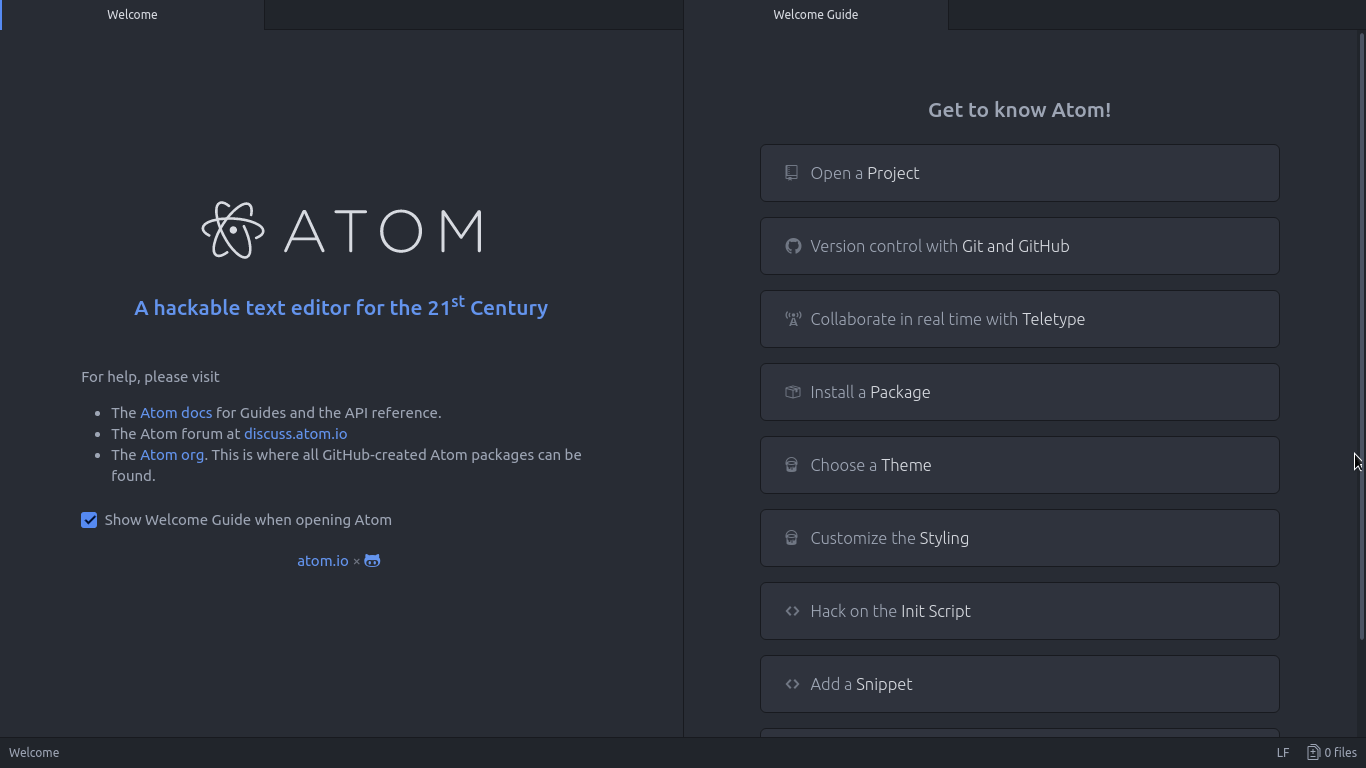 |
| Ain’t that a beauty? |
3. Very customizable
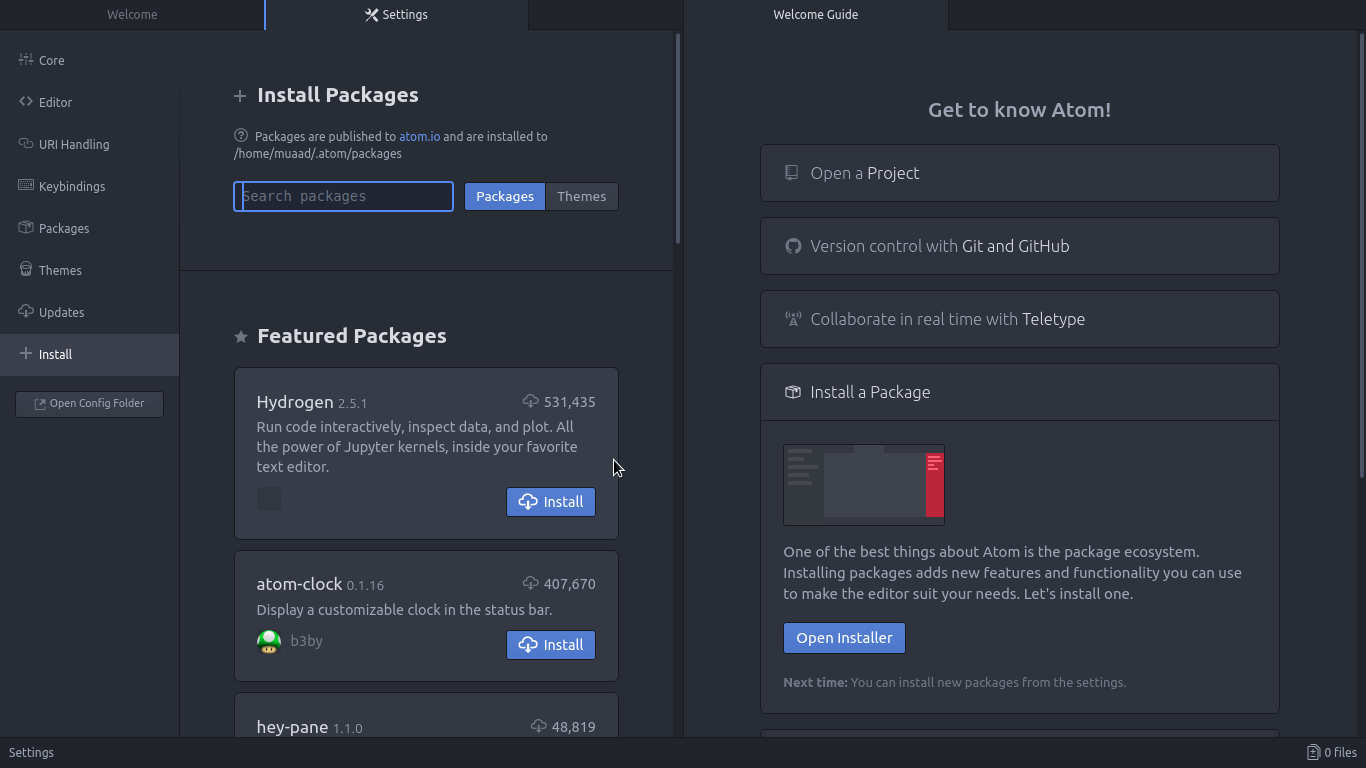
Atom has a ton of themes and packages available for download, which makes it more expandable and versatile, and with some knowledge you can develop your own themes and packages, all what you need to know is in the Atom flight manual (released in 2015 but still very informative). You can even change the key-map of Atom to whatever editor you migrated from and customize it as you like to decrease the learning curve.
4. Ease of use
User experience should be always considered when evaluating software, and VIM for example despite being the most efficient and the most praised text editor in all of the Linux ecosystem, however it’s not easy to use at all, the learning curve is steep, I read the book titled “A byte of VIM“, but I still don’t see why or how can it be better than Atom or anything, as I don’t do anything “professional” with VIM. As a matter of fact, I’m not too keen on the whole terminal as a one tool for all.
5. Consumes more resource, so what?
Yes, Atom is heavier than Sublime or VIM, but does it really matter at this point? In the year 2018 laptops are getting faster and RAM is getting bigger, a few hundred megabytes almost seem like nothing when considering all the reasons mentioned above, it might not be the most resource efficient, but it’s the most usable editor of the bunch.
A well tweaked laptop (both hardware and software) can handle Atom like a breeze, and it’s getting better as time goes by. Speed won’t be an issue if you use an SSD (although using an SSD in itself can be an issue at times!), you could say it’s the price of enjoying a beautiful interface and ease of use.
Besides, converting to a less consuming Linux distro has spared some memory to spend (I’ll blog about it later and link back).
6. The devil you know!
I’ve been using Atom (On and Off) for the past three years, I’ve read the Atom flight manual and even reviewed it on my blog in a few posts (this is the fifth), so for the most part I’ll stick to Atom being the familiar editor that I’ve known and loved (sort of) for the past three years. I’m not alone, as it’s one of the most popular text editors on Alternativeto.
Have you ever used Atom before? What are your impressions about it? What do you use to edit prose and code, and if you use VIM, please take your rants to /r/VIM, because they would be appreciated better by fellow VIM zealots than me.
And yes, this post was written in Atom 1.28, so that you know!
Hey there you guys
I’m about to breakdown my experience with Atom editor 1.0
Introduction
Atom 1.0 was released yesterday and for those who just joined me here are some basic facts about it.

It took me over an hour to download it for Linux & Windows. As it detects your platform, I had to reboot just to download it and install it!;
What I liked is that it remembered all my customization and even reopened some files I was working on! Also all the packages I downloaded were preserved!
In my initial review of Atom I had 3 major draw backs. So I won’t turn the thumbs up until I see some serious improvements!
1. Resource consuming
Still pretty much resource consuming!!
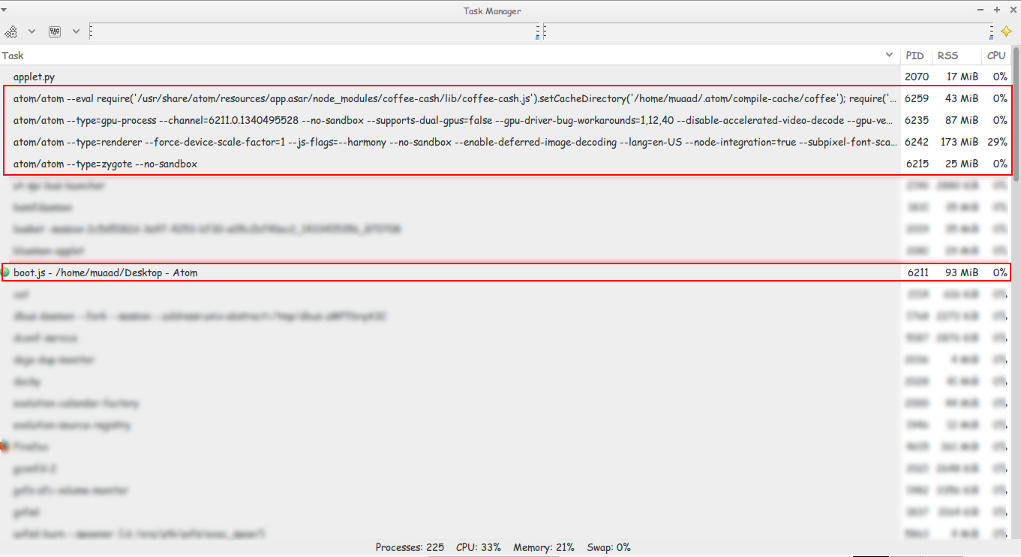 |
| Screenshot of my system monitor |
2. It takes a long time to load
It takes about 10 seconds to load on both Linux and Windows (no mac data so far!).
3.File size restriction of 2 Mega byte file size
It took several minutes to be responsive with a 2248 line .js file less than 2MB!!
I took sometime to test it. It took several minutes to render .JS files under 2MB, hung on and totally crashed with other scripts all less than 5MBs. And the computer was under so much stress I though I was gaming at 4K!
I tested on both (Linux and Windows) while Linux was slightly better. Windows was a catastrophe with Atom.
I tried opening some larger .jar archives, it didn’t have a huge issue with those. And a 39MB .sql file that killed it on Windows.
How can .JS files crash it if it’s made out of JavaScripts?
4. Doesn’t recognize Arabic by default!
Still doesn’t recognize Arabic ..**Arabic update: I managed to make Arabic work on Ubuntu by downloading language support and changing the fall back language in Firefox to Arabic. I’ll post more when I test on Windows.;
Also done on Windows.
So far.. It has let me down 🙁
PS: I used the same computer to test Atom now and then ..
Final verdict
Until they take it seriously. I’m not using Atom anymore! It has a nice look and some neat tricks. But I need something serious to work with..
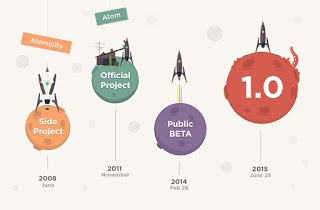
This just in: Atom 1.0 is released!!
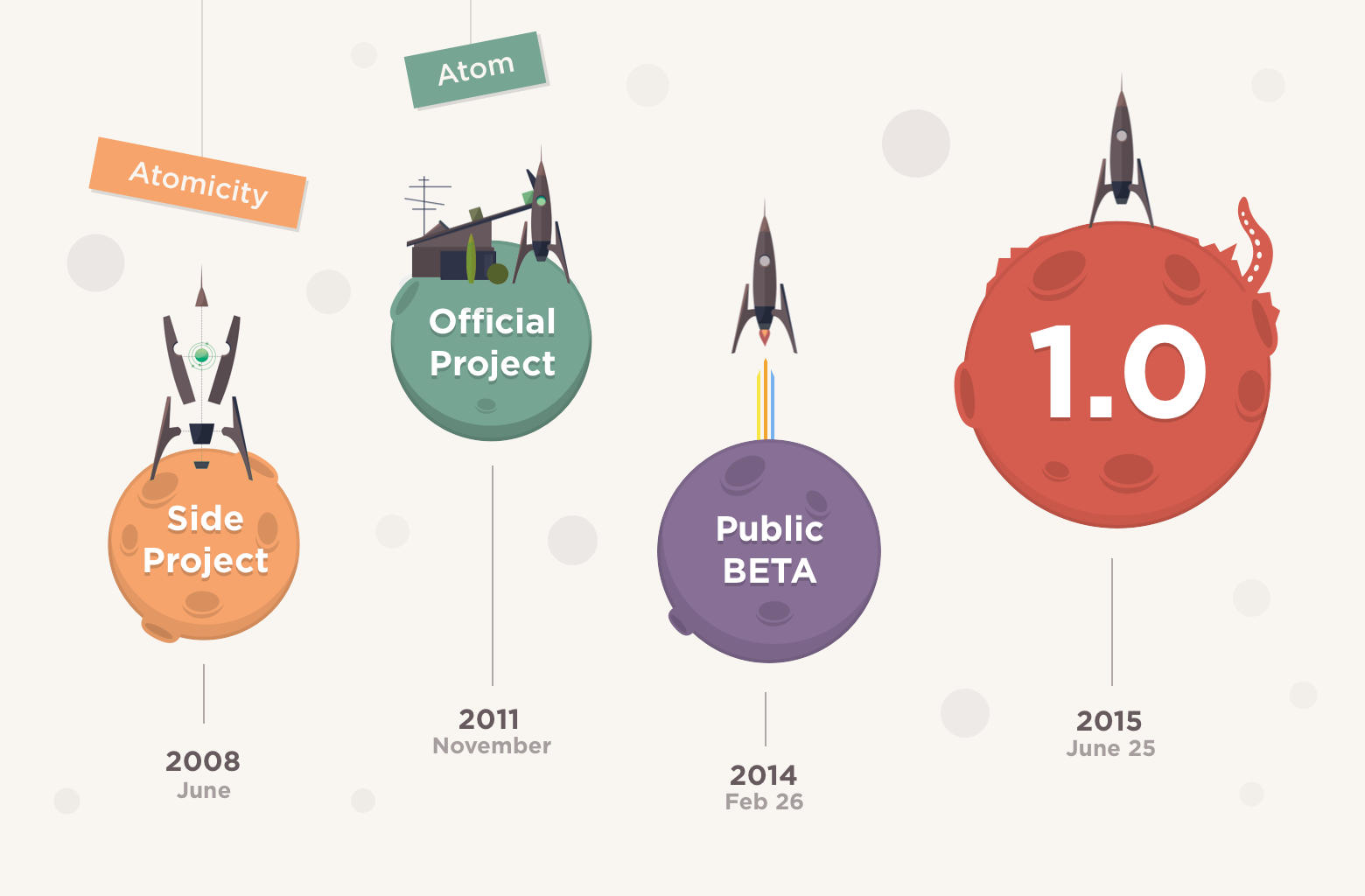 Hey there you guys! I’m surprised to see that Atom has released the 1.0!!! They moved from 0.211 to 1.0 so fast?!
I had my doubts about the deadline! But they made it!!
As I was checking the releases page every hour or so.
So that was a really pleasant surprise!
One of the notable changes is that “Atom 1.0 has been released and Atom will be semantically versioned going forward.”
I’ll let you enjoy the introduction video while I dig into Atom 1.0
I’ll be posting more soon!!
So retro!!
أنا الفائز بجائزة المدون المنتظم لعام 2025 من موقع مرجع التدوين
