Month: August 2015 (Page 4 of 4)

LibreOffice 5.0 is out!

Finally after what seemed like forever! LibreOffice 5.0 is out!
“LibreOffice 5.0 is the tenth major release since the launch of the project and and the first of the third development cycle. LibreOffice is a full feature open source office suite which compares head to head with every product in the same category, while it stands out for superior interoperability features.”

 

I’ve downloaded it for both Windows and Linux. And I immediately noticed the different GUI elements implemented into LibreOffice 5 in comparison with 4.x which are differently cleaner and takes less screen space!
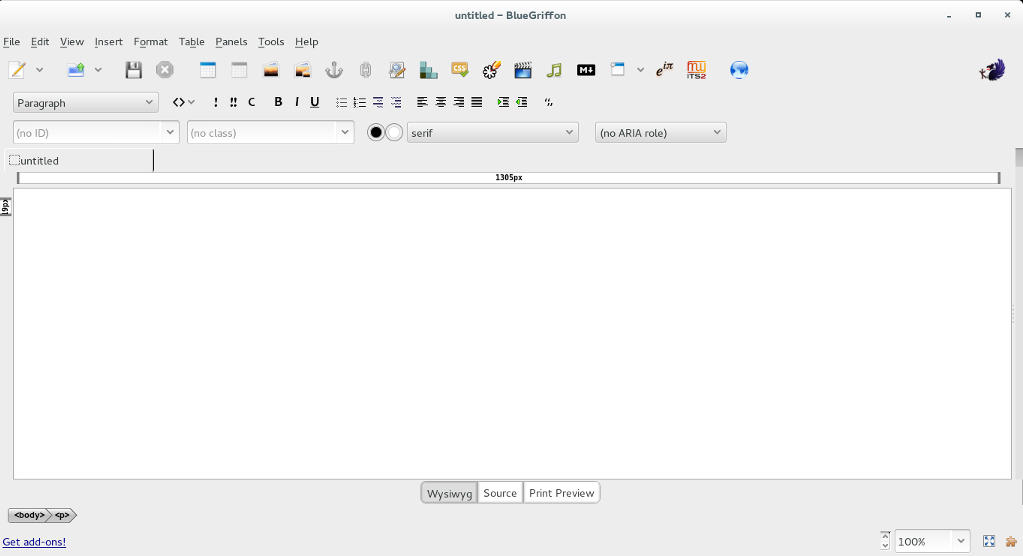
 

Thanks to improved filters the compatibility between LibreOffice and other office suits like Microsoft Office has improved. And a lot of under the hood work has been done to improve the stability and reduce the crashes overall.
Version 5 with be the foundation of the Android version, Ubuntu touch, and the upcoming cloud version.

Note: if you are downloading the 64x version for Windows you are going to need a 64x Java machine.

It looks really good and I can’t wait to sink my teeth into it and make full use of it’s amazing features!
Windows 8 Installation and Activation (Dual Boot Saga)

I freshly installed Windows 8 Pro on an old friend’s laptop that soon collapsed. So I had to do something so I don’t lose the Pro license!
That laptop has been acting off for quite some time.

It was time to replace the 4+  year old laptop with a new one. (The old one came with Windows 7 so I got it a new HDD and installed Windows 7 on it.)  But what will happen with the original Windows 8 pro that was installed on it? I decided not to let that code go to waste! I had Linux running on my computer and I decided to dual boot (I don’t like having two laptops).

The step process was pretty straight forward and there was nothing to write home about.

Creating the partition table

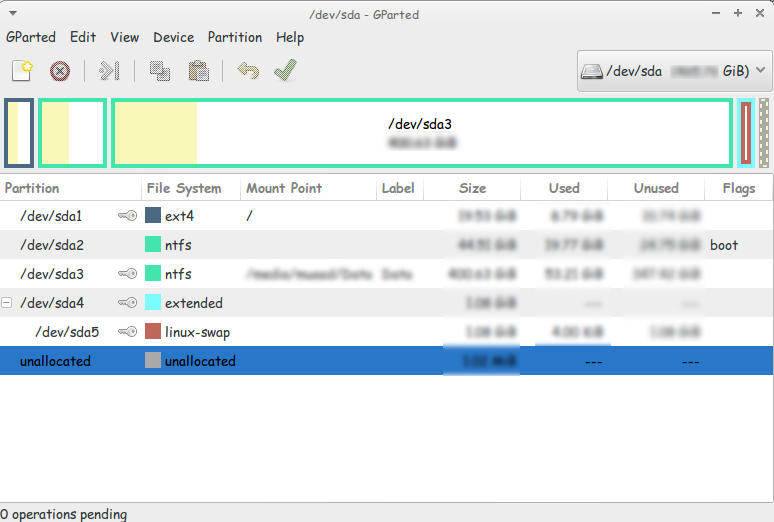
I used Gparted to create a new partition on my computer (after I backed up all the data of course!).
This is the drive after I used Gparted to create a Partition to install Windows
You must use Gparted with care. This link doesn’t show the exact steps but it’s very close!
I used this tutorial to put a Windows 8 Pro ISO on a USB drive.  It’s faster to install from a USB. So I went for it.

Then I entered my install media USB chose the newly created partition and installed Windows, This is a link from Microsoft showing how to “clean install” Windows.

Now we come to the Activation part

Upon activation I couldn’t activate the key I had! It won’t activate!
It took the key but didn’t activate..

A quick Googlesearch and I was good to go!

Check the link for the steps.

I was glad at this point. I installed Windows and activated it. but at this point I had two major problems!

These major problems were:

  1. Installing Windows 8 ruined the boot settings! I can’t see Linux anymore!
  2. I needed to transfer the Windows from the old laptop to mine.

There were some minor things I solved right away!

  • There was a minor nuisance of Incorrect Clock Settings in Windows when dual booting. I fixed easily following this tutorial
  • I wanted to Enable .Net Framework 3.5 without downloading it. it was an easy fix and you can check it out from here.
  • Windows 8 has the Fast boot feature that makes the disk unaccessible from Linux if Windows 8 was shutdown unexpectedly. This is why you need to disable it. And this is how!

I’ll be getting to those major problems in the second and third part of our saga! Stay tuned!!

Make sure to leave your comments and suggestions in the comments section below.

Customize LibreOffice with these awesome native themes

With LibreOffice 5.0 just around the corner, I thought I should share this awesome tutorial with you to make LibreOffice look better and enhance your productivity!
LibreOffice’s killer looks is just one of the many features it sports. Today I’ll be showing you how to change the default look to enjoy the awesome themes it has!

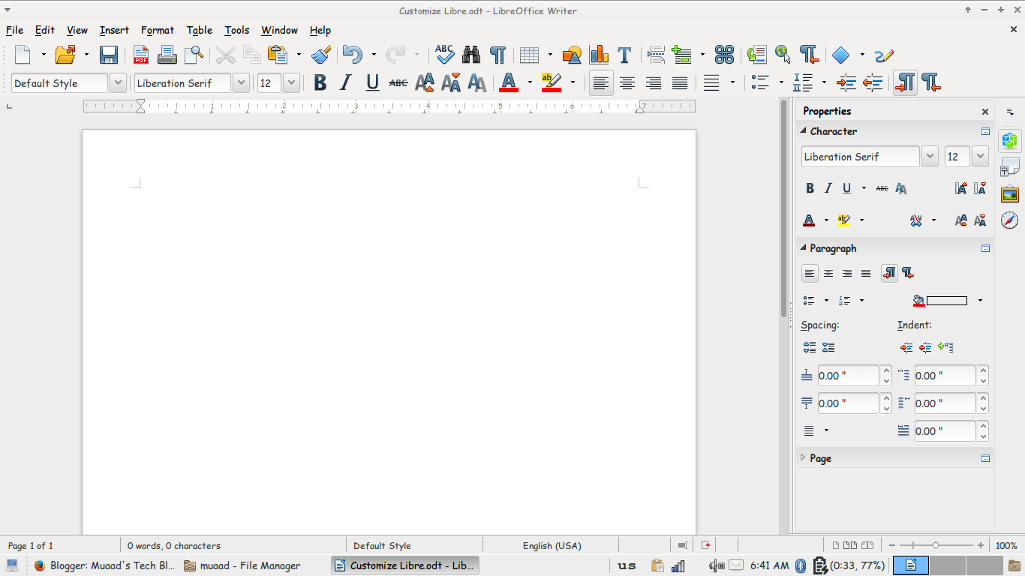
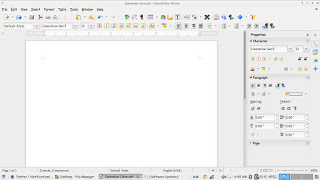
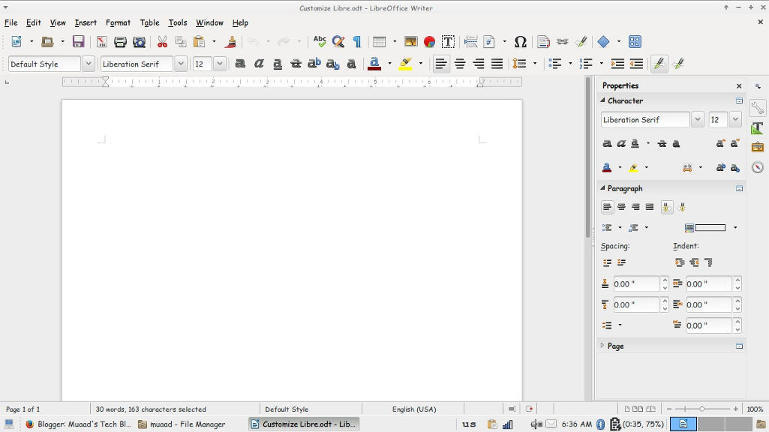
At first, let’s take a look at the default theme:

Not bad! It looks fresh and modern, especially if you are coming from “another” productivity suit, this one is called Tango and it’s the default theme. Now the question is: How to change the theme?
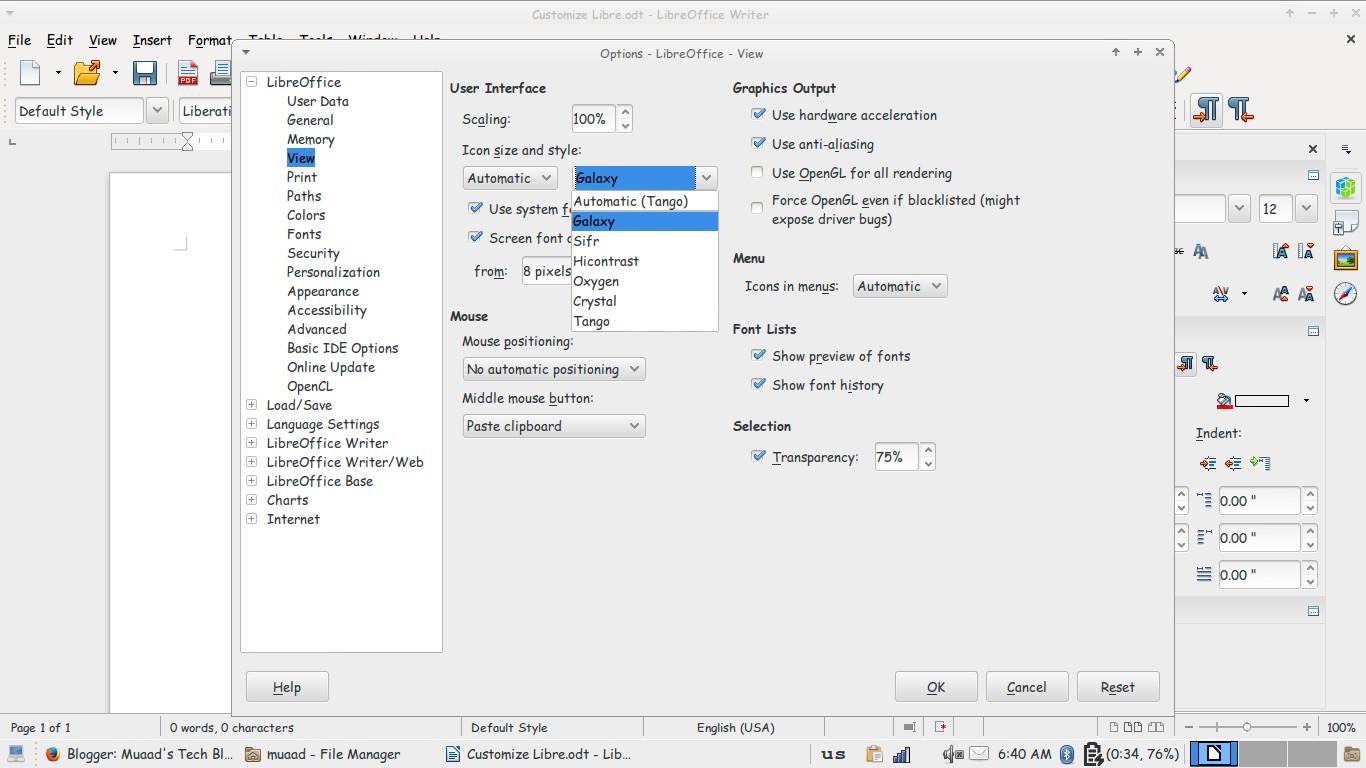
Navigate to: Tools Options View and choose the theme you like from: User interface Icon size and style.

Options menu

There is a total of six themes available (Tango included) and we are going to take a look at all of them! Then I’m going to say which is the best one!

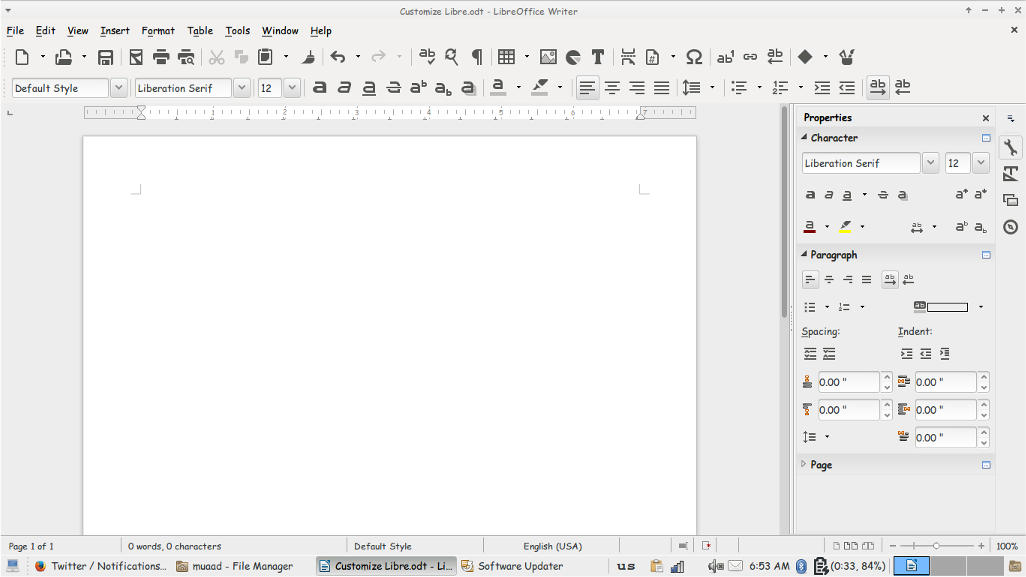
Tango
Tango (Default theme)
Crystal
Crystal


High Contrast
 High contrast


Oxygen
Oxygen  


Sifr
Sifr
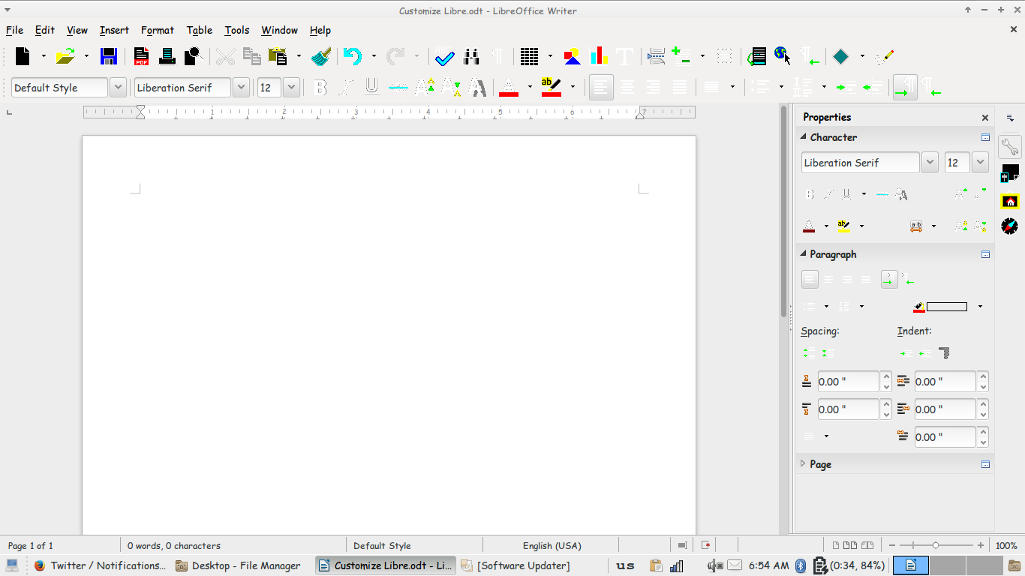
Galaxy
weight: normal;”>Galaxy
Pretty sweet, don’t you think? 

And I’m willing to tell you the best one!

The best theme is the one you like the most and allows you to be most productive!
Which one is the one for you? Let me know in the comments section below! 
I like Sifr btw 😉

LibreOffice 4.4.5 is out. LibreOffice 5.0 is around the corner

Hey fellas!
Thank god that craze was over, now let me return to what I really love, open source!

LibreOffice’s next milestone is just around the corner, it should be there on  Wednesday the 5th of August. but let’s talk about the latest version first!
LibreOffice 4.4.5 is the fifth minor release of the LibreOffice 4.4 family bringing 80 fixes over the previous version.
It’s also replacing 4.3.7 as the stable branch of development (means it’s stable)!
Feel free to download it from this link.

Now that we covered 4.4.5 let’s talk in detail about the much awaited 5.0 milestone.
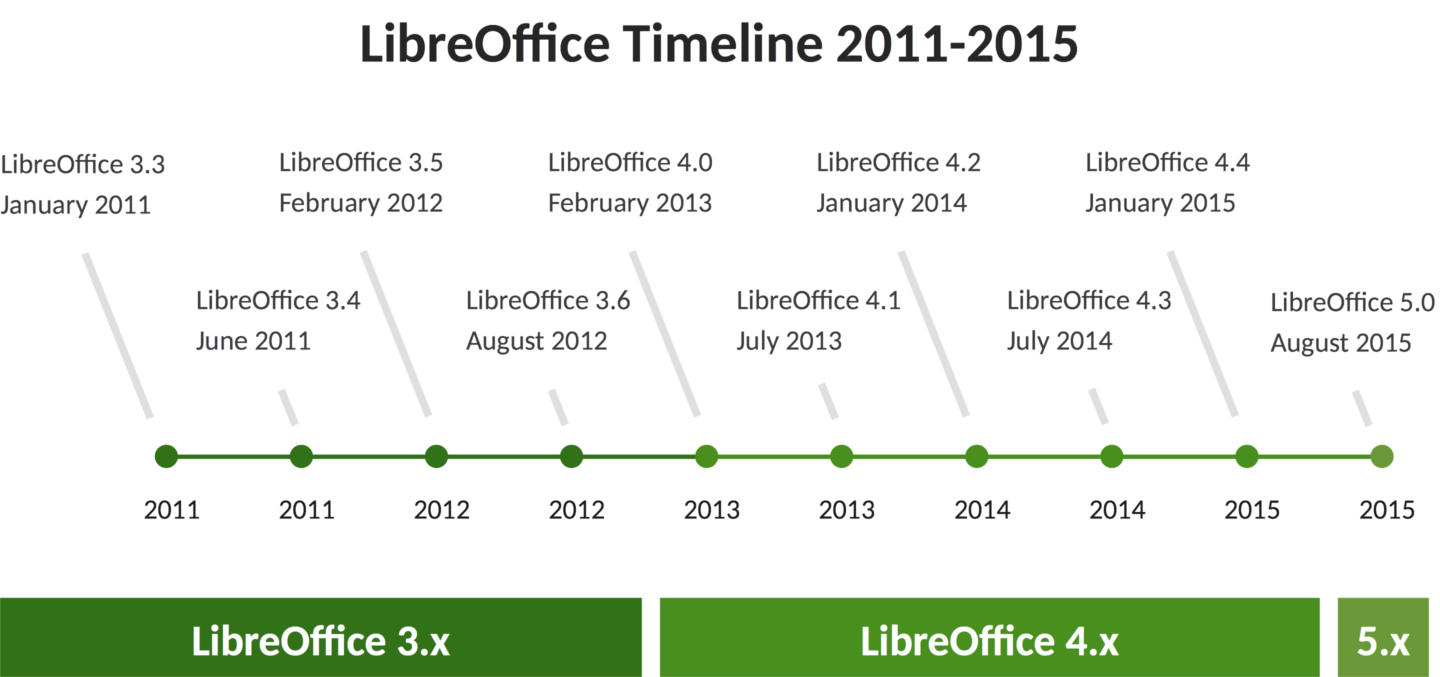
To make things more clear the document foundation has made a chart highlighting the development milestones of LibreOffice since it took over Apache Open Office in 2011.

LibreOffice development milestones

Among the features it’s having a 64x version for Linux, Mac, And Windows alongside the 32x version.
And will be Windows 10 compatible (I am running 4.4.3 with no issue on 10 btw).

Are you excited? I know I am and I have been waiting all summer for this release! It’s so good to see an open source project take off with confidence and make global impact!
Will you download it?

Newer posts »