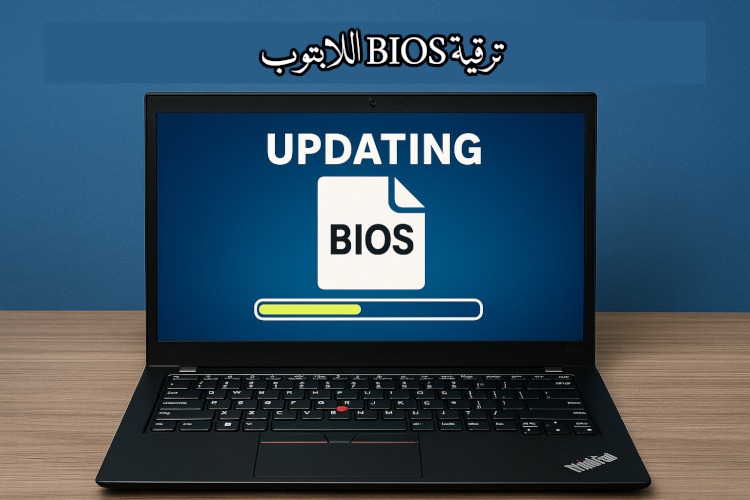
أثناء تصفحي لموقع (ريدت)، وهو أمر أفعله كثيرًا مؤخرًا، وجدت أحد المعلقين في منتدى حواسيب (Thinkpad)، يتكلم عن ترقية ال Bios الخاص به – والبيوس هو أول ما تقع عليه عيناك عند تشغيل الحاسوب، ويحتوي معلومات إقلاع الجهاز، ومعلومات العتاد، وأمور أخرى كثيرة –.
Category: Lenovo (Page 1 of 2)
مرحبًا بك عزيزي القارئ، إلى أحد أنشط أسابيع هذا العام تدوينيًا، لكي نستعرض معًا حصاد هذا الأسبوع، وبعض الأفكار والخواطر.
I’ve been using this laptop now for five years, which doesn’t seem like much for some; but for me – the chronic device hopper is kind of a milestone-. I still remember the day I bought it and how I did that exactly.
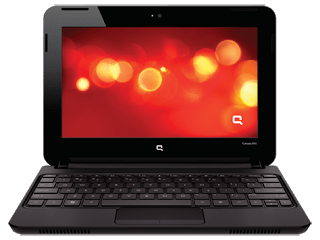

My hardware 5 years ago
At the time I owned a desktop computer and I bought a netbook (out on an impulse) and neither of them had good performance! The perk of the netbook was the size and the decent battery life -compared to my desktop of course -. But as I started to work on my graduation thesis (which was a video game by the way) I realized that non of these devices would do the trick, and that it was time to upgrade.
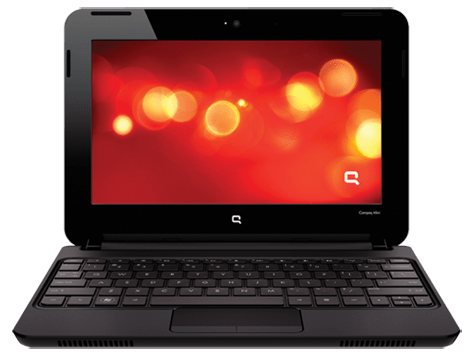
A word about my old netbook
My netbook was really good! I could fit it in my book bag easily, and typing on it was so much fun. Until now I still regret selling it -and might wind up buying another one eventually-. It was the device I used to write my first post on this blog and one of the highest read posts at the time was about the netbook, by the netbook!
Due to the recurring power issues my netbook battery was dead -Thanks GECOL-, and to me that was the last straw, and in a week I managed to sell both on Opensooq for pennies on the dollar! Then I took the rest of the money from dad and went shopping for a laptop.
Buying a new laptop
Using the money I got from selling both devices and a lot of money from dad (thanks dad) I managed to buy a decent laptop.
 |
| It looked this way once! |
My laptop was with me the day I graduated, and at my first interview for a job. And many of the good things I did was typed on this very keyboard, so I have deep appreciation for it and I have trouble selling it or getting another laptop and throwing it away (as long as it works fine).
And the modifications I made to it would make selling it a bit difficult to be honest!
And the modifications I made to it would make selling it a bit difficult to be honest!
If I’m to replace my laptop it has to be something with equal specifications or better, that’s a luxury in this economy (six months salary or something), so it’s better to keep it.
I stand corrected!
I’ve blogged before about the death of the laptop and that smartphones are taking over, in my case that’s far from the truth. And only when my laptop was broken that I learned how much I relied on it or how much I need a laptop in my life!
To me (at least) the laptop is far from dead! It’s okay to learn things in life.
Modifications I made to my laptop in order to keep it going
G570s are known for the hinge issue, it took me a while before figuring out how to fix it completely (I have serious trust issues with repair shops and my personal data), so it has a screw acting as the right hand hinge.
- Having this modification meant I needed to adjust the AC input a little to accommodate this change.
- And the keyboard support is broken so it’s glued to the base of the laptop.
- The power connector has a piece of plastic holding it in place.
- The touch pad had the same before giving up completely.#Update I fixed it, thanks Hani my good friend!
- Since the hinge repair the webcam didn’t work, and all my attempts went in vain, but after upgrading to kernel 4.14 it works again, it’s been years since I saw the small light on!
- The fan was broken as I cleaned it, so I got a replacement (full story in this post).
- The battery gave up a long time ago and I had to buy an after market battery with half life time (again thank you Hani!).
- I doubled the RAM from 4GB to 8GB and replaced the HDD with an SSD to boost the speed.
- And converting to Linux was the biggest upgrade in my opinion
Yea, my laptop is a zombie!!
Moving forward
I’m thinking of getting a light weight device with low end specs (netbook or chrome book) and dedicating it for writing, installing Linux on that device. While keep this laptop for work and install windows on it, since the college I’m working for are heavily investing in .NET applications, and VM is proving to be a hassle at times!
And dual booting Linux and Windows is as the same of having two laptops (a terrible idea in general).
Tips on keeping the laptop going
Like anything in life, the laptop needs proper cleaning and care to keep it running. Some of these tips are advanced and as I always say on this blog: Try on your own risk.
-
Baby wipes for a stiff keyboard
wipe the keyboard with baby wipes to clean it, and it works like magic! It’s almost as getting a new keyboard.

-
Dusting and cleaning
It may seem like common sense, but keeping the laptop clean helps keep it run longer (and improves your feeling towards it) so always remember to clean your laptop.

Pro tip: Distilled water works wonders, just remember to unplug your device and dry it properly before running it.
-
Applying Thermal Grease
This is a bit of an advanced tip, it requires taking apart the laptop and reaching down the heat sink to apply new paste for the processor, it’s recommended to be done annually.
- Software wise I found that installing Linux on my laptop improved the overall performance and reduced the issues and virus infections, so if you can move to Linux!
I’m interested to see if this laptop with endure the test of time? Lenovo is known of making laptops with over 10 years of life time (with proper maintenance of course), will this laptop survive that long?
Final words
It’s good to keep your devices running and not to be tempted with the heavy consuming lifestyle companies enforce on customers. I can’t afford changing my laptop every two years (and won’t even if I could).
What do you think of this post? How long did you own your current laptop? Do you recommend any light weight device for writing?
 Using Ubuntu is not problem free, despite it being better than Windows in many operational aspects it too has its bugs and a hard working community to solve it, and this is some of them!
I began noticing that my computer won’t load the desktop after entering the password, it only showed a black screen with a mouse scroll! And my only solution at the time was to restart the system!
Later on researching I learned that using the shortcut CTRL + ALT + X loaded a terminal window that could start the system manually by entering the login information and then typing the command startx. Sadly that doesn’t even work for me anymore!
I thought that the bug is related to the recovering journal issue, and the often restarts triggered that issue more, but that was not the case.
Posting on the ask Ubuntu website didn’t help me and a similar question was closed without answer, and even offering a bounty didn’t bring in the desired attention to my question!
More research showed that the bug is actually reported on Launchpad and that it affected Lenovo computers with 64x processors and Nvidia graphics card. I don’t have a graphics card and my Lenovo isn’t the Z80 in the report but I’m affected as well, and there aren’t any drivers available for me to download.
The workaround (fix).
I know for a fact that the GDM is a buggy login manager, I’ve had issues running it in the past on Ubuntu 14.04.2 and the only way was to install lightdm.
This seems to be the case here as well!
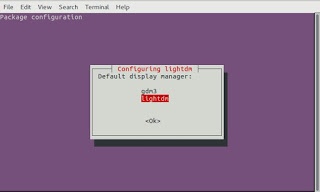
The only workaround available to this bug is to download and choose lightdm as the login manager of Ubuntu, rather than the default GDM, I’ve downloaded and installed it from Synaptic with ease and chose it as default by running the command :sudo dpkg-reconfigure gdm
 |
| Configuring LightDM |
Then you see this window, choose lightdm.
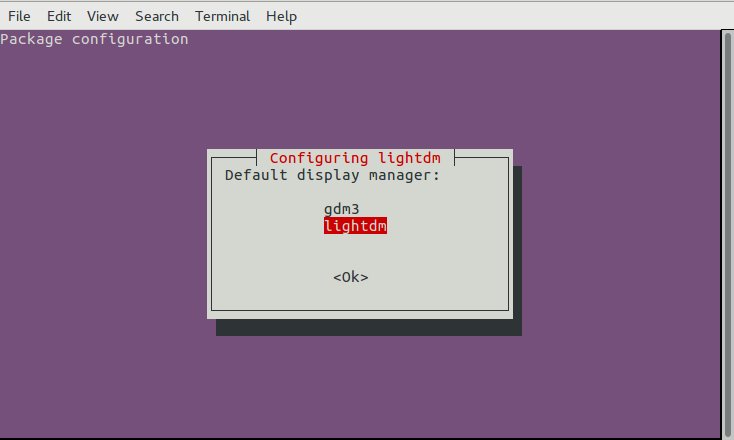 |
| Choosing LightDM |
It’s only a matter of time to see if that fixes the bug.
It doesn’t looks as pretty but it gets the job done for now!
The finish
If it solves my issue I’ll make sure to help the community by answering the related questions, I hate seeing unresolved questions!!
Thank you for reading this post and I hope it solves your issue, please share it on social media to help others who suffer from it and to help my blog grow!
أنا الفائز بجائزة المدون المنتظم لعام 2025 من موقع مرجع التدوين
