After updating a Samsung I9082 (Grand) from 4.1.2 to 4.2.2 it became much slower and restarted often. A factory reset was due. Even after the reset the phone was incredibly slow.
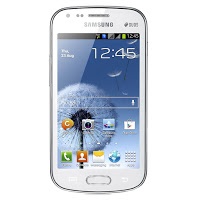
It remained slow and buggy for a while, until I needed to wipe some files for security. I noticed it became much faster after wiping the free space!
What is wiping free space?
Wiping free space is deleting the deleted files that could be restored by recovery software. It’s used to keep privacy and ensures data doesn’t fall in the wrong hands in case the phone is lost, stolen or even in the case of selling it.
What tools to use?
There are several tools available in the Google store to wipe the free space.
Andro shredder is one of them, it deletes files permanently and wipes free space too.
Sceure Wipe is another popular tool.
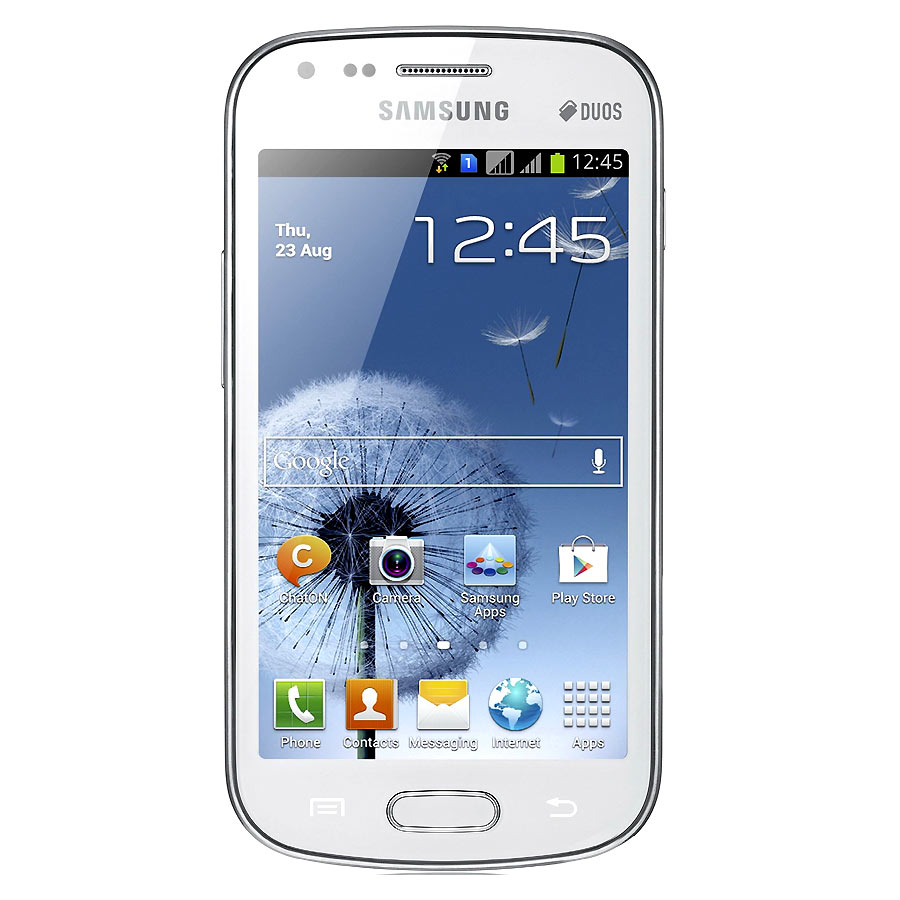
Wiping free space doesn’t cause data loss and it securely deletes data.
Did this fix work for you? Did you test it on other models? Please let me know what you think in the comments section below.






No, it's not the same! This process fills the free space on the phone then deletes it. Clearing the cashe deletes files you actually have, even if it's not available to the user to see :).
Thanks for stopping by Mrs. Khadija
I just realized I've said "cached deleted files" which probably caused some confusion, those files are deleted waiting to be erased, which can be recovered via recovery software, much different then the cached files the phone uses to operate.
My mistake 🙂
Is it the same as clearing your cashe?