تحدثت كثيرًا على هذه المدونة (وربما أكثر من اللازم) عن الرومات المخصصة، واﻷنوية المخصصة. وعن مميزاتها وعيوبها، وعما يمكن أن يحدث عندما تتابع في هذا الطريق.
اليوم سأدون عن حل مشكلة صادفتني أثناء استخدام نواة مخصصة على ريد مي نوت 8.
تحدثت كثيرًا على هذه المدونة (وربما أكثر من اللازم) عن الرومات المخصصة، واﻷنوية المخصصة. وعن مميزاتها وعيوبها، وعما يمكن أن يحدث عندما تتابع في هذا الطريق.
اليوم سأدون عن حل مشكلة صادفتني أثناء استخدام نواة مخصصة على ريد مي نوت 8.
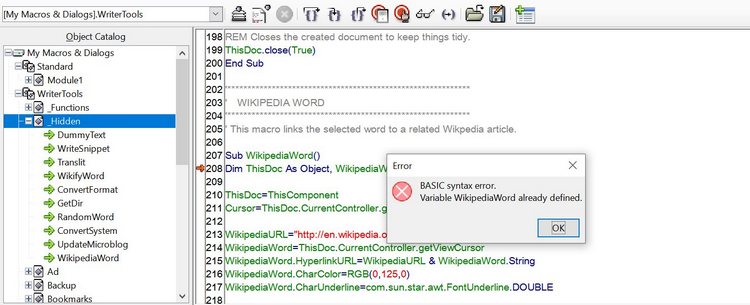
Writertools is an extension created to increase Open Office functionality (and later LibreOffice). The last version of Writertools 1.9.0 was released in September 2010.
At first make sure you are using a blogger domain! Don’t use the domain you bought from the hosting company, your blogspot blog must be a sub domain of blogspot.com in order for Linkwithin to work!
Seems basic? Check your settings again!
There are many places to place widgets in blogger, at first when you add Linkwithin it will be added to the sidebar, drag it and place it under the post, not in the footer! Under the post as in the image below!
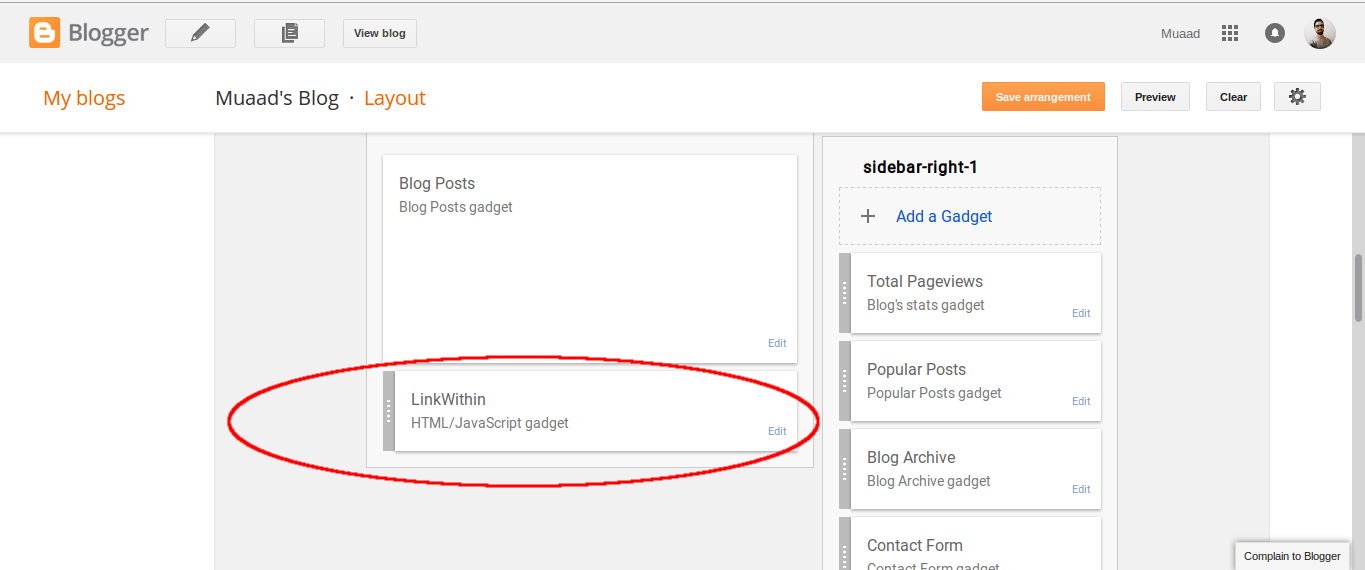
This should fix the problem right away! And LinkWithin will show posts in minutes!
For me it worked, too much I’m afraid!
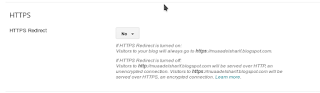
LinkedWithin was showing posts on the home page, something I didn’t expect! And the fix for that is also very easy!
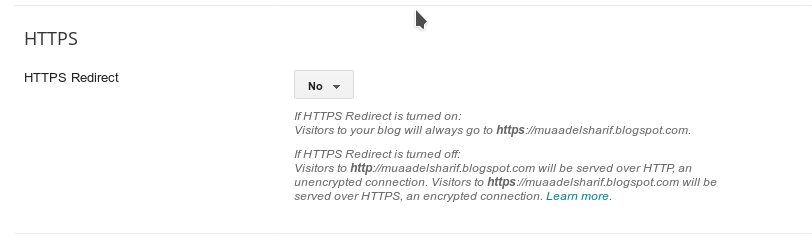 |
| Switch HTTPS from on to off |
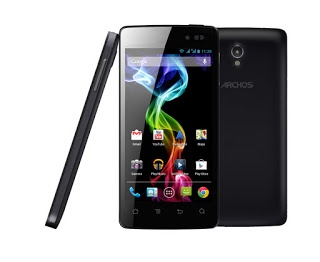
Lately my brother’s phone (Archos 45 Platinum) was acting up, it was restarting at random times, he also noticed a drop in battery performance, the phone became unusable and it needed to be repaired, so here is what we did.
The first step was to remove all the data from the phone, back it up and then preform a factory reset, I used MyPhone explorer, which I blogged about before here.
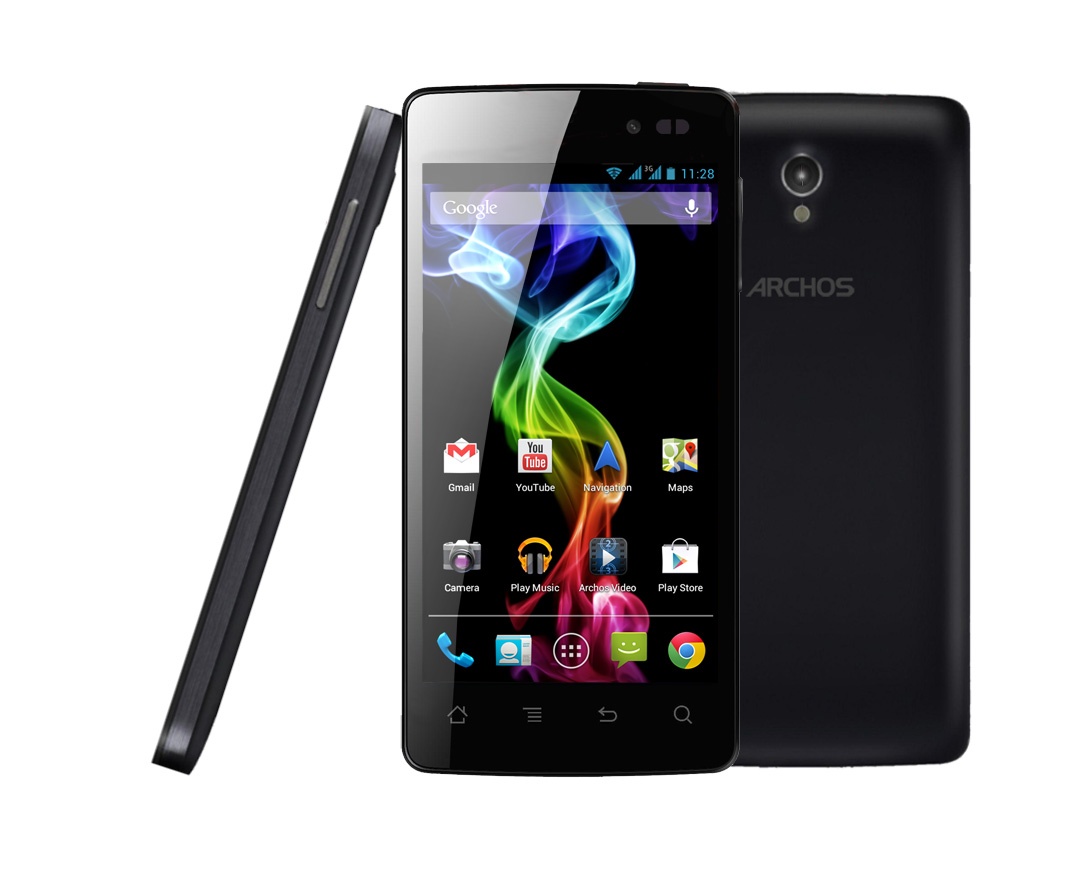
Factory default didn’t work..
We went to the support page and decided to download the phone’s firmware to flash it new, but that didn’t work also, even when following the steps on this site.
My brother noticed something worth noting! That when the phone was plugged into power it didn’t reboot, so I concluded it was a battery problem (combined with the performance decline). Flashing it with firmware also didn’t work.
We went to the Archos dealership and spoke to them about the issue and they offered us a free battery as a part of the warranty, and the phone has been working great ever since!
So here you have it! The fix to the restart issue on Archos 45 is getting a new battery! This should fix the battery performance issues and the random hangup and reboot.
I highly advise you visit the place you bought the phone from with your warranty card to get service in all cases, but it was totally worth mentioning!
I wish you a problem free tech life 🙂
Did you like the post and find it useful? Share it with your friends 🙂