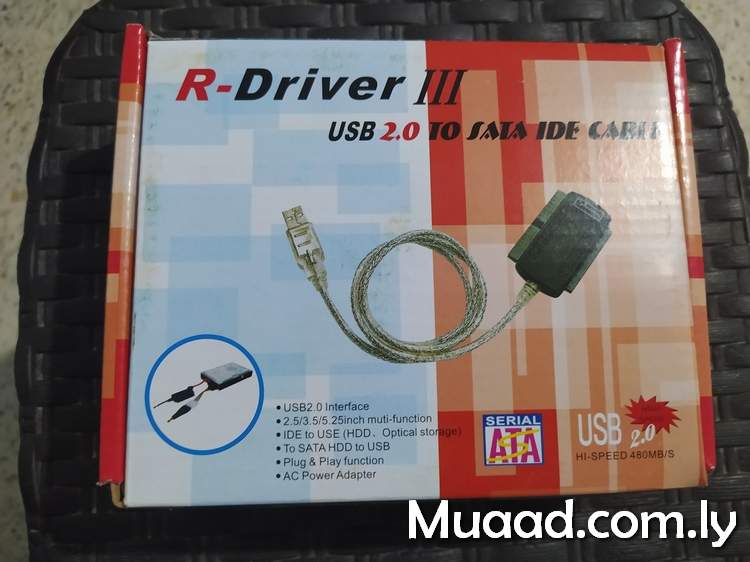
قررت تحويل جهازي لأداة خفيفة لممارسة الأعمال التي تهمني بالدرجة الأولى. مثل التدوين، ولعب بعض الألعاب الخفيفة، وتصفح الويب.
لذا، أعملت نظري فيما لدي، وقررت البحث عن بدائل أخف.
قررت تحويل جهازي لأداة خفيفة لممارسة الأعمال التي تهمني بالدرجة الأولى. مثل التدوين، ولعب بعض الألعاب الخفيفة، وتصفح الويب.
لذا، أعملت نظري فيما لدي، وقررت البحث عن بدائل أخف.
كما يعلم كل القراء فأنا أحب إعادة استخدام المصادر، وإيجاد فوائد حديثة للأشياء القديمة. يمكنك بأن ترى هذا النمط جليًا في تدوينة تصليح الباب الحديدي على سبيل المثال. هذه المرة ستكون تدوينة تقنية حول كيفية إعادة استخدام موارد مهدرة، وتحويلها إلى موارد ثمينة!
سوق ليبيا المفتوح هو موقع أزوره دائما لغرض البيع والشراء. ومن حين ﻻخر أرى بعض العروض التي لا أستطيع تفويتها.
منها هذا اللابتوب الرخيص جدًا. كم رخيص هو؟ تابع القراءة لتعرف..
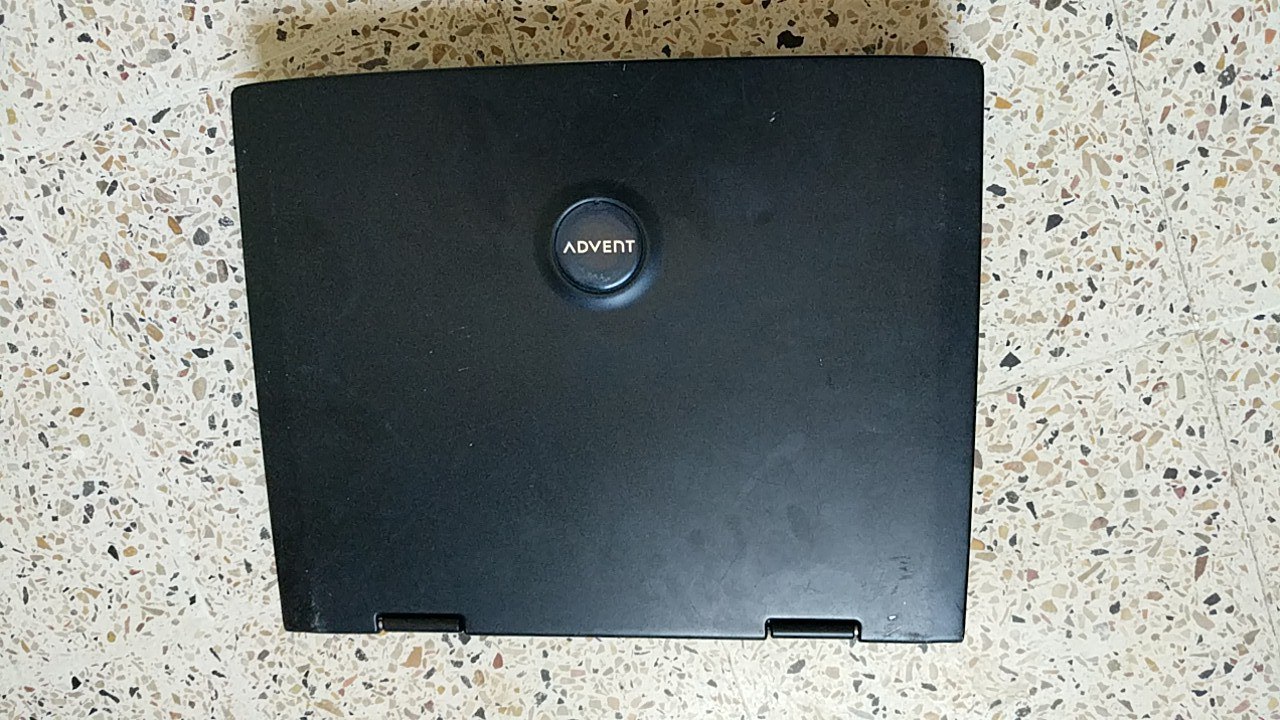
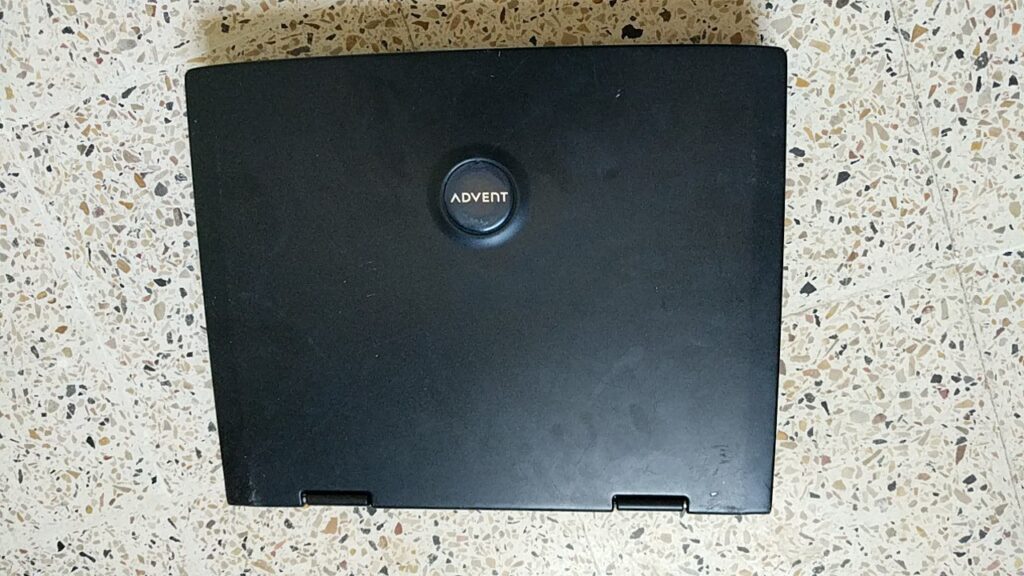
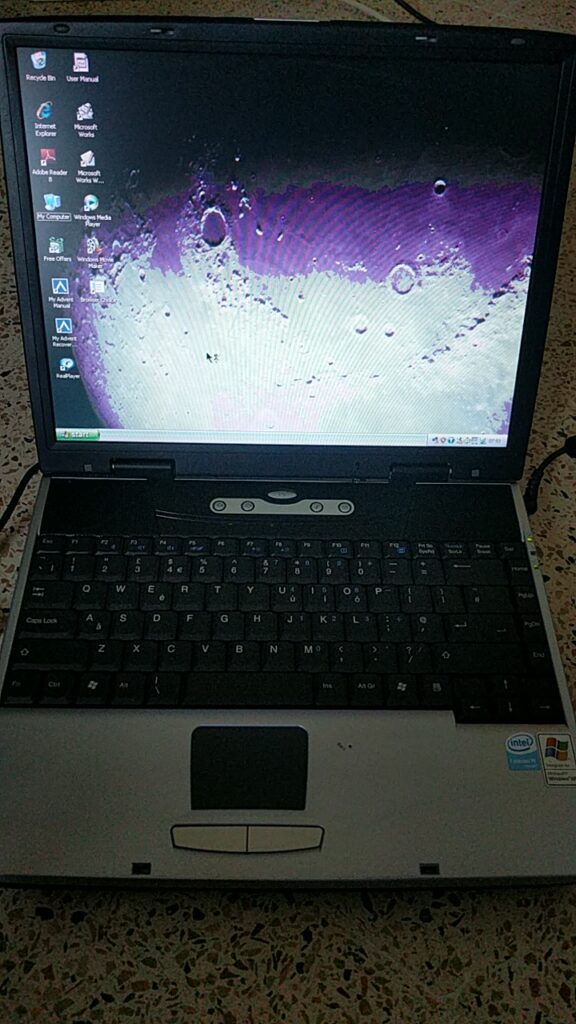
وجدت لابتوب من ماركة ADVENT الانجليزية (والتي لم أسمع بها من قبل بالمناسبة) معروضًا للبيع بمبلغ 200 دينار ليبي (سعر الدولار رسميا 4.48 دينار). ومعه ويندوز XP أصلية. كيف يمكنني تفويت هذا العرض الخارق – نبرة سخرية مبطنة – ..
مواصفات متواضعة حقًا أليس كذلك؟
لا أظن أنك تستطيع أن تتوقع أكثر من ذلك في هذا النطاق السعري
أتى هذا الجهاز من المملكة المتحدة. وحسب ما يبدو كان جهاز العائلة لأحد عائلات الطبقة الوسطى. لن أذكر الاسم بالطبع لكن هالني كم المعلومات الخاصة الموجودة على الجهاز! بعض هذه اﻷشياء كان موجودًا في سلة المحذوفات دون مسح. ولم يكن على الجهاز كلمة سر.
حتى مع التحسينات التي أعرفها جيدا على نظام XP كان اﻷداء مزريًا! معظم الوقت كان الجهاز يتجمد أثناء أداء أبسط المهمات.
دونت هنا سابقا عن تنصيب Antix Linux على جهاز محمول من نوع Dell. وهذه التوزيعة تتميز بخفة اﻷداء وعدم اعتمادها على System MD لتنسيق الواجهة. ما يمنحها خفة في اﻷداء وسرعة في التحميل.
التنصيب كان تقليديا ودون أي مشاكل. ويتضح أن الجهاز يدعم الإقلاع من ذاكرة فلاش.
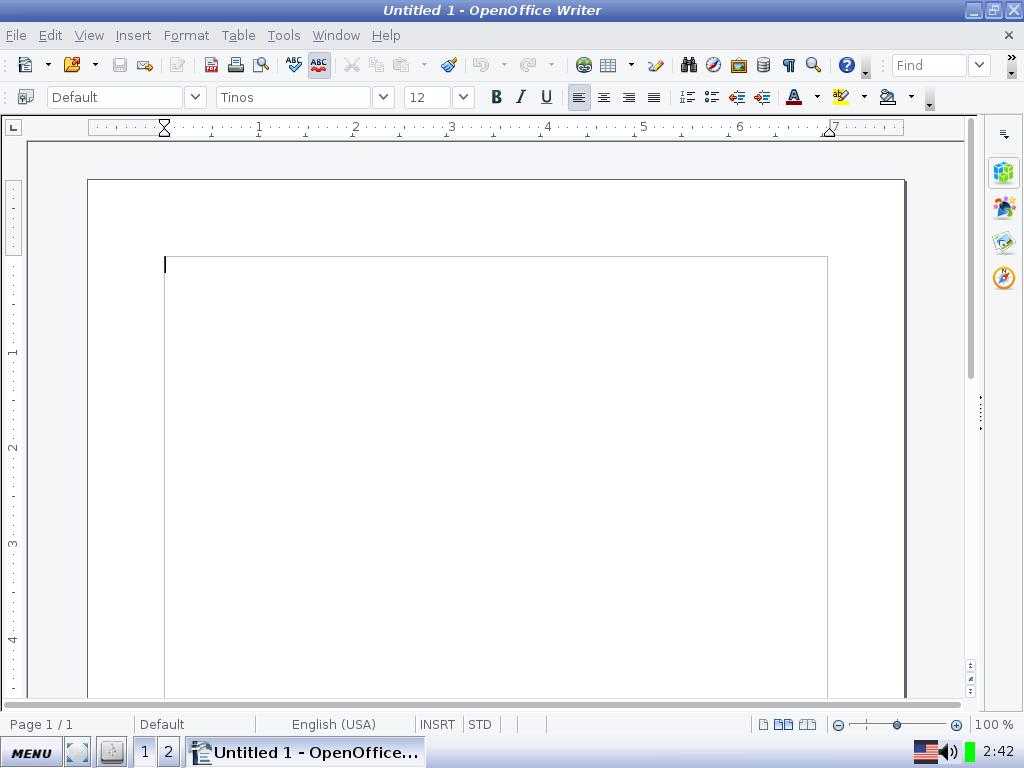
التحسن كان ملحوظًا! بعد أن كان ربع الذاكرة العشوائية متاحًا. صار ربع الذاكرة مشغولا! نظام التشغيل لا يحتاج أكثر من 70 ميقا بايت من الذاكرة العشوائية ليعمل. بالمقارنة مع 200 ميقا بايت لويندوز XP.
الجدير بالذكر أن كل طرفيات الجهاز تعرف عليها Antix Linux دون تدخل مني. بينما عانيت لتعريف كرت الصوت على ويندوز XP. وهذه نقطة تحسب دوما للمصادر الحرة.
أيضا هو أمر رائع رؤية برمجيات حديثة تعمل بكفاءة على عتاد عتيق كهذا.
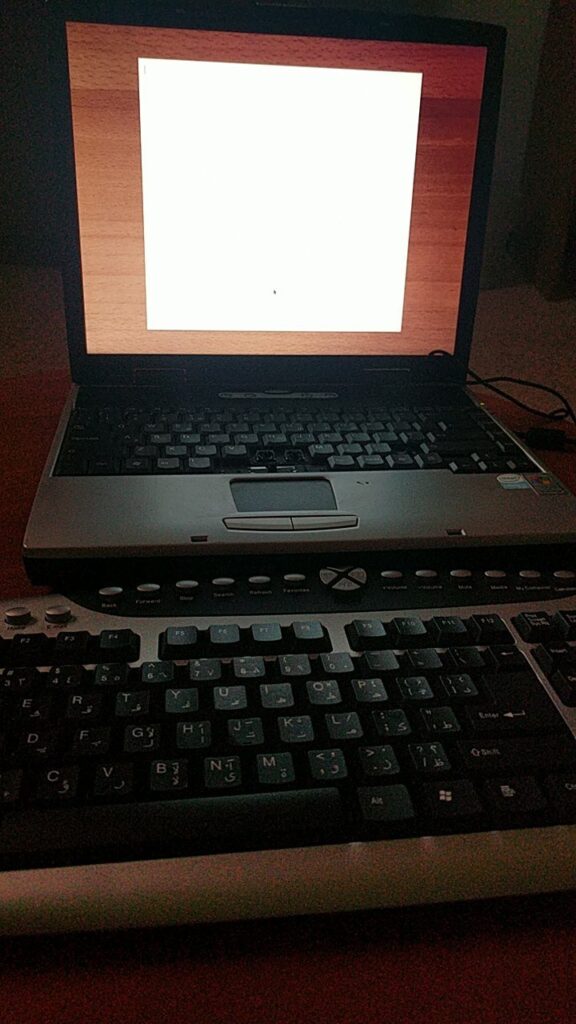

إجابتي هي ربما! إن كنت ستشتري شيئًا كهذا فيجب أن تعرف حدود اﻷداء لديك. وأن تتمتع بحس المخاطرة المحسوبة.
أيضًا عليك جعل توقعاتك منطقية. فجهاز كهذا لن يشغل النسخة اﻷخيرة من Cyber Punk 2077 أو برامج تحرير الفيديو والمونتاج. لكن يمكنك طباعة بعض المستندات وادخال البيانات بكفاءة.
هل سبق لك تجربة جهاز قديم ورخيص كهذا؟ ماذا كان انطباعك؟ هل استطعت تنزيل توزيعة جنو لينكس عليه؟ كيف كان اﻷداء؟
شاركني برأيك في قسم التعليقات.
تحديث: تلف الجهاز ووجدت له فوائد أخرى يمكن مطالعتها من هذا الرابط.
 |
| Focuswriter logo |
It all started when I tried to enable the typing sounds on my Netbook running Antix Linux, the program froze and I had to shut it down manually. After that whenever I try to start the program, it won’t start!
Trying to uninstall the program and install it again didn’t work! Even removing configuration files from Synaptic didn’t work, no matter how many times I install and uninstall it again, the problem persists!
Using your file manger of choice, navigate to /home/[username]/.config/GottCode/ and in it you will find one file only: FocusWriter.conf
Delete it and restart the system, after it starts again, you will have Focuswriter running like it should.
A new configuration file will be created automatically, no need to worry about the file being deleted.
 |
| Focuswriter interface |
Going for a lightweight mixture of a Netbook, Antix and Focuswriter can be a winning combination, and as a slight compromise bucklesrping can be installed individually for an aesthetically pleasing writing experience. And if you are typing at night, enable the leds on your keyboard!
Do you use any of these tools? Do you find this tech tip useful? Please leave your opinion in the comments section below, and I’ll see you in the next one.