Category: Netbook (Page 1 of 2)

أرخص لابتوب على سوق ليبيا المفتوح

سوق ليبيا المفتوح هو موقع أزوره دائما لغرض البيع والشراء. ومن حين ﻻخر أرى بعض العروض التي لا أستطيع تفويتها.
منها هذا اللابتوب الرخيص جدًا. كم رخيص هو؟ تابع القراءة لتعرف..

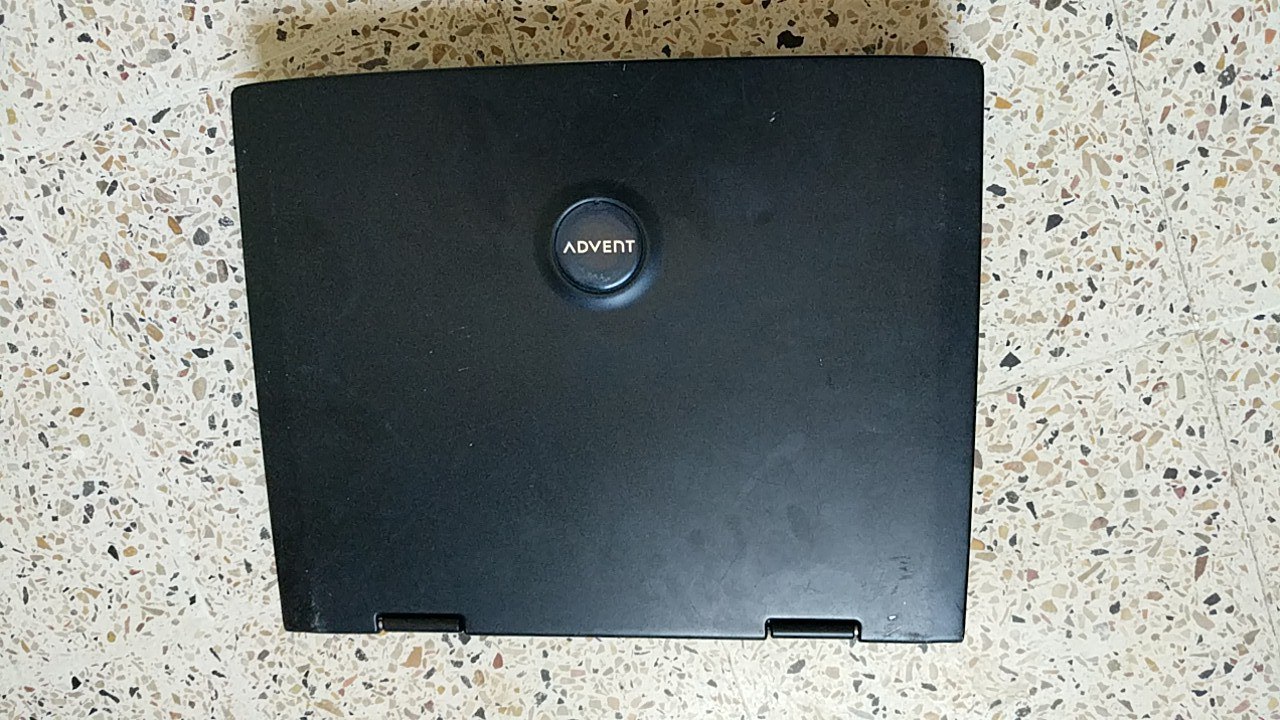
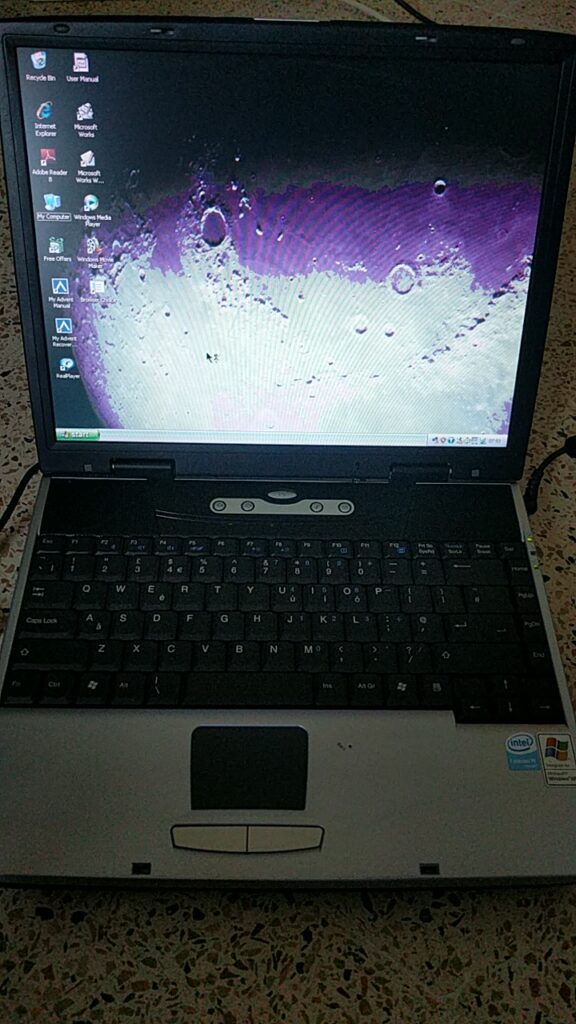
وجدت لابتوب من ماركة ADVENT الانجليزية (والتي لم أسمع بها من قبل بالمناسبة) معروضًا للبيع بمبلغ 200 دينار ليبي (سعر الدولار رسميا 4.48 دينار). ومعه ويندوز XP أصلية. كيف يمكنني تفويت هذا العرض الخارق – نبرة سخرية مبطنة – ..
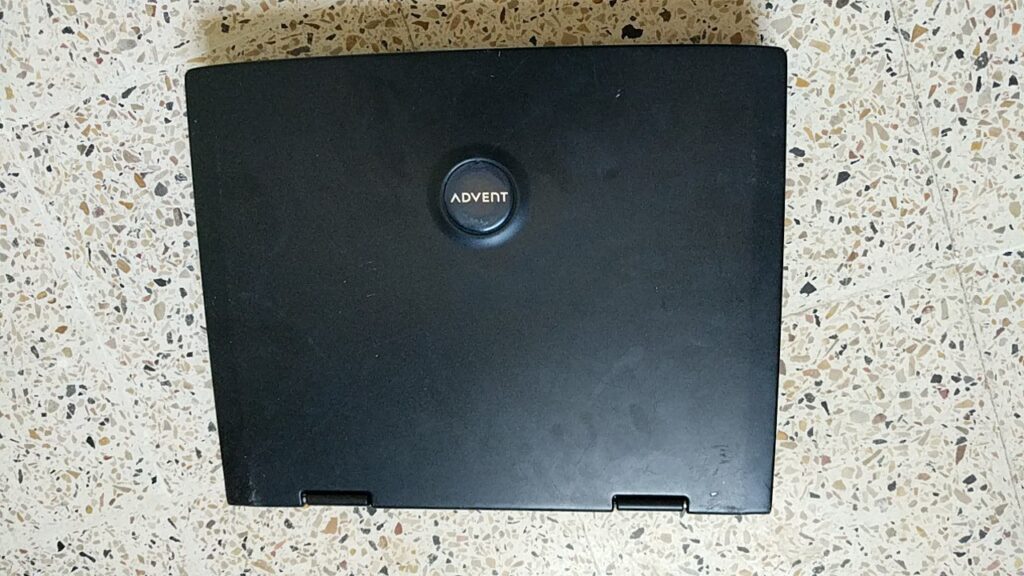

مالذي اشترته ديناراتي المئتان؟

  • معالج 1.4 سيليرون M
  • ذاكرة عشوائية 256 ميقا بايت.
  • قرص صلب بسعة 40 قيقا بايت.
  • محرك أقراص DVD RW

مواصفات متواضعة حقًا أليس كذلك؟

مميزات هذا الجهاز

ما هي عيوب هذا الجهاز؟

  • محرك اﻷقراص يعمل بشكل عشوائي. أغلب الوقت لا يعمل..
  • البطارية لا تحتفظ بالشحن (وهو أمر متوقع لجهاز عمره 16 عامًا).
  • لوحة المفاتيح بها عدد من المفاتيح المعطلة.
  • لا يحتوي على تقنية واي فاي. لكن يمكن ربطه بالإنترنت بواسطة مقبس الشبكة. (Ethernet port).

لا أظن أنك تستطيع أن تتوقع أكثر من ذلك في هذا النطاق السعري


من أين أتى هذا الجهاز؟

أتى هذا الجهاز من المملكة المتحدة. وحسب ما يبدو كان جهاز العائلة لأحد عائلات الطبقة الوسطى. لن أذكر الاسم بالطبع لكن هالني كم المعلومات الخاصة الموجودة على الجهاز! بعض هذه اﻷشياء كان موجودًا في سلة المحذوفات دون مسح. ولم يكن على الجهاز كلمة سر.

كيف هو آداء الجهاز؟

حتى مع التحسينات التي أعرفها جيدا على نظام XP كان اﻷداء مزريًا! معظم الوقت كان الجهاز يتجمد أثناء أداء أبسط المهمات.
التحول للمصادر الحرة

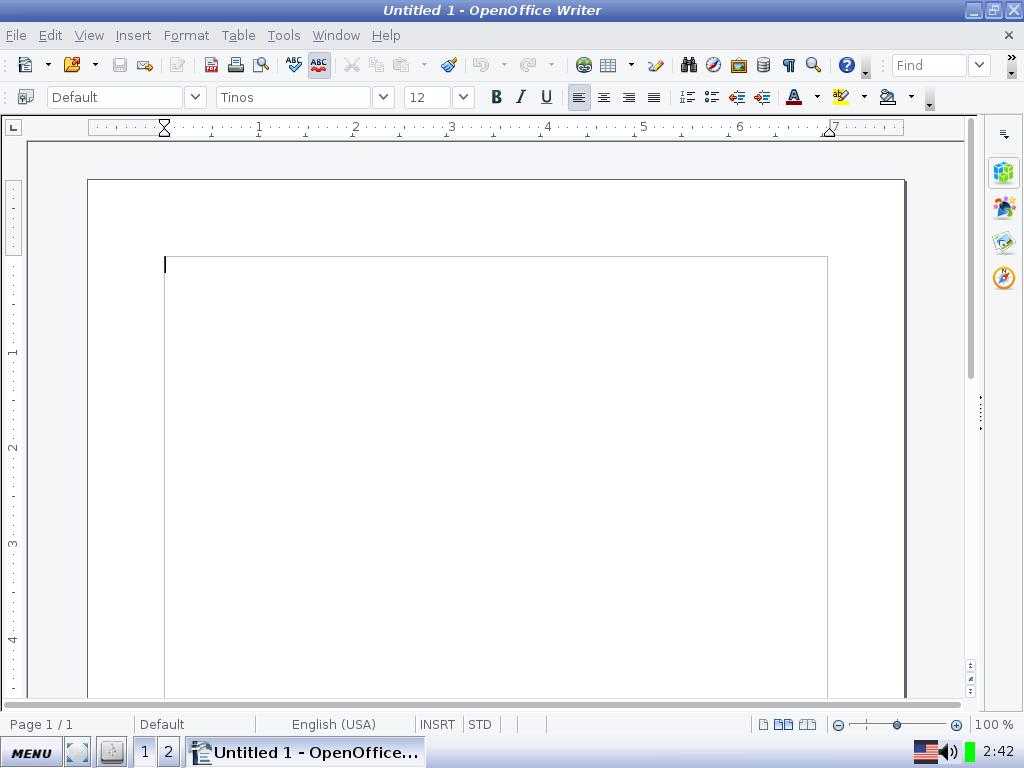
دونت هنا سابقا عن تنصيب Antix Linux على جهاز محمول من نوع Dell. وهذه التوزيعة تتميز بخفة اﻷداء وعدم اعتمادها على System MD لتنسيق الواجهة. ما يمنحها خفة في اﻷداء وسرعة في التحميل.

التنصيب كان تقليديا ودون أي مشاكل. ويتضح أن الجهاز يدعم الإقلاع من ذاكرة فلاش.

هل هناك تحسن في الأداء؟

التحسن كان ملحوظًا! بعد أن كان ربع الذاكرة العشوائية متاحًا. صار ربع الذاكرة مشغولا! نظام التشغيل لا يحتاج أكثر من 70 ميقا بايت من الذاكرة العشوائية ليعمل. بالمقارنة مع 200 ميقا بايت لويندوز XP.

الجدير بالذكر أن كل طرفيات الجهاز تعرف عليها Antix Linux دون تدخل مني. بينما عانيت لتعريف كرت الصوت على ويندوز XP. وهذه نقطة تحسب دوما للمصادر الحرة.
أيضا هو أمر رائع رؤية برمجيات حديثة تعمل بكفاءة على عتاد عتيق كهذا.
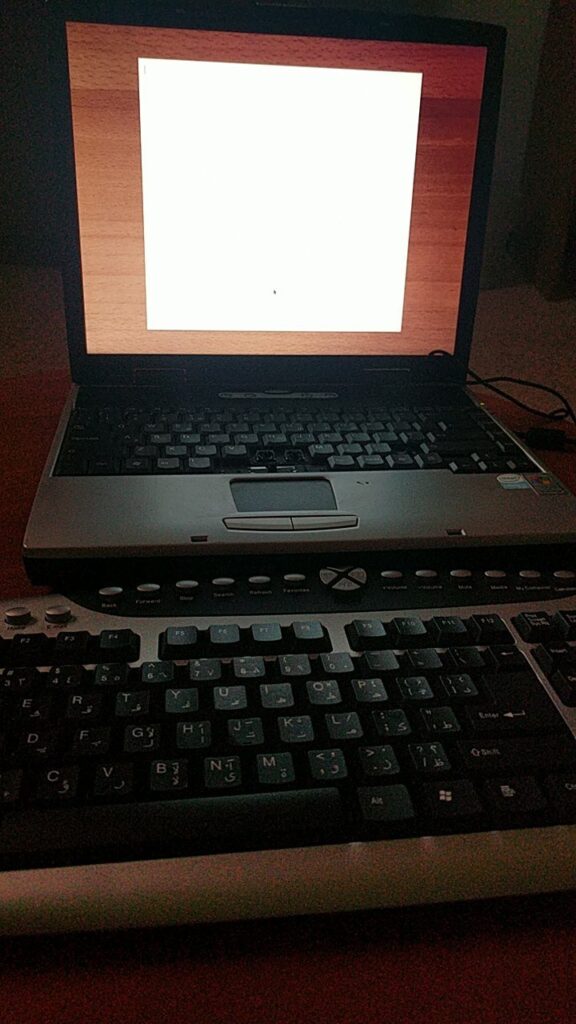
برنامج Focus writer يعمل بشكل جيد هنا

هل أنصح بشراء جهاز رخيص وعتيق كهذا؟

إجابتي هي ربما! إن كنت ستشتري شيئًا كهذا فيجب أن تعرف حدود اﻷداء لديك. وأن تتمتع بحس المخاطرة المحسوبة.
أيضًا عليك جعل توقعاتك منطقية. فجهاز كهذا لن يشغل النسخة اﻷخيرة من Cyber Punk 2077 أو برامج تحرير الفيديو والمونتاج. لكن يمكنك طباعة بعض المستندات وادخال البيانات بكفاءة.

في الختام

هل سبق لك تجربة جهاز قديم ورخيص كهذا؟ ماذا كان انطباعك؟ هل استطعت تنزيل توزيعة جنو لينكس عليه؟ كيف كان اﻷداء؟
شاركني برأيك في قسم التعليقات.

تحديث: تلف الجهاز ووجدت له فوائد أخرى يمكن مطالعتها من هذا الرابط.

A Netbook in retrospective!

When I bought the Netbook I have now a few months ago, I feared that I might not have a practical use for it. I already have a laptop which has been laying around for years; I really like it and spend many hours each day using it. So, how will I fit the new thing into my daily workflow?
The answer is really simple: Work

Taking my Netbook to work

This little thing is a blessing! If fits in my bag effortlessly and I feel like I’m carrying nothing at all! While my fellow teachers carry tons of books and papers with them, I use my Netbook to read the material and give lessons, something I wouldn’t be able to do that easily, also making adjustments and documents on the fly is fantastic, I don’t have to wait in line to use the “teacher’s computer”.

But .. I can take my laptop to work too, can’t I?

Yes, and no!

My laptop is my “daily driver”, and like most people I have private information and things I’d prefer to keep as safe as possible, it’s always a fear of mine that it would be lost or stolen. Getting stopped at a check point and stolen at gunpoint is a common risk now days in Tripoli, so that’s something to think about..

Even forgetting the bag in a public place would be a catastrophe to me! Some losses even a backup can’t restore.
But with this little guy, things are okay, I only have the things I work on now, even if it’s lost, it didn’t cost that much and it doesn’t have any vital information. The best of both worlds!

There is one tiny problem tho..

Version control

In my series “Dual boot saga” I complained that having two laptops to work with was a confusing thing (which was), that statement is less valid now, but still has some sense.  

When I’m working on a document for example, let it be a weekly plan, an answer sheet or a monthly exam, sometimes I happen not to know which document is more recent if I copied it from one laptop to the other, or which one has the changes I need; these little annoyances waste a lot of time. 

More often than not I’d leave a document on one of the computers and have to get out of bed to get it (I never remember these things only until I turn off the lights and roll under the blanket), this in itself is torture!

I sometimes upload my documents to Telegram web, and then access the site on my laptop or phone and download the document, but that’s just too much work!

Dropbox

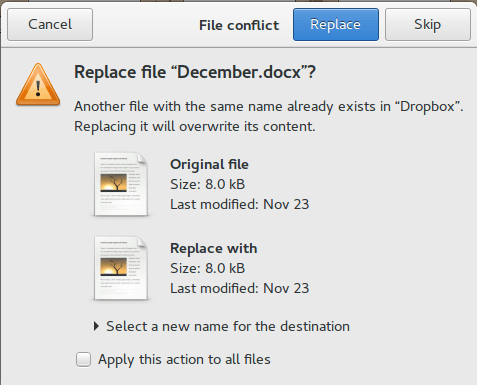
This solution was right there in front of me the whole time! I can upload the documents and access them from any device. It’s not complicated like Google drive and doesn’t have added frills like Telegram Web, and it works perfectly with Linux. 

All I have to do now is to finish the document and upload it to Dropbox, no more calling home asking for someone to unlock my laptop and send a file I forgot (happened to me very recently sadly, and yes it was a Wednesday!). 

And even if the free plan only gives 2 GB of free space, I don’t think I’ll ever fill that.

Final words

My Netbook is far from perfect, it’s slow and the screen is smacked, but for the purpose I use it for, it runs like a champ! And now that I’ve gotten around the Two laptop hurdle, I can safely say that my productivity will be through the roof.

Well, that if the electric company leaves us alone.

Having a backup plan

I’ve always been a minimalist person of sort, I hate having things laying around and I always prefer to get rid of things that I don’t need, one phone and one laptop seemed like the way to go for ages (If I could get a device that fits all, I would do it), but that all came to a screeching halt one day.

A rude awakening 

One day I was cleaning my laptop and applying thermal grease, I got carried away and started cleaning the fan forcefully, and before I know it, I broke several blades! It’s a long story that you can find on this link, which taught me an important lesson:

Being too minimalist can backfire, big time!

Everyone needs a backup plan, be it a backup of your files and folders (you can find a tutorial on how to do an image for windows here, and how to make a Linux backup here), or a backup device to carry on when everything is lost, it’s all about creating a balance between minimalism and not affording downtime.

Ideas to stay working

Having a phone with USB OTG can be useful, connect it to a full sized keyboard and you have yourself a typing interface combining the easy controls of the keyboard, and the battery life of the phone, it’s alien and a makeshift, but it gets the job done in a hurry, I’ll post about my requirements for a phone short enough.

Netbooks for the win

You can always have a light weight cheap Netbook to do some typing on the go, which won’t replace your desktop setting, but is great for typing away in a coffee shop (if you have 10 hour power outage a day, you will frequent a coffee shop to work!), I got one myself and blogged about it so feel free to check it out from here.

These are just ideas I suggested, you know your flow and what works best for you, and try to make it work.


What is your idea of a backup plan, does it involve another computer? Or are you the laptop hating kind?

Let me know what you think in the comments section below.

I’ve bought a Netbook!

The first post I wrote on this blog was on a Netbook, and one of the most popular posts at the time was about a Netbook, I’ve had one, I’ve loved it like a child of mine, and regretted selling it to this day (I still do honestly, I did so much on a computer that isn’t supposed to do much!).

You never know what you had until you lose it!

Every time I went to a computer store they caught my eye, and whenever someone brings me one of them to fix, I remember the sweet old days with my Netbook, it felt personal and it felt like something I loved to use and create things on.

Browsing through open sooq I came across a Netbook that was reasonably priced, it had a minor flaw (the monitor has dead pixels on one corner, as if the Netbook took a fall), and after a bit of negotiation with the seller, I managed to strike a decent deal.

Later that day, I swapped out the HDD on the Netbook to my laptop, and used the SSD on the Netbook to make it faster, and after installing Ubuntu 14.04, I was good to go!

I tried installing Ubuntu 10.10 Netbook remix, but that lasted for like an hour, nostalgia doesn’t do much, 10.10 is not supported anymore and I couldn’t download any software on it, what a shame!

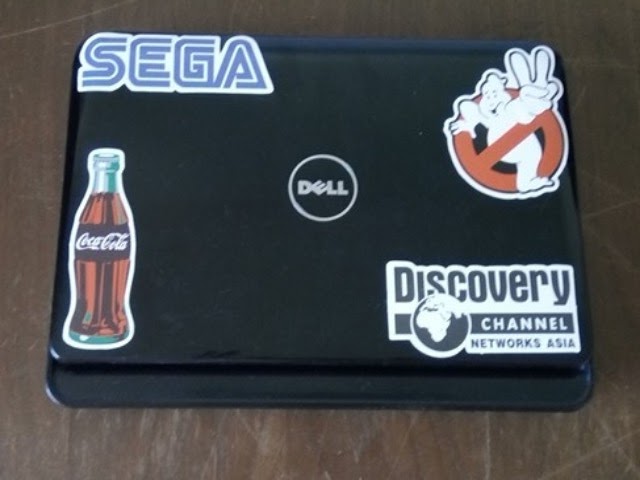
The new Netbook that I got, and some cool stickers


The typing experience is some of the best I’ve had, it’s bouncy and fast, a bit crammed together but that takes me back! And it makes my laptop feel like a monster! 5 inches make all the difference apparently!

Pros of the deal

Despite the obvious limitations, it would have cost a lot more to buy something off of Amazon and ship it to Libya (I’ll be posting about buying online / shipping soon enough in Arabic), due to the new increase in shipping prices, shipping a standard laptop would cost nearly twice as much as this Netbook! Let alone that I’ve managed to seal a deal on open sooq the day before, so it’s even cheaper in my book!

Hitting two birds with one stone

By swapping out the HDD, I have fixed the issue on my other laptop, and with buying a Netbook, I have a backup that I can take anywhere without fearing it would be lost or stolen, it’s just a device for typing stuff and getting things done,

Having two laptops

I remember posting back in the day in my “dual boot saga series”, that I hated having two laptops and I couldn’t choose between them, always favoring one over the other, this isn’t the case.

I wouldn’t sell my laptop for example and keep the Netbook as a main device, that’s silly and unrealistic, the Netbook has limited resources and can do so much, it’s just so good at what it does.

And it’s always nice to have a backup in case the laptop fails for example, or for work (it would be a lot lighter and easier on my back to carry around, also less stressful in the case of it getting lost).

What’s it like?

I don’t remember Netbooks being so small! This one is really tiny compared to the laptop I’ve been using the last six years!

Also, it’s hot, I mean really this model has no fan, it uses a heat sink of some sort to manage the heat, and it gets annoying with time (would be great in the winter tho!), I applied some thermal grease and it’s better now, also installing a light resource Linux distro helps.

It was nagging me for years, so I had to do something about it, and here I am back to using a Netbook after six years.

Trying something new

I installed FocusWriter on my Netbook for a minimalistic writing experience, it’s small and aesthetic, and exports files as ODT by default.

The big question?

Will this allow me to be more productive and write more stuff? Or will it be another failed experiment of mine? I do realize that experimenting is a big part of learning, but I hope I get this one right, for old time’s sake.

Do you have / had a Netbook? What do you think of them? Did this post inspire you to buy one of them little laptops?

Leave your thoughts in the comments section below, and I will see you soon.

P.S: This post was written on a Netbook,

P.S.S: A retrospective post was written a few months later, take a look at it!

« Older posts