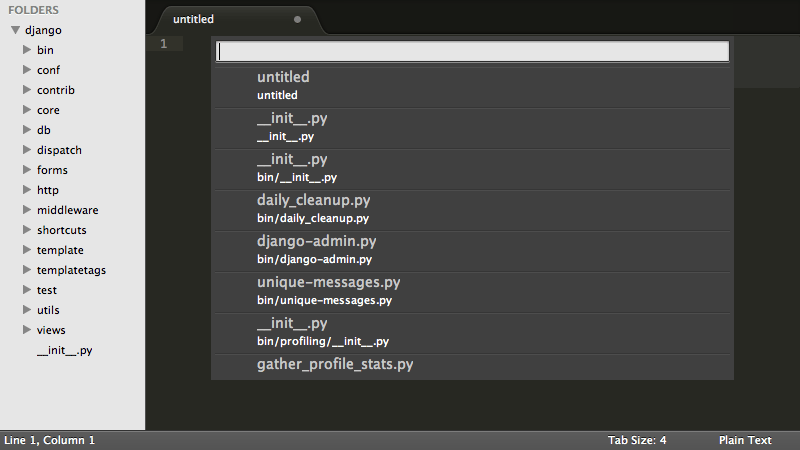
The reason why I didn’t use Sublime Text is really really simple, I thought it was commercial and cannot be used for free, read on to find out what changed my mind.. Build 3083These are the reasons that make Sublime text one of the best text editors out there
It turns your dull code into a work of art! It’s really easier to write code when the syntax is highlighted so you know what you are doing!
Rich language support
Many programming languages and scripts are supported (over 40 in total) and has the ability to write prose as well.
Steady development
Currently at Version 3 (beta) and moving forward. It’s been around long enough and it’s stable enough to be used by many developers.
There is also a final version of Sublime 2.0.2 but it lacks the functionality that v3 has
Cross platform
No matter what OS are you on. Sublime is there for you and has your back all the way!
Did you know that the license works on all of your machines? Linux Mac and Windows??
Light weight
Compared to other editors, it’s a breeze! It takes around 10-50 MB in the system memory in one process. That’s nothing compared to the resource hog Atom!
That’s the reason I didn’t want to use it because of! I thought it wasn’t free! The word unregistered version is what sent me packing. It’s not like I don’t want to pay. I can’t (my country doesn’t support Paypal! And get this: I don’t have a visa!!)
I sent them an e-mail and this is what they have sent me:
”Hi Muaad,
Thanks for your email.
The trial period is indefinite; you can use it for free for as long as you like. The reason we offer it as unlimited is primarily so students and users in developing countries can use Sublime without the burden of paying for it. If you like Sublime and can afford a license, we ask that you buy one to support us.
My only con is that Sublime doesn’t support Arabic by default. So I had to install a third party plug in. Other than that. Truly the best text editor out there!
Give it a try and I urge you to buy it if you can!
I decided since the Windows 10 update was rolling in “waves” that I want to try Windows 10 early on my Nokia Lumia. I installed Windows Insider on the phone and choose the fast ring.
As soon I did so there was a Lumia Cyan update installed. And after the usual steps I began to install the insider build 166 (was out on July 13th 2015)
I left it installing because the download took a long time, after it finally downloaded and installed many things stopped working! I was given some error codes but doing some research did me nothing! (CV: irVVS0fyS0ifo9wW 0x80072f05)
Office was gone!
OneNote stopped working!
All the updates that were pending stopped working as well.
There were some nice improvements. I can’t deny! The already great typing experience has become even easier with the added cursor and several UI improvements that made it consistent with the desktop version.
I had to install the 512 build that came out on the 12th/08/2015.
After a while the 512 build finished installing. It looks good so far. Office is broken down to three apps: Word preview, Excel preview and Powerpoint preview. (Which needed to be purchased then installed from the store). The store worked fine after the upgrade, and the errors aren’t displayed anymore!
The phone became slower and hotter. So a reset was due. It worked better. But the office applications requires an office 365 license to work. And Onenote became so hard to manage! (I needed to scroll so much to get to anything). The phone lags a little bit and Cortana became less responsive. So I decided to rollback to 8.1 As confirmed by Microsoft upgrade adviser, Windows 10 won’t be available for Lumia 630 / 630 Dual. So this is the only way to get Windows 10 on your Lumia phone.
I posted asking forthe fans to help me pick a phone, I received no helpful feedback so I decided to apply some thinking to it.
Requirements
I wanted an affordable phone, dual SIM. With a responsive display.
Camera and media aren’t important to me.
And the price wouldn’t be too far from what I was selling the elite for.
The battery life was also important to me as the power issue doesn’t seem to be going away anytime soon.
The screen size of the elite was a problem to me as it was unable with one hand. I needed something between 4′ to 4.5′ max.
It needs to be Dual SIM, and mini is preferable.
The market (According to my budget).
Not to many options were available, mostly Samsung running outdated Android, and a couple of lower end HTC’s.
iPhones were out of the questions! (too expensive).
An interesting option was Lumia 630, my only concern was the RAM which is only 512 MB.
There were some Chinese Android phones I never heard of before called iKU.
Some Chinese company called Xtouch, slightly better than iKU in terms of support but still..
Some deprecated Nokia phones that were overly used and abused.
After taking a look at the specs online and some video reviews, I decided that was it! The Lumia 630.
I almost went for the Archos 40 Cesium, it came with three covers and it ran Windows 8.1 with a 4′ screen and a front camera(Lumia didn’t). The screen had no protection and it wasn’t eligible for Windows 10 update as it had 4GB of memory, it’s a decent phone with solid battery life (even better than the Lumia).
The Purchase
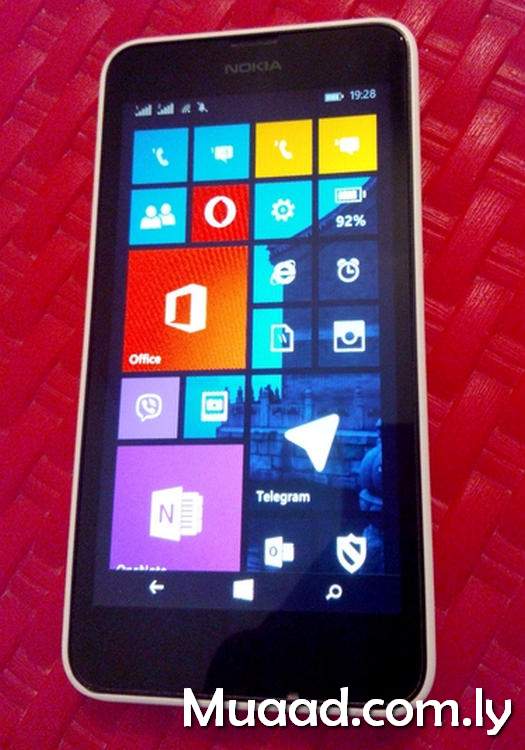
I went and got one, I didn’t like the fact it was white, because the cover is easily stained. But it’s easily replaceable without unscrewing the phone. It’s available in 4 colors.
The screen size is 4.5′ which is just perfect. The touch is also very responsive and quite easy to use. The word flow input is really handy and super easy to type with!
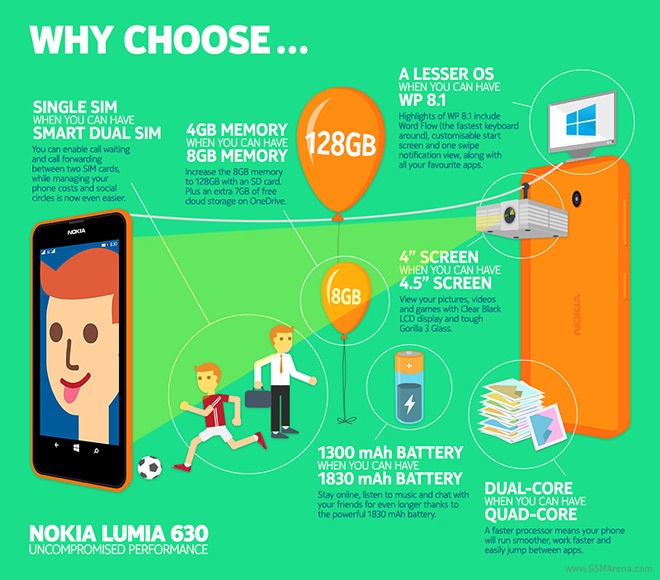
The official Nokia info-graphic used to promote Lumia 630
The OS is Microsoft Windows 8.1 which is in my opinion better than Android JB and Symbian. It’s stable and responsive even tho the RAM is just 512 MB. As soon I opened it downloaded a couple of updates and its running Cyan Update (latest version).
Battery life and connectivity
It uses Wifi and GSM 3G. And using Opera Mini is the best way of saving data. Battery life is good with a 1830 mAH battery, and the battery saver is even better. Managing multiple apps at once is good also.
The camera
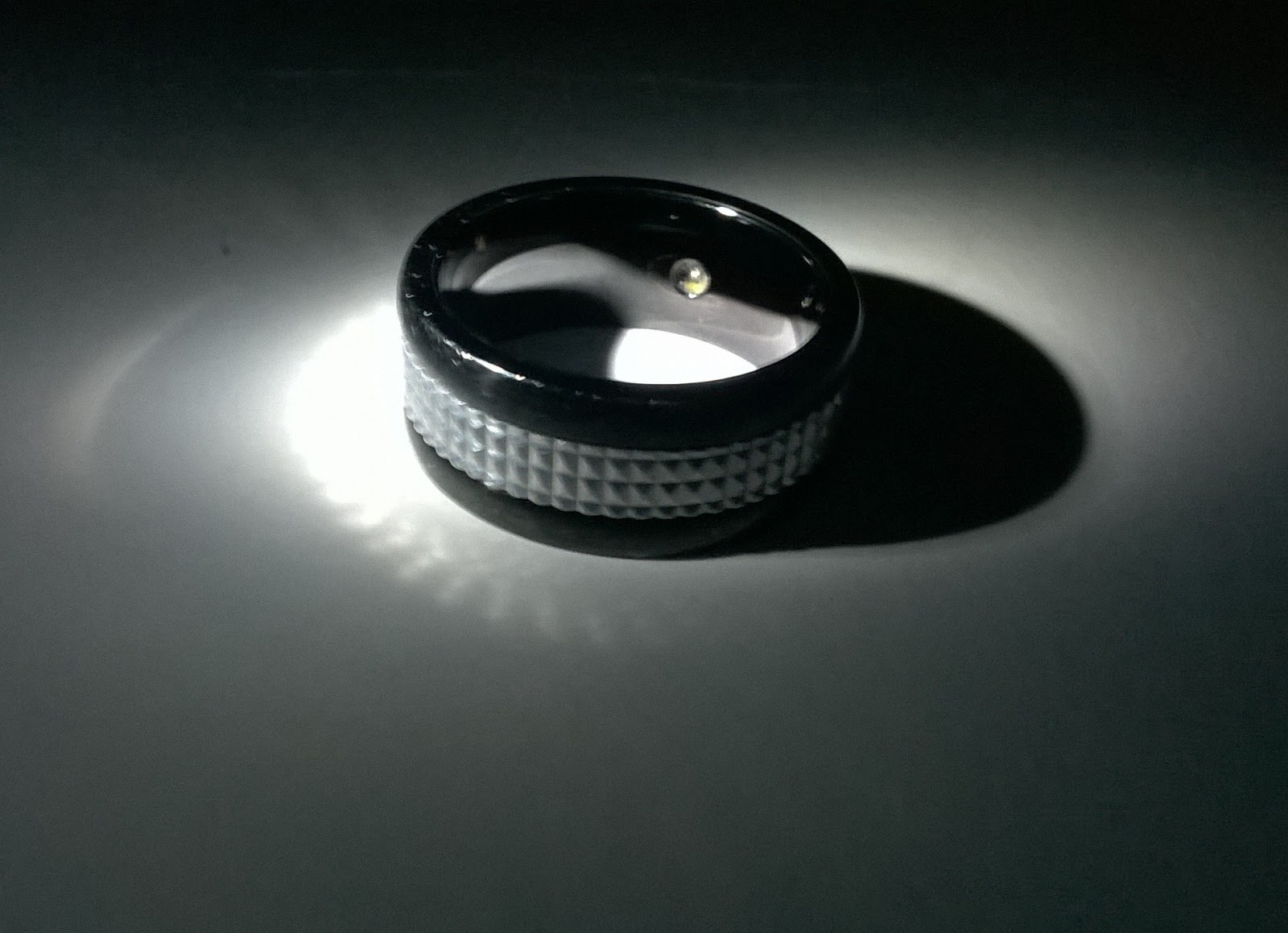
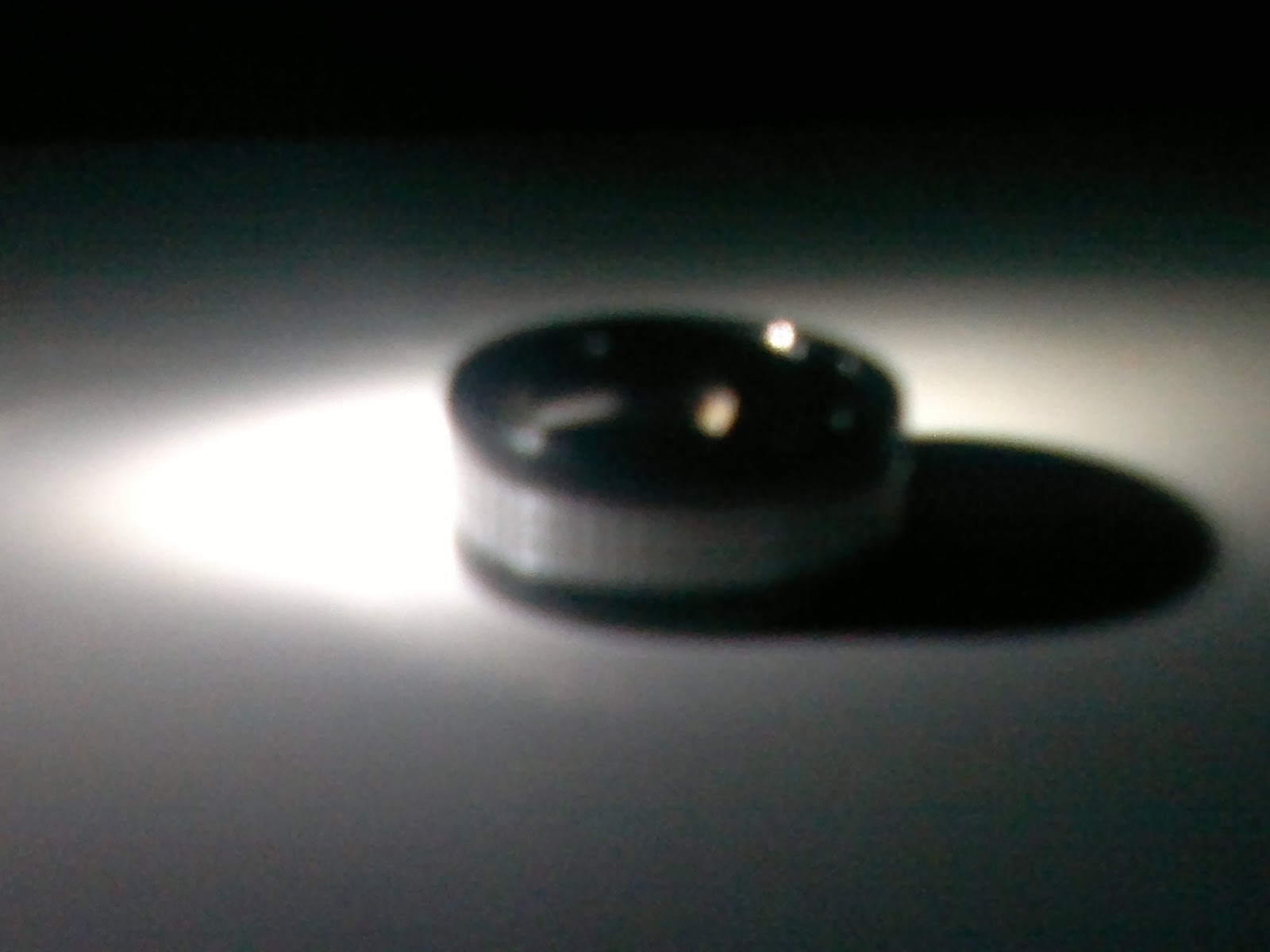
The camera is good. And auto focus makes it better. Doesn’t have a flash and no front camera (total bummer if you are a selfie addict!) Here is a comparison between E6’s 8MP and Lumia 630 5MP, the picture was taken under the same light circumstances to be fair.
Lumia 630 at 5MP
Nokia E6 at 8MB
Applications
The apps have been a constant pain for Windows Phone. The store has many apps. But much like Android they contain ads and some are totally useless. I felt that the apps shipped with the phone were better than the store free counterparts. The ones I didn’t find were Snapchat and Dubsmash which I never use! There are third party apps for sites like Instagram (6tag). I haven’t tried side loading apps so far.
Prodcutivity
The Office suit provided is fantastic! It provides support for Excel sheets and word documents with power point viewing. You can edit the template provided but creating a new one is not available.
I share my documents via dropbox and sync them so I don’t have to send via bluetooth, the only draw back is that the layout between Office and LibreOffice is different so the documents “blinks”.
Cortana is also one of the high points of this phone. She is very clever and quite helpful. I don’t like that it needs to be online all the time to work (only a few commands can be achieved offline), there are many fun things to do with Cortana so check these links out.
I had to change the location to USA for Cortana to work, and it didn’t work until I updated to Cyan.
Typing with Lumia 630 is so easy and effective, it’s even better than the QWERTY keyboard I was so fixated to, it lived up to the hype, I must say!
Interface
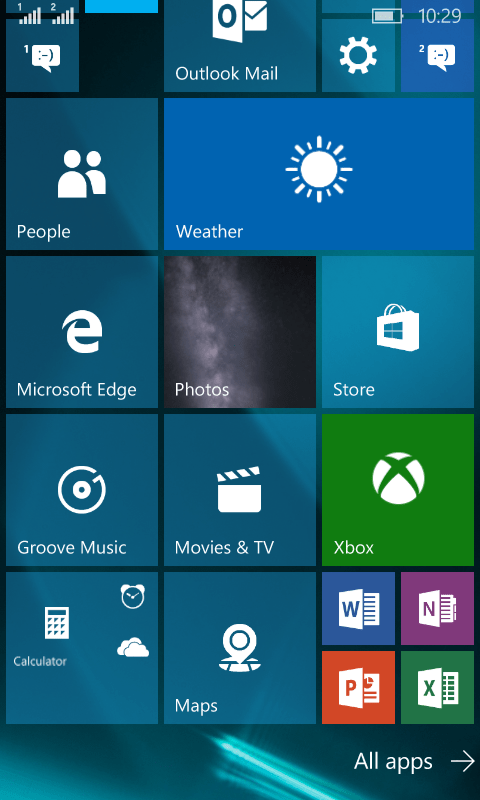
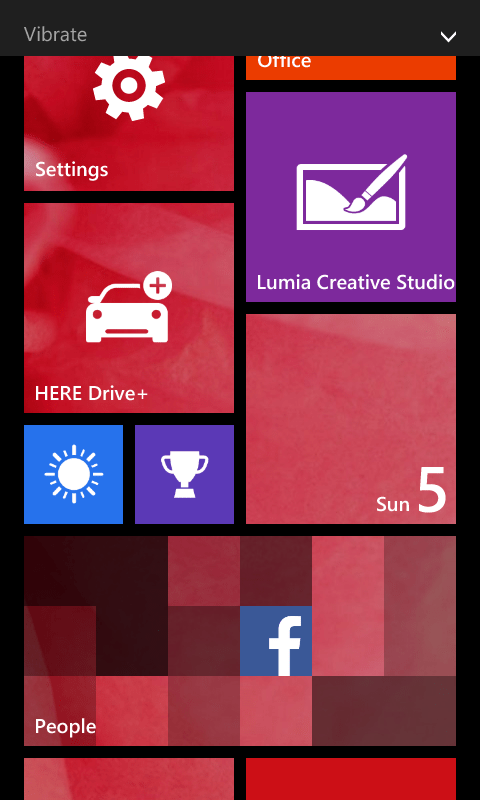
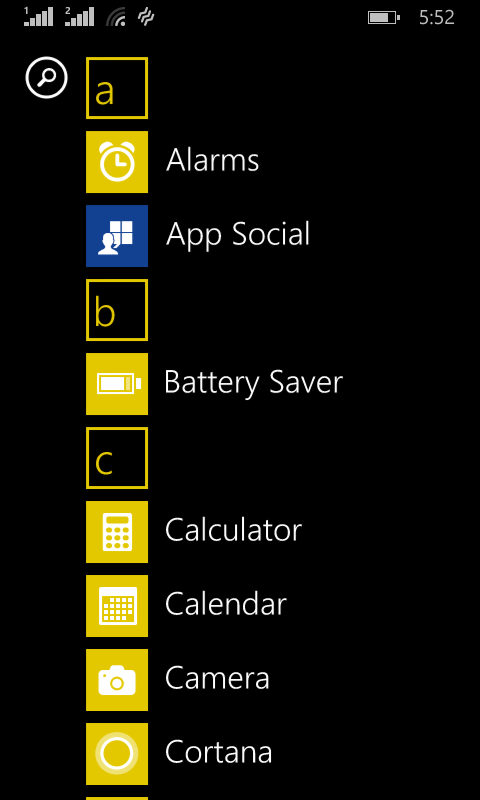
The unique interface that stands out from Android and iOS, uses tiles instead of launchers. You can control the tile size, while app tiles bring live updates, and you can group tiles in folders.
Lumia 630 home screen
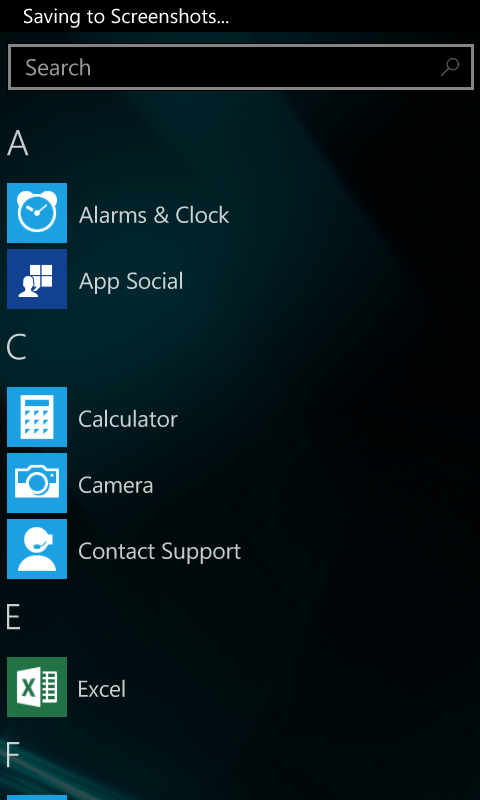
Lumia 630 app list
Lumia 630 lock screen
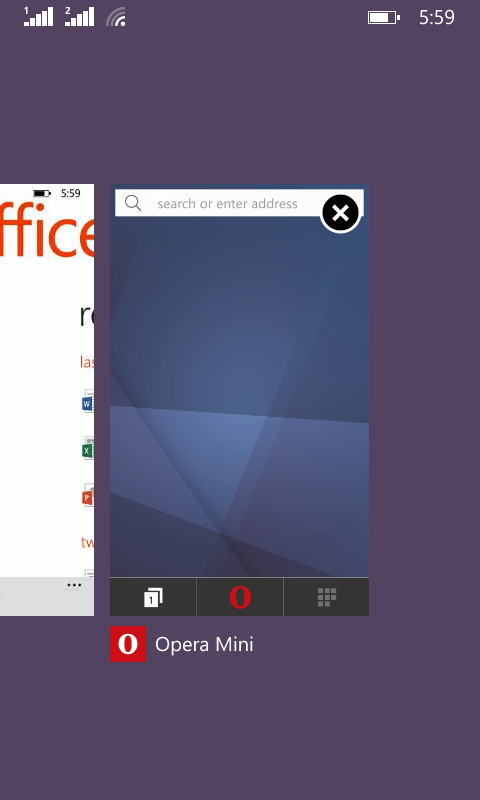
Multi-tasking with office and Opera mini
Adaption concerns
If you are coming from iOS or Android, there is an app to transfer all your data to your new device.
As for getting used to Windows phone, that’s a personal matter, my first day was oblivious! I didn’t know where was anything and I was a bit frustrated, but in no time I got used to it and it became a daily routine to use. I recommend visiting Windows Phone’s official site for tips and help. All about Windows phone is a great community for Windows Phone users to read and interact.
It’s up to you to be open minded and don’t try and turn a Lumia into an Android / iOS device!
Windows 10 support
Windows 10 upgrade. On paper Lumia 630 is upgradable to Windows 10. I tried to upgrade it to 10 using Windows Insider. But that’s a separate post!
I received an e-mail saying that Windows 10 is coming soon to Windows phone (not that I care or anything like that).
The general rule of thumb is that any Lumia device running Windows Phone 8.1 Cyan is able to get Windows 10. But there are performance concerns for devices with RAM less than 1GB, don’t jump head first, that’s all I’m saying!
Look and feel
It looks really nice and feels sleek and chalky. Not too heavy, fits nicely into the hand, at 4.5′ it’s perfect for typing with one hand.
Lumia 630 with box front and back, credit goes to Gizbot
On the right side there is a volume rocker and a lock/power button to the left, nothing on the right.
The headset jack is at the top, the usual 3.5 mm while the USB charge port is at the bottom.
Exif_JPEG_420
The back side has the camera and a speaker at the corner.
The back cover peels off and can be replaced, there are several color options to go with.
The Office suit and Onenote with Onedrive integration which comes free of charge with Windows 8.1
The camera performs well for a 5MP with no flash.
It’s kept to update with Microsoft, and will get Windows 10.
Draw backs
Couldn’t find accessories in Tripoli so far. Cases, covers, screen protectors. Even if it’s supporting Gorilla glass I don’t like scratches.
The white cover is really easy to get dirt but it is was to clean with an eraser!
The screen attracts finger prints like crazy!
The memory card is located under the battery, alongside the dual micro SIM cards.
The box contents were very minimal! Just a charger! No headset was provided, you would except a screen protector or an extra cover but that wasn’t the case! Not even a mini USB cord, how classy Nokia? Even the charger is a single piece (doesn’t breakup into a USB cord). But other than that its running good so far!
Final Words
I’ve always admired the sleek Lumia design. And my only problem was the operating system. Windows 7,8 mobile weren’t as good. But Windows 8.1 is a mature OS that can rival Android. Good camera, good feel and design. It’s totally worth checking out. The only downside is the lack of some apps. But other than that all is good.
I had it for around 3 months now. And I’ll see if its a good pick. Mostly it’s productive and handy. I recommend it as long you find accessories for the phone. If you aren’t then the Archos Cesium 40 is a good call.
I’ve reviewed Inkscape on this blog before and gave it a thumbs up. It’s a little resource extensive so if you are looking for a free alternative. Then Xara Xtreme has you covered!
Xara Xtreme has provided a version of its designer free for Linux (and Linux only ) so if you are looking to do some design on your Linux machine then lets get going! So the Linux desktop doesn’t lack a design software (according the the developer website).
The current stable version is 0.7 made in 2014 and there is a less stable build. You can download it from the software center. After installing, double click to run the program.
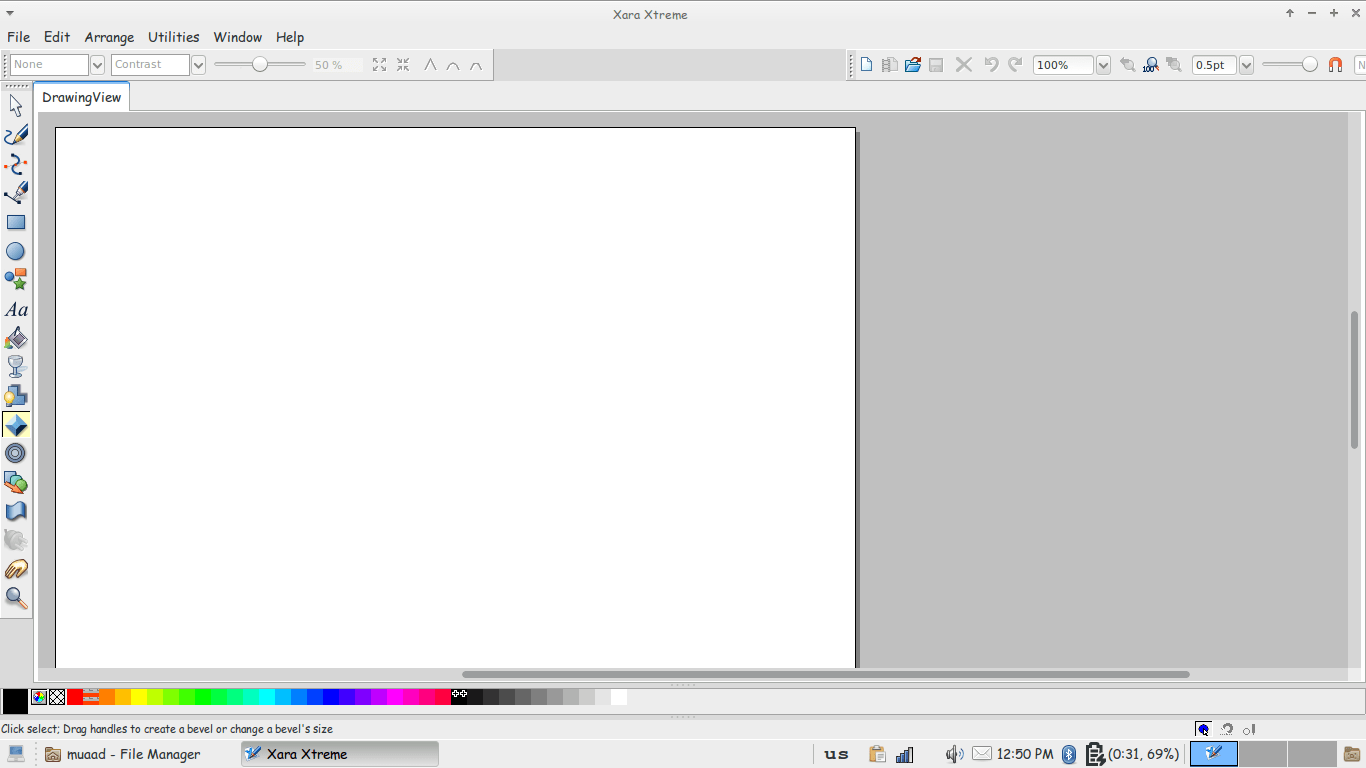
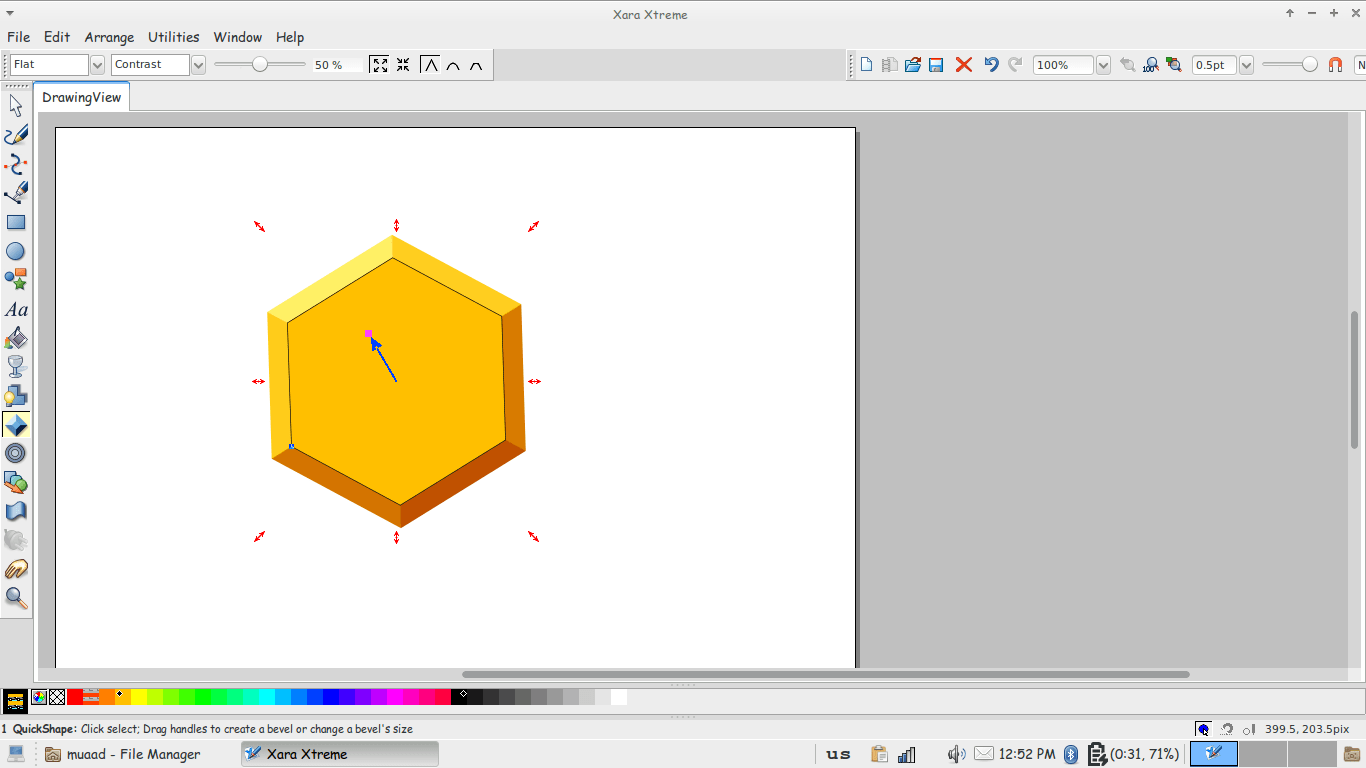
The interface is really simple, especially if you used Inkscape before. With many tools similar here and there. You can see the path tool, pencil and eraser. Typical stuff. You can also open and edit image files in Xara Xtreme.
This was a review of Xara Xtreme … I wouldn’t compare it to Inkscape as it’s widely used and more mature. But it’s a good start to anyone who would like a lite suit for design. Especially netbook users.
I hope you liked this tutorial. Leave your comments below