I’ve been into gaming for as long as I could remember, and I’ve devoted a lot of posts on this blog to talk about games that I like. My taste varies between retro games and free / open source games. Sadly I can’t get much gaming done and my style is close to short random bursts followed by ever-long hiatuses. Well today I present a software that I think will have a pivotal role in my future gaming habits. Lutris..

But before that, lets take a look at the origin of the issue
I’ve slowly fallen out of favor with games, from being someone who played anywhere from 4 – 6 hours a day to someone who plays once every blue moon. I know that growing up and finding a steady job changes a person, however I don’t want to drop video games out of my life altogether, I hate to think of how my life would’ve been without video games!
Failed attempts
I’ve tried different things to rekindle my passion for gaming, buying a gaming keyboard was the latest attempt but so far to no avail. I still forget to play games even when I spend a long time on the computer. I blame social media and Reddit. They are too attractive!
Trying to allocate a time for gaming and putting that on a To-Do list feels so forced and takes the joy out of something that used to be spontaneous and joyful.
I think my problem is that I don’t know exactly what games I have, more specifically I forget my game progress and anything else done. In my previous attempts I tried making a folder and placing game shortcuts in it, or a dock like plank and putting game shortcuts on it, but that never worked.
Linux not for gamers
I love Linux, however it’s not a system for gamers, the games are little and not so good, beggars can’t be wishers I suppose.
I’ve searched repeatedly for a software that could be a game hub, one place for all my games, and until yesterday I thought something like that cannot exist, until I met Lutris!
Lutris, the game collection software
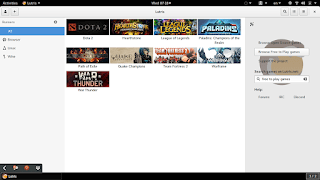
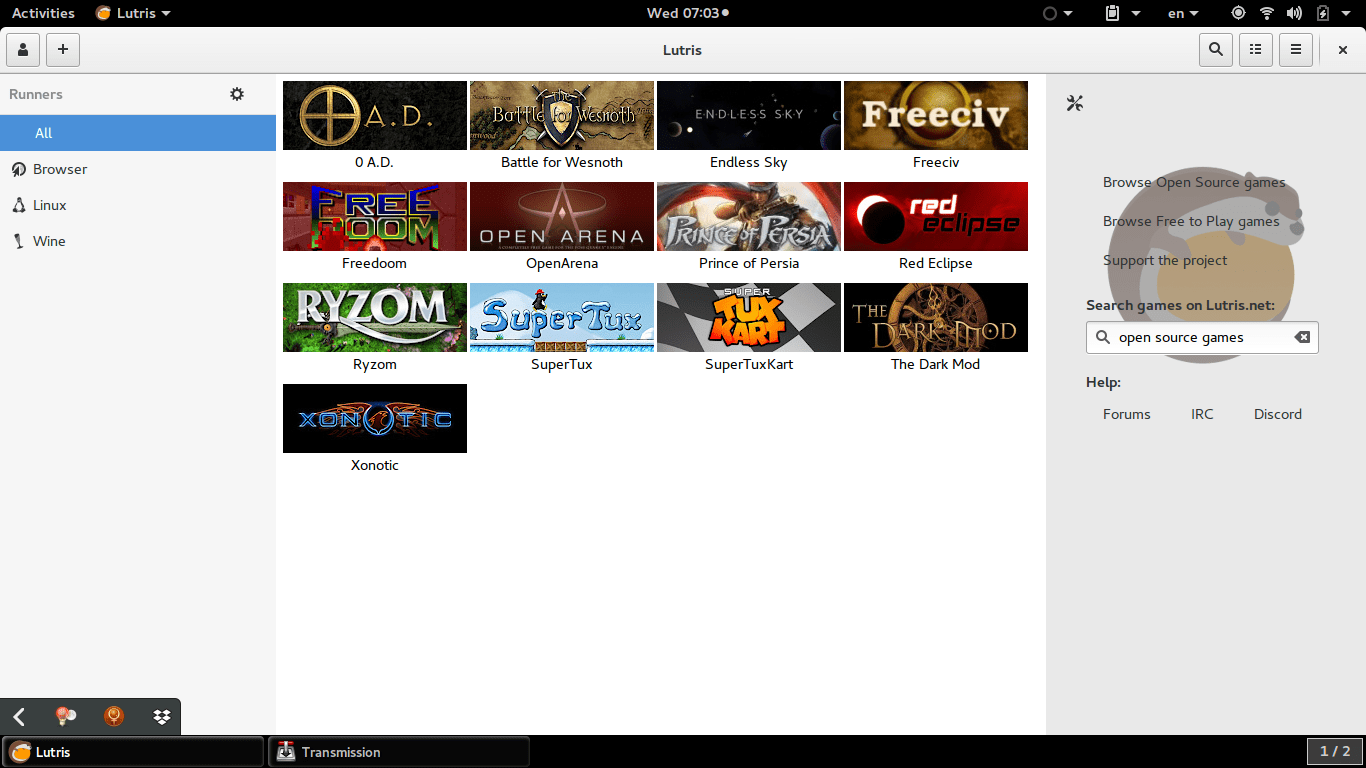
Lutris is a free and open source game library that puts all your games in one place inside one interface, each game would have information and a picture that help you easily choose a game from the list.
Lutris is very easy to use, and is incredibly useful. I managed to collect the games installed on the system, with the archives downloaded in tar.gz (making icons for these is a hassle in Linux), and even games from my old windows collection using wine. To me this is a dream come true.
A sense of order in a rather chaotic collection, and for the first time Linux feels like a system that could do gaming.
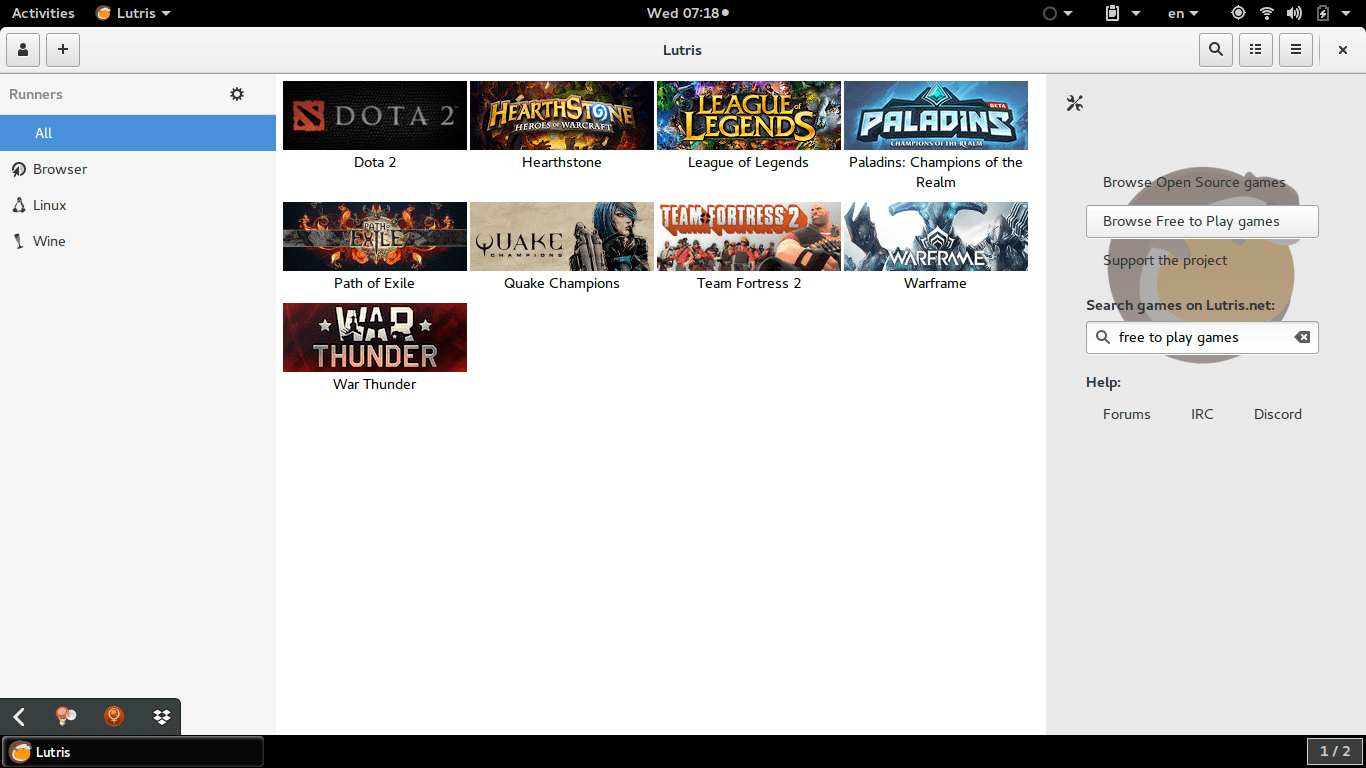
Pros of Lutris
- I really like the statistics in Lutris, tells you when did you play a game last, and how much time did you spend on that game.
- I also appreciate the extensive settings it has, such as forcing the keyboard language to be English during playing, and setting the screen resolution back to original after closing a game. (Especially useful with Wine games).
- The ability to manage steam games and games from GoG.com (I do not have any so could not test), along side Windows games via wine.
- Can easily import all of your installed games with one click. Be careful as importing games after that using this method will result in duplicates.
- The settings are powerful and wonderful, give more control over the gaming experience as whole.
- Gives the feel of retro consoles based on raspberry pie such as the NES Classic and PlayStation Classic.
Cons of Lutris
- Lutris isn’t without faults, it hangs a lot (during game downloads mostly) and still in early releases judging by the performance.
- I also don’t like the icon very much, however if you design a tool this awesome, you get to choose whatever you want as a mascot.
- I also wasn’t able to play any game I downloaded from the online collection, all had mistakes and I had to remove them. I don’t know what’s the problem and it’s not really an issue to me. I just want a place to gather my games.
- having to add pictures manually to games rather than the default Lutris icon, which is super easy to use by the way, but can be a tedious process if you own a lot of games.
- Importing the library over and over will result in duplicates, so you have to be careful when importing and deleting games, especially when you check the choice of removing the game from the system all together! (This was later fixed in version 0.5.2).
How to install Lutris on Ubuntu
Enter these commands one by one into a terminal, and after some time it will be installed on your system, download size around 118 MB
sudo add-apt-repository ppa:lutris-team/lutris
sudo apt-get update
sudo apt-get install lutris
D9VK
D9kx frame work aiming to improve the Linux gaming experience using Lutris. Can be downloaded from GitHub and installed via this tutorial on YouTube.
Final words
I think Lutris is the best game library I’ve seen for Linux, it’s sleek and feature packed. I think I’ll do more gaming since installing Lutris, only time could tell.