Category: Linux (Page 21 of 33)

Sublime Text. The text editor you have been looking for

The reason why I didn’t use Sublime Text is really really simple, I thought it was commercial and cannot be used for free, read on to find out what changed my mind.. Build 3083These are the reasons that make Sublime text one of the best text editors out there

Lightning fast

Opens up in less in a second! Compared to “other” text editors I reviewed on this blog.

Great look

It turns your dull code into a work of art! It’s really easier to write code when the syntax is highlighted so you know what you are doing!
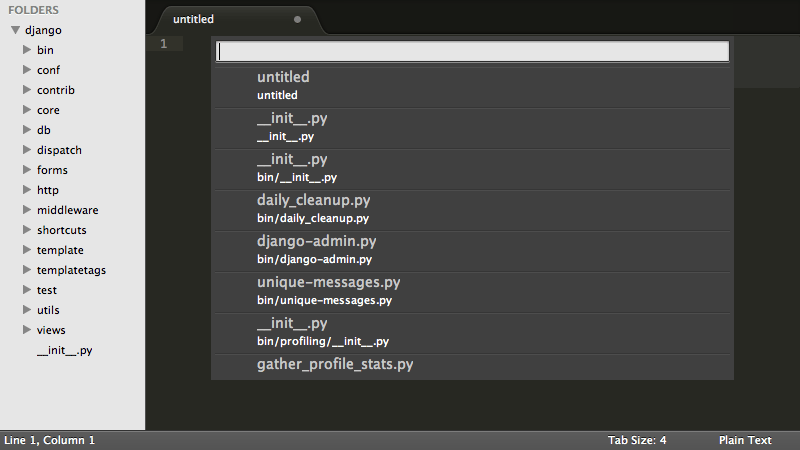
 

Sublime text interface

Rich language support

Many programming languages and scripts are supported (over 40 in total) and has the ability to write prose as well.

Steady development

Currently at Version 3 (beta) and moving forward. It’s been around long enough and it’s stable enough to be used by many developers.

There is also a final version of Sublime 2.0.2 but it lacks the functionality that v3 has

Cross platform

No matter what OS are you on. Sublime is there for you and has your back all the way!

Did you know that the license works on all of your machines? Linux Mac and Windows??

Light weight

Compared to other editors, it’s a breeze! It takes around 10-50 MB in the system memory in one process. That’s nothing compared to the resource hog Atom!

Nothing is too big for Sublime!

Can open huge files in less than a minute without haste! No crashing on 1MB .js in here!

Free. Almost

That’s the reason I didn’t want to use it because of! I thought it wasn’t free! The word unregistered version is what sent me packing. It’s not like I don’t want to pay. I can’t (my country doesn’t support Paypal! And get this: I don’t have a visa!!)

I sent them an e-mail and this is what they have sent me:


”Hi Muaad,

Thanks for your email.

The trial period is indefinite; you can use it for free for as long as you like. The reason we offer it as unlimited is primarily so students and users in developing countries can use Sublime without the burden of paying for it. If you like Sublime and can afford a license, we ask that you buy one to support us.

Cheers

Sales Team

Sublime HQ PTY LTD
www.sublimetext.com


That is so awesome!!

I will pay for it as soon I get my e-commerce ready!

Nothing is perfect

My only con is that Sublime doesn’t support Arabic by default. So I had to install a third party plug in. Other than that. Truly the best text editor out there!

Give it a try and I urge you to buy it if you can!


Ubuntu 15.10 is out

Canonical has released Ubuntu 15.10, the latest version of Ubuntu is out and available for download.

Every six months Canonical releases a distribution (April and October), this month was the highly anticipated Ubuntu 15.10 code named (Wily Werewolf) with an interesting feature set, several improvements and bug fixes.

Ubuntu logo

Ubuntu comes ready out of the box, it comes preloaded with the apps you know and like.
Ubuntu is a single code base, it runs on many device and inside the cloud.
You can download the latest version from here.

Xara Xtreme. Another Linux design tool

I’ve reviewed Inkscape on this blog before and gave it a thumbs up. It’s a little resource extensive so if you are looking for a free alternative. Then Xara Xtreme has you covered!

Xara Xtreme has provided a version of its designer free for Linux (and Linux only ) so if you are looking to do some design on your Linux machine then lets get going! So the Linux desktop doesn’t lack a design software (according the the developer website).

About Xara Xtreme

The current stable version is 0.7 made in 2014 and there is a less stable build. You can download it from the software center. After installing, double click to run the program.

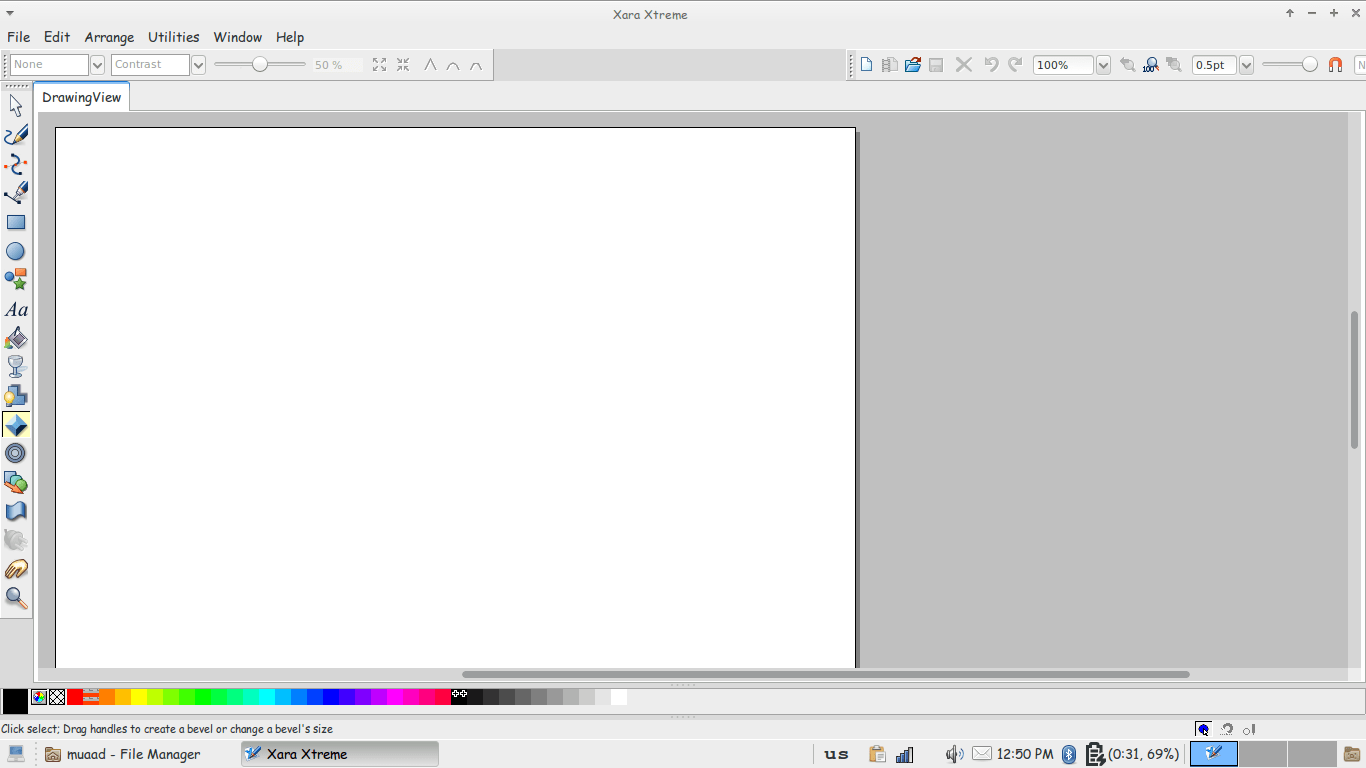
Xara main interface

The interface is really simple, especially if you used Inkscape before. With many tools similar here and there. You can see the path tool, pencil and eraser. Typical stuff. You can also open and edit image files in Xara Xtreme.

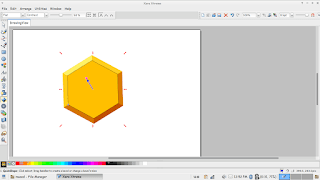
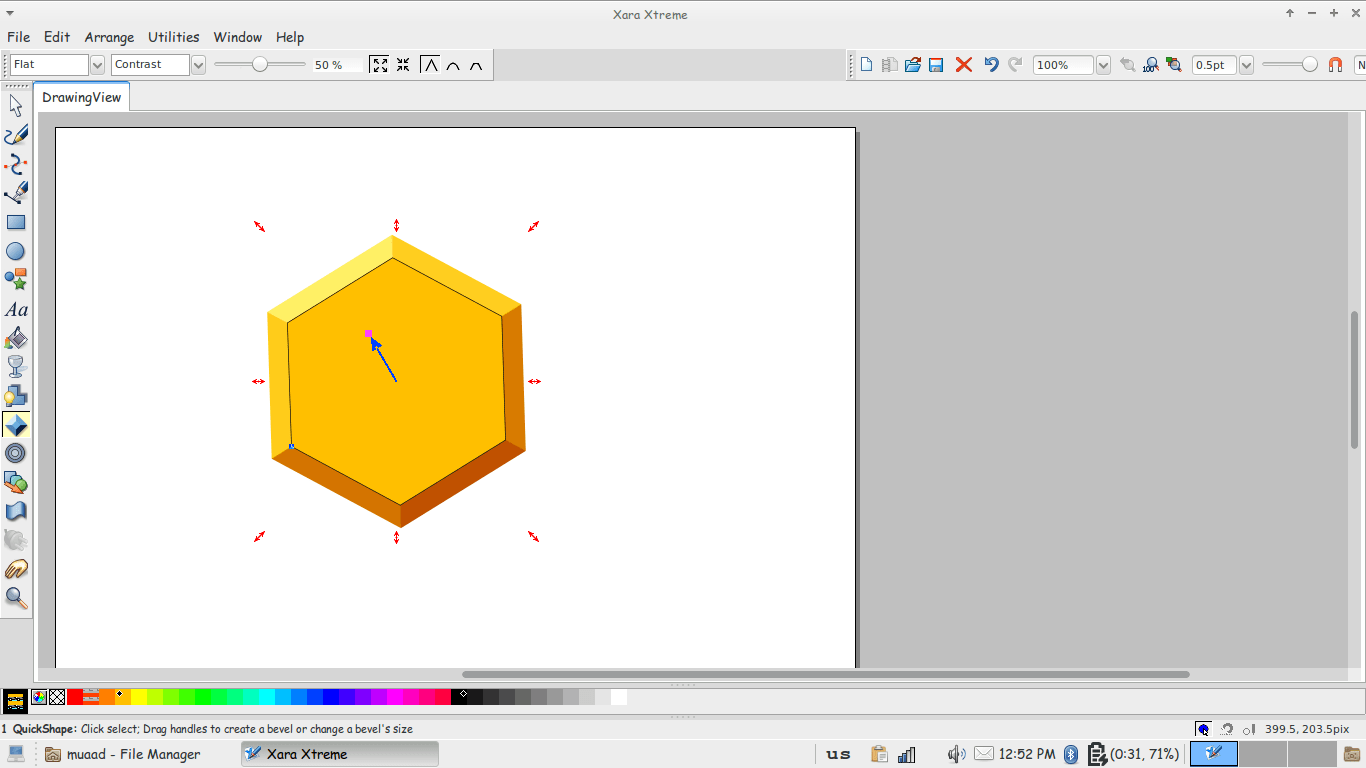
Modeling in Xara Xtreme

Pros

  • Small and light weight. 
  • Simpler to use.
  • Free and open source. 

Cons

  • Crashes often. 
  • Not as good as Inkscape
  • Not cross platform, as it’s Linux only.
  •  Discontinued!

This was a review of Xara Xtreme … I wouldn’t compare it to Inkscape as it’s widely used and more mature. But it’s a good start to anyone who would like a lite suit for design. Especially netbook users.

I hope you liked this tutorial. Leave your comments below

Please, respect FOSS

FOSS stands for free and open source software. Many people tend to have a negative attitude towards FOSS, always criticizing it and doubting it’s ability to fill in for propriety software. 

Let alone to replace it or to operate as competition!

The Free Software Foundation logo


We don’t use opensource because it’s free! The fact is: FOSS gives everyone an equal chance to use it’s software!
It’s sad to see some companies who make the software and call it industry standard. And it’s users attack you for using other free / open source solution!
There is an important fact they forgot! As long as the software gets the job done with no problems. People are going to use it!

Commercial software

Products like Microsoft Office and Photo Shop are fantastic! I respect the effort put into them and they are worth the price tag slapped on them, and there are amazing open source tools that are available free of charge for the public that deserve a break!
Everyone should be able to make sensible choices based on their needs and capabilities. Regardless if it’s a free choice or an paid choice.
And to those hackers who download illegal software and troll on open source users and people who support software by buying it, shame on you!!!

What do you think of this post? Please let me know in the comments section below!

« Older posts Newer posts »