Category: Retro (Page 3 of 3)

Rocks and diamonds 4.2 release and download + a sister game!

In this week’s segment of game of the week I’m taking you back to a game I presented in 2017. Rocks and diamonds is a game that encapsulates the retro puzzle genre and is a must have for any retro gamer.

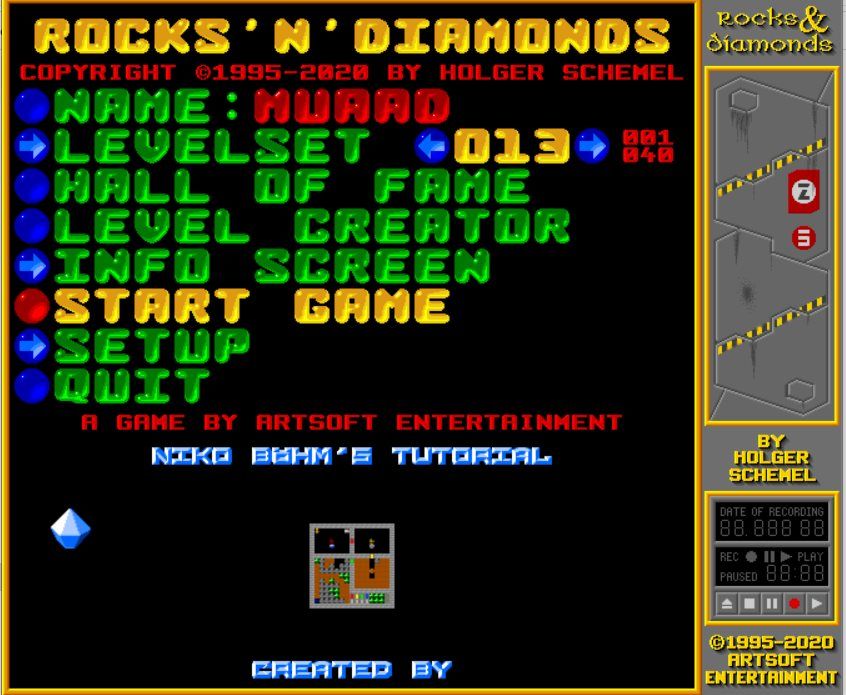
The main menu of Rocks and Diamonds

Last week the latest installment was released by creator: Holger Schemel and it has been a highly anticipated release for a number of reasons:

Version 4.2 improvements

  • There has only been one release throughout 2020 prior to this version.
  • The game is built around a new game engine (the old one dating back to 2009!).
  • Latest version of SDL (sound library used in a lot of games).
  • X64 builds for windows.
  • A plethora of bug fixes and improvements for version 4.2 Feel free to read the full list from here.
    Please note that there was a bug fix after this extended list, but this post is about the major release. I recommend downloading the latest version of course.

To download this new version, head over to artsoft.org and visit the download section.

To download all levels for the game. Head over here. 

R’n’D jue II (The sister game)

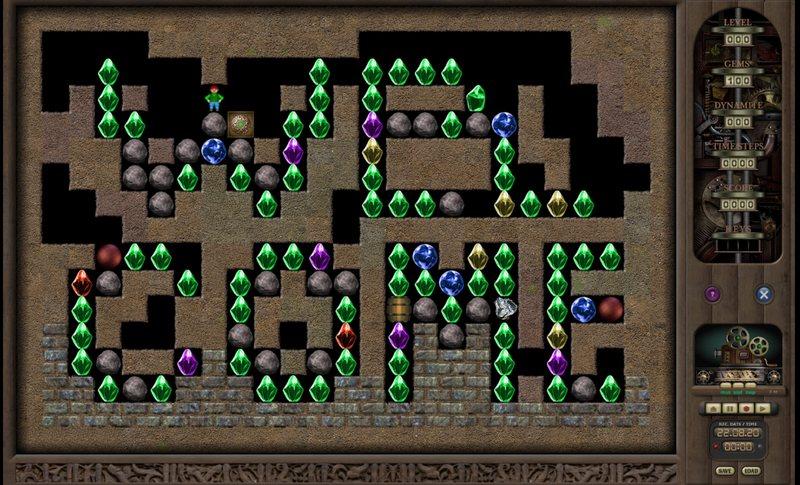
There is another game built around the R’n’D concept. It’s called R’n’D jue II and it’s a fresh take on the classic approach of R’n’D with improved graphics and presentation. I recommend having both versions, because why not?

You can see the fresh style of graphics and gameplay in this screenshot.

Final words

I did contact the developer asking about the game about a month ago and he did promise that the game will be out soon. He was glad that his games reached Libya and had no idea that anyone there knew or appreciated his creations. He was also kind enough to ask about my condition after being displaced, because he did read that on my blog.
Thank you Mr. Schemel for this excellent game and being a kind human being.

Digital pack DEMON COLLECTION review

This week I’m reviewing not one, but four games! It’s a digital pack made by indy developer studio “DemonGames” and it’s available for purchase.  I had the pleasure of owning the pack and I’ll be reviewing all the games here.

I’ll be talking about the games then say how to get this awesome pack, so let’s start with the first game.

Demonia

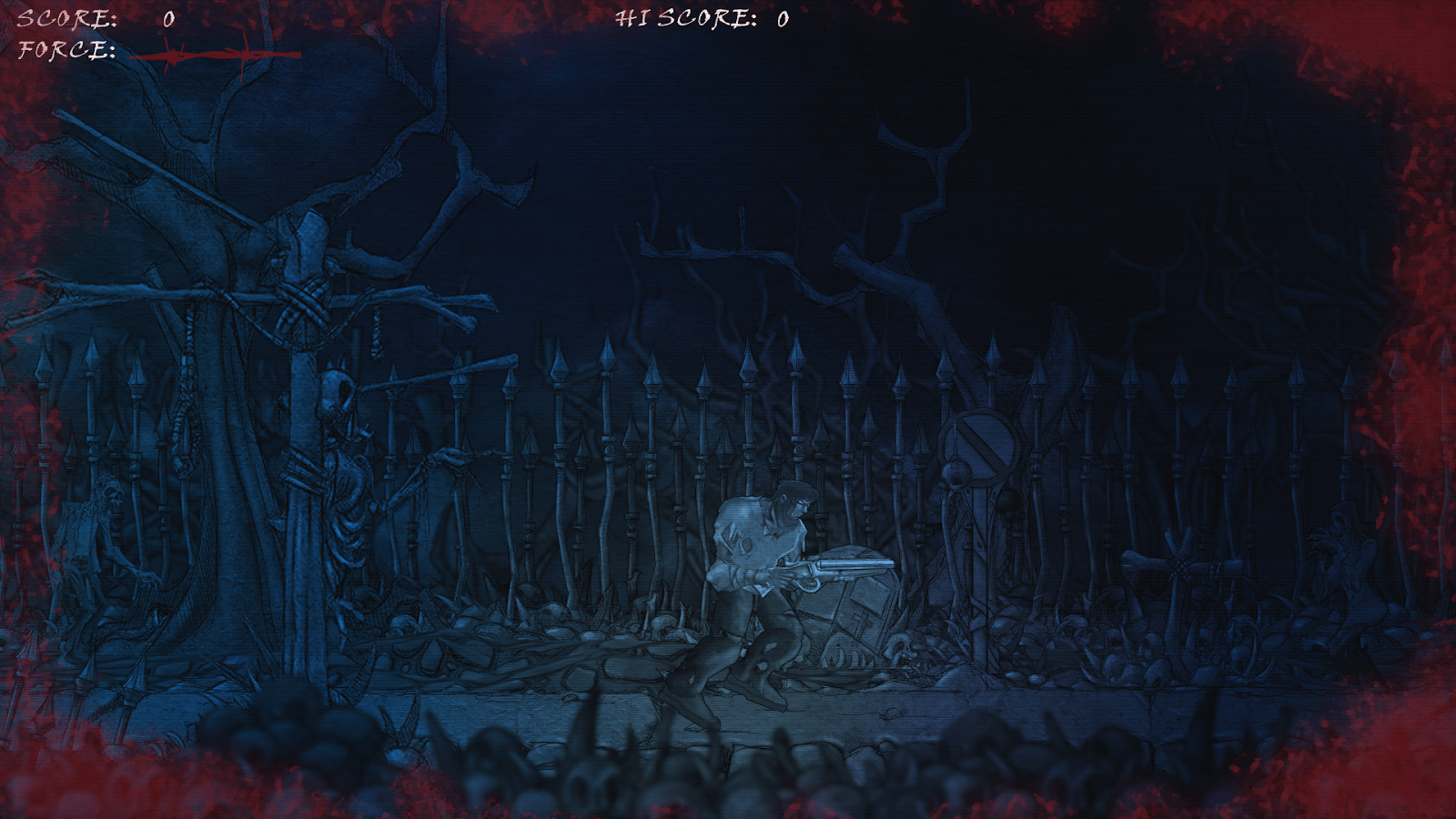
In this side scrolling shooter game you are fighting in an evil cemetery that is the gate to hell and your job is to stop the evil. You only have your gun and one shot to get this mission done. It’s a classic remake that is really hard to play and master!
Everything about this game speaks eerie: The sound effects, the colors and the general atmosphere.


Gazzel Quest

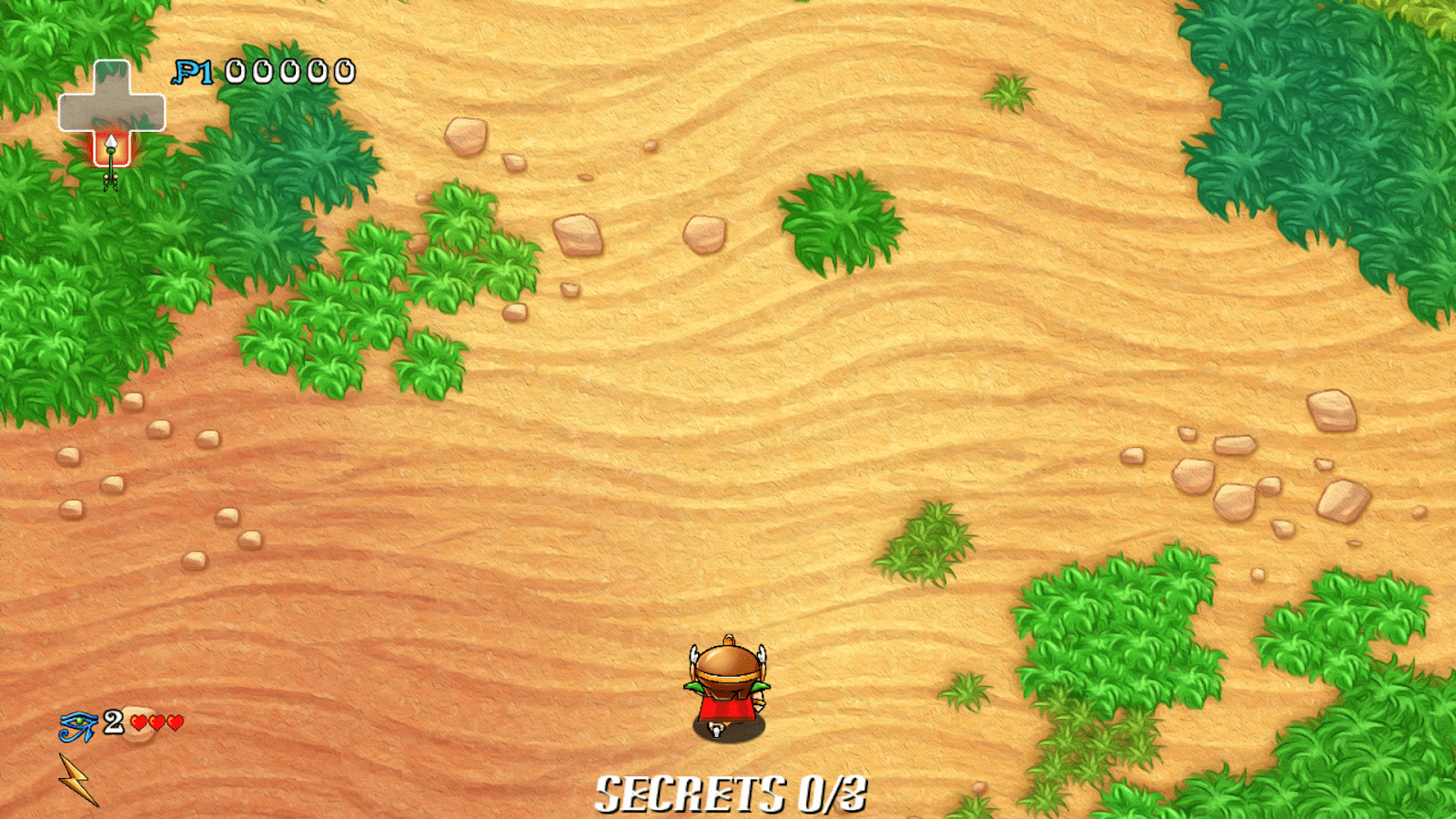
This game takes us to ancient Egypt where you assume the role of a mighty warrior named Gazzel who is tired of fighting and wants to live a peaceful life. Much to the anger of the pharaoh who lost his best fighter so he kidnaps his lover “Salama” and puts her under lock and key. Your mission is to collect all five jewels to open the gate and free your true love. Each jewel is guarded by a demon.
It’s very similar to Knightmare yet has a unique vibe to it. For instance you get “hits” before dying while Knightmare is one hit one kill sort of game. Also the number of levels is different, and a lot of little differences for you to discover 😉


Knightmare

I’ve dedicated an entire blog post to this master piece, needless to say it’s the Deluxe version that has 5 playable characters including a penguin and a link like character (from the legend of Zelda series!).
Also you get more weapons than the original game like a Ninja Shuriken!
You can read my full review from here of the “Golden version”, 
All cheats work just fine in this version..

Project Xinatra

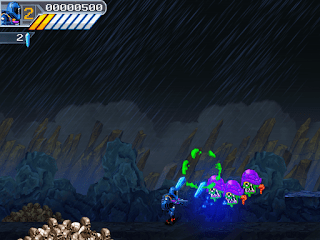
The last but not least game of the bundle. In fact I think it’s the best game. It’s a side scrolling shooter where you fight aliens as a part of a resistance movement. The graphics and overall mood of the game is very good.


Art and manuals

All games are shipped with game art, manuals, maps and hints, adding value to the pack and making it a collector’s item.

Promo video for the pack


How to acquire this pack?

All you have to do is to e-mail [email protected] and they will give you the instructions on how to get this awesome pack. From my experience it’s very easy and fluid process.

Final words

If you are a retro gamer looking for remakes with a modern twist, this pack is calling your name. I recommend getting it.

Lutris, a game management software for Ubuntu

I’ve been into gaming for as long as I could remember, and I’ve devoted a lot of posts on this blog to talk about games that I like. My taste varies between retro games and free / open source games. Sadly I can’t get much gaming done and my style is close to short random bursts followed by ever-long hiatuses. Well today I present a software that I think will have a pivotal role in my future gaming habits. Lutris..

But before that, lets take a look at the origin of the issue

I’ve slowly fallen out of favor with games, from being someone who played anywhere from 4 – 6 hours a day to someone who plays once every blue moon. I know that growing up and finding a steady job changes a person, however I don’t want to drop video games out of my life altogether, I hate to think of how my life would’ve been without video games!

Failed attempts

I’ve tried different things to rekindle my passion for gaming, buying a gaming keyboard was the latest attempt but so far to no avail. I still forget to play games even when I spend a long time on the computer. I blame social media and Reddit. They are too attractive!

Trying to allocate a time for gaming and putting that on a To-Do list feels so forced and takes the joy out of something that used to be spontaneous and joyful.

I think my problem is that I don’t know exactly what games I have, more specifically I forget my game progress and anything else done. In my previous attempts I tried making a folder and placing game shortcuts in it, or a dock like plank and putting game shortcuts on it, but that never worked.

Linux not for gamers

I love Linux, however it’s not a system for gamers, the games are little and not so good, beggars can’t be wishers I suppose.

I’ve searched repeatedly for a software that could be a game hub, one place for all my games, and until yesterday I thought something like that cannot exist, until I met Lutris!

Lutris, the game collection software

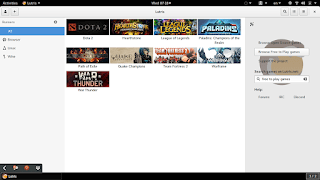
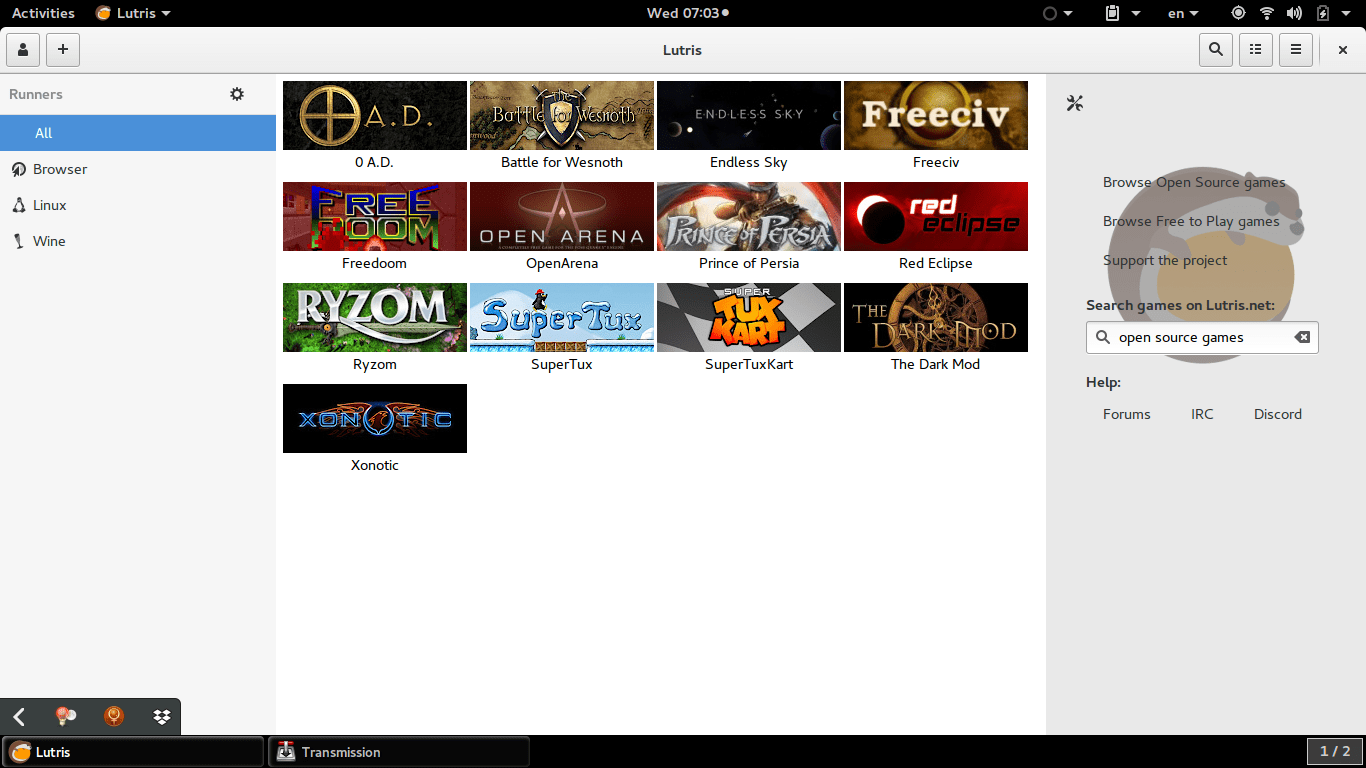
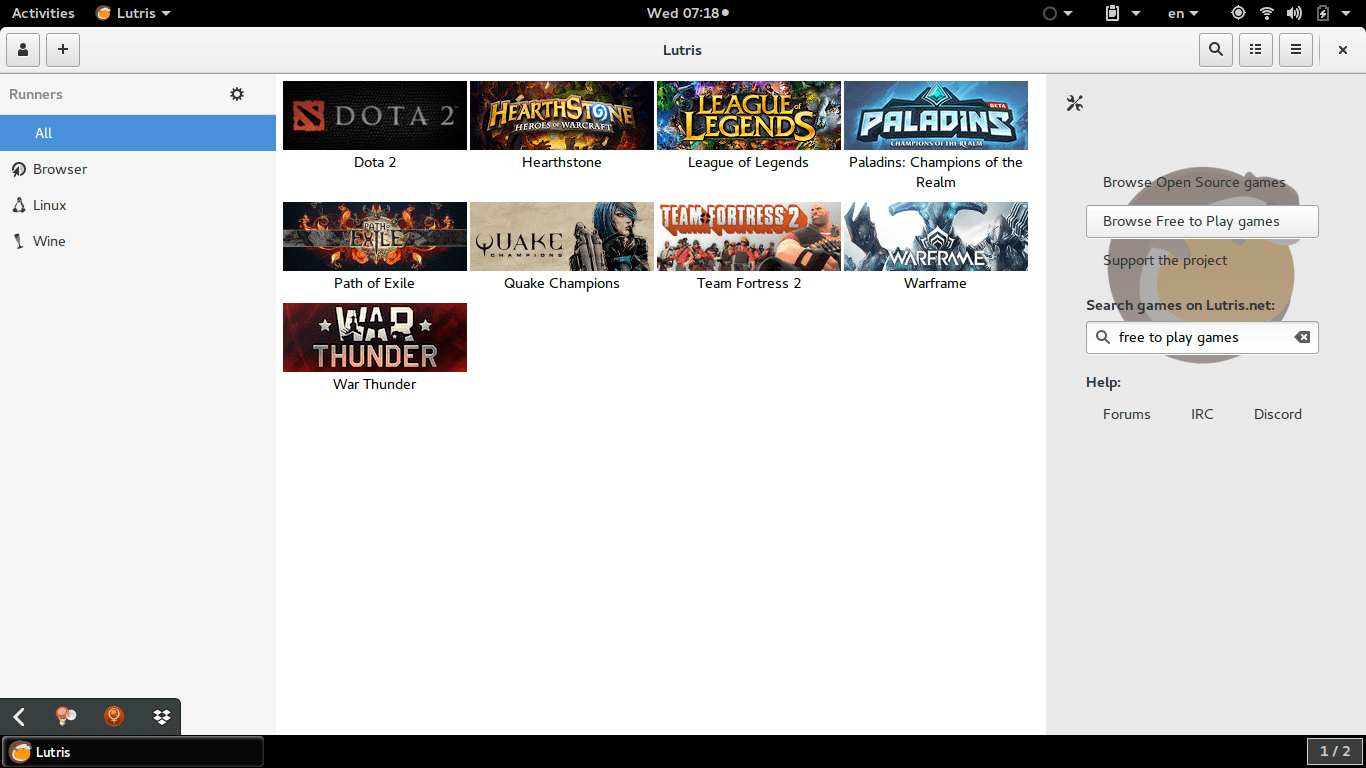
Lutris is a free and open source game library that puts all your games in one place inside one interface, each game would have information and a picture that help you easily choose a game from the list.
Lutris is very easy to use, and is incredibly useful. I managed to collect the games installed on the system, with the archives downloaded in tar.gz (making icons for these is a hassle in Linux), and even games from my old windows collection using wine. To me this is a dream come true.
A sense of order in a rather chaotic collection, and for the first time Linux feels like a system that could do gaming. 


Pros of Lutris

  • I really like the statistics in Lutris, tells you when did you play a game last, and how much time did you spend on that game.


  • I also appreciate the extensive settings it has, such as forcing the keyboard language to be English during playing, and setting the screen resolution back to original after closing a game. (Especially useful with Wine games).


  • Can easily import all of your installed games with one click. Be careful as importing games after that using this method will result in duplicates.


  • The settings are powerful and wonderful, give more control over the gaming experience as whole.


Cons of Lutris

  • Lutris isn’t without faults, it hangs a lot (during game downloads mostly) and still in early releases judging by the performance.


  •  I also don’t like the icon very much, however if you design a tool this awesome, you get to choose whatever you want as a mascot.


  • I also wasn’t able to play any game I downloaded from the online collection, all had mistakes and I had to remove them. I don’t know what’s the problem and it’s not really an issue to me. I just want a place to gather my games.
  • having to add pictures manually to games rather than the default Lutris icon, which is super easy to use by the way, but can be a tedious process if you own a lot of games.


  • Importing the library over and over will result in duplicates, so you have to be careful when importing and deleting games, especially when you check the choice of removing the game from the system all together! (This was later fixed in version 0.5.2).


How to install Lutris on Ubuntu

Enter these commands one by one into a terminal, and after some time it will be installed on your system, download size around 118 MB


sudo add-apt-repository ppa:lutris-team/lutris

sudo apt-get update

sudo apt-get install lutris


D9VK

D9kx frame work aiming to improve the Linux gaming experience using Lutris. Can be downloaded from GitHub and installed via this tutorial on YouTube.

Final words

I think Lutris is the best game library I’ve seen for Linux, it’s sleek and feature packed. I think I’ll do more gaming since installing Lutris, only time could tell.
Newer posts »