Category: Linux (Page 18 of 33)

The road to Ubuntu 16.04

Ubuntu 16.04 is just around the corner with only 2 months till the much anticipated release! Read below to find out what makes 16.04 so special?
I’ll be posting a special cover getting whatever information I could get and post it here, until the release date.


Ubuntu 16.04 is an LTS (long term support distribution) which means it will have a longer support time than usual distributions (which usually gets around 9 months).

  • At the end of last month, the second alpha was released, while being far from ready, the real die hard fans will get it for sure! (not me, not on this connection!) it’s not ready for use, but you can get a pretty good idea on how it’s going to be! Many flavors skipped this like Ubuntu Gnome!
  • It’s going to have the Kernel 4.4 which is in my opinion a huge jump from the last 3.19 shipped with the last LTS (14.04). Which will bring better 3D support and drivers for new hardware!
  • Many improvements and new versions of tools will be shipped, and unity will have some new features, most notably canceling the on-line search when inside the unity launcher.


You can tell I’m pretty excited, this is the real news, a system for humans!
You can notice I added  a counter for the release date, almost 73 days to go! (at the time of this writing), and with the launching of the new Ubuntu tablet, the momentum is real!

Ubuntu 16.04, please don’t disappoint us!

Android-X86 on PC!

If you want to have a version of Android running on your PC, you came to the right place!
Android is a very popular platform with hundreds of millions (if not billions) of devices running it world wide, today we take a look on how and why to have Android on your computer!


To be able to install Android on your computer you need to download Android-X86, which is a project to port Android into the PC architecture, then prepare it for installation on your computer since Android is Linux at heart.
In this post we shall install it in a Virtual machine so we can test it safely, and if you find it suits your needs you can install it directly on your PC.


Installing Android on PC is easy, with a couple of extra steps added to the usual installation, you can find the steps in here.

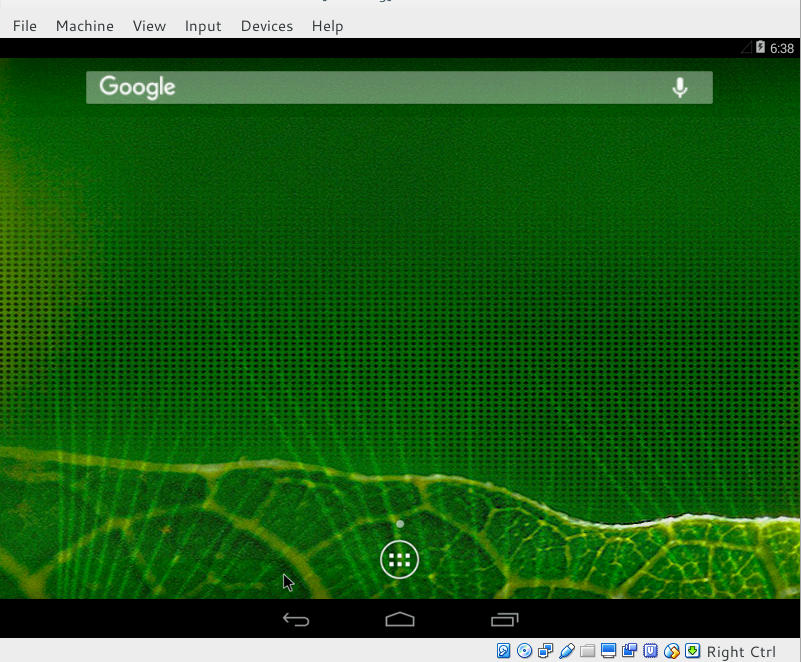
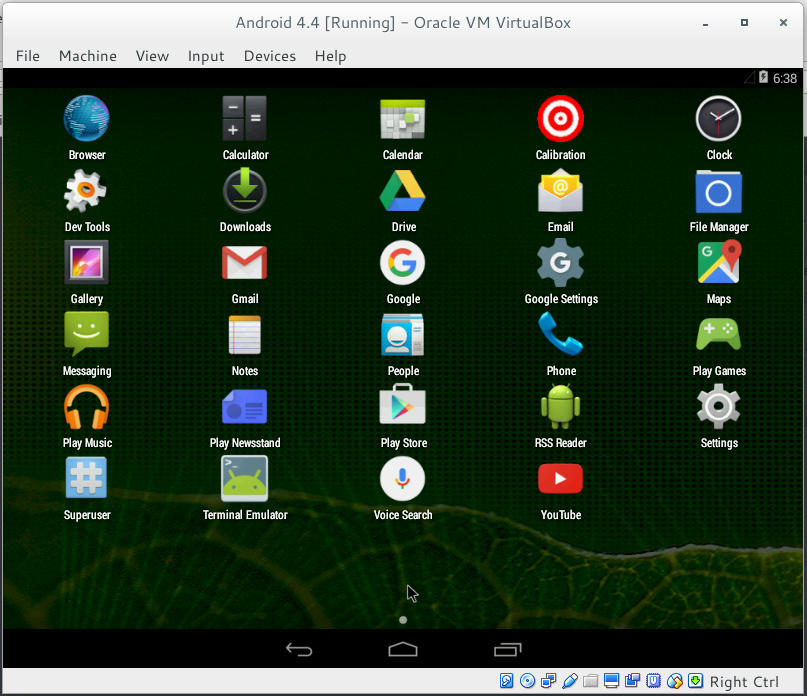
Once you install it, it looks something like this!


Remember to disable the mouse from input integration to be able to use the mouse as touch input!

now that we covered the how, let’s take a look at the why!

Why to use Android on PC

There are several reasons to use Android on PC: You could be a developer and want to test your applications in a safe environment, or you want to have another account on the VM other than your main account installed on your phone. Or you are like me, you don’t have an Android phone anymore but feel like messing with some applications 😛
It’s a fun project to try! Download the ISO and give it a test drive!
Would you install Android-X86 on an old PC of yours? You think it can be your everyday machine?

Continue reading

BlueGriffon 2.0 first preview

BlueGriffon is back to a steady path of development after being marked inactive by Alternativeto.net this time version 2.0 is in the works and recently a first preview version was posted on-line.


It released 1.8 in October and now 2.0 is under development!

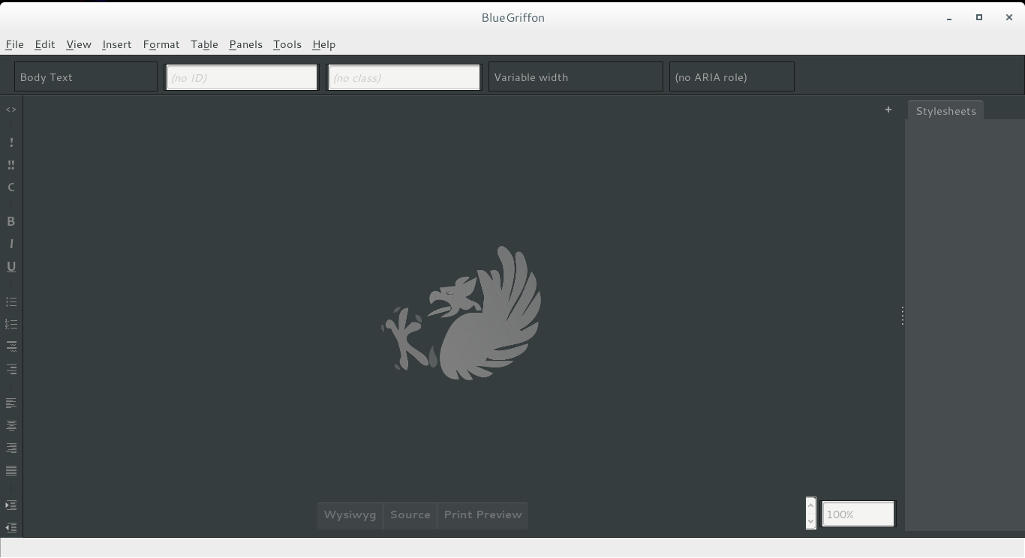
I’ve downloaded the version and tested it on Ubuntu, what I noticed immediately is hat the color scheme is different, and that the toolbar that has been carried along since the days of nVU (one of the earliest open source web author systems).


BlueGriffon 2.0 interface

It enhanced the way that panes are displayed, instead of being awkward pop-up windows now it implements tabs which make better use of the screen.

This version isn’t fully functional and far from complete, but I had to break in the good news!
What I really hope for (and I suggested this to the developers already) that a PPA would be used (personal package archive) that way BlueGriffon will be isntalled easily and updated with the system automatically, and catograized peroperly within the applications (it’s now a portable App that needs to be extracted to the root of your computer).

I think the version 2.0 will be the best one yet, and I hope it fixes all the bugs from 1.8

Will you download the test version? What do you think?

Update: Version 2.0 and 2.1 are released! Check the review from this link!!

Tech news digest January 2016 (Ubuntu 16.04 and Windows 8 is dead)

There has been a lot of news this week, too small for a separate post each, but together you can have a collection of news!

Ubuntu 16.04, code named “Xenial Xerus” -A fancy word for hospitable squirrel – is just around the corner, and a torrent of cool news and amazing vibe is in the air! Here I have some news about the newest edition to the Ubuntu family:

Ubuntu 16.04 logo
Ubuntu 16.04 logo

  • The software center won’t be included in Ubuntu 16.04, instead it features “Gnome Software”.
  • Empathy and Brasero are also retired and won’t be shipped along 16.04.
  • It is announced that Ubuntu 16.04 will have Kernel 4.4 the latest stable kernel published yet!
  • Alpha version of the new 16.04 is available for download, please not that this version is for test purpose only, and not for daily use on your machine!
  • Ubuntu 15.04 support ended already, if you are using it please upgrade to Wily Werewolf 15.10 to continue getting updates and security patches.

And, a single piece of Windows news ..

  • Windows 8 support ended officially, so if you are still using Windows 8, you have to upgrade immediately or face the terrible consequences! 

I’m very excited for the new version of Ubuntu, it is going to be awesome! It’s not like we get a LTS version everyday!

How are you feeling about it? Are you planning on downloading the new version? If so, what’s the flavor you are downloading? Tell me in the comments below 🙂

« Older posts Newer posts »