
دونت من قبل في فقرة عابرة، عن تطبيق واجهة لهواتف أندرويد، يقوم بتحويل الواجهة لتصبح شبيهة للغاية بهواتف (ويندوز فون)، وكوني امتلكت أحد هذه الهواتف لفترة لا بأس بها، وجدت أن هذا البرنامج يستحق التجربة، والمشاركة على هذه المدونة.
Category: Windows phone (Page 1 of 3)

مرحبا بك عزيزي القارئ في عدد جديد من حديث الأربعاء، الفقرة الأسبوعية – وأحيانا الوحيدة -، التي أناقش فيها أفكارًا، وخواطر، ونشاطات، والكثير من هنا وهناك!
لذا ودون مماطلة، فلنبدأ هذا الحديث الجديد ..
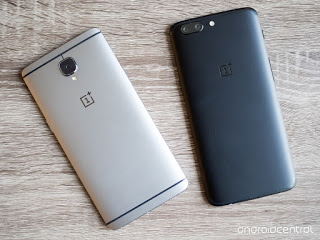
I’m a guy who had dozens of phones, tons of form factors and companies you haven’t even heard of, I’ve owned it, blogged about it and eventually sold it on OpenSooq for the highest bidder, with that being said, here are my requirements for the next smartphone.
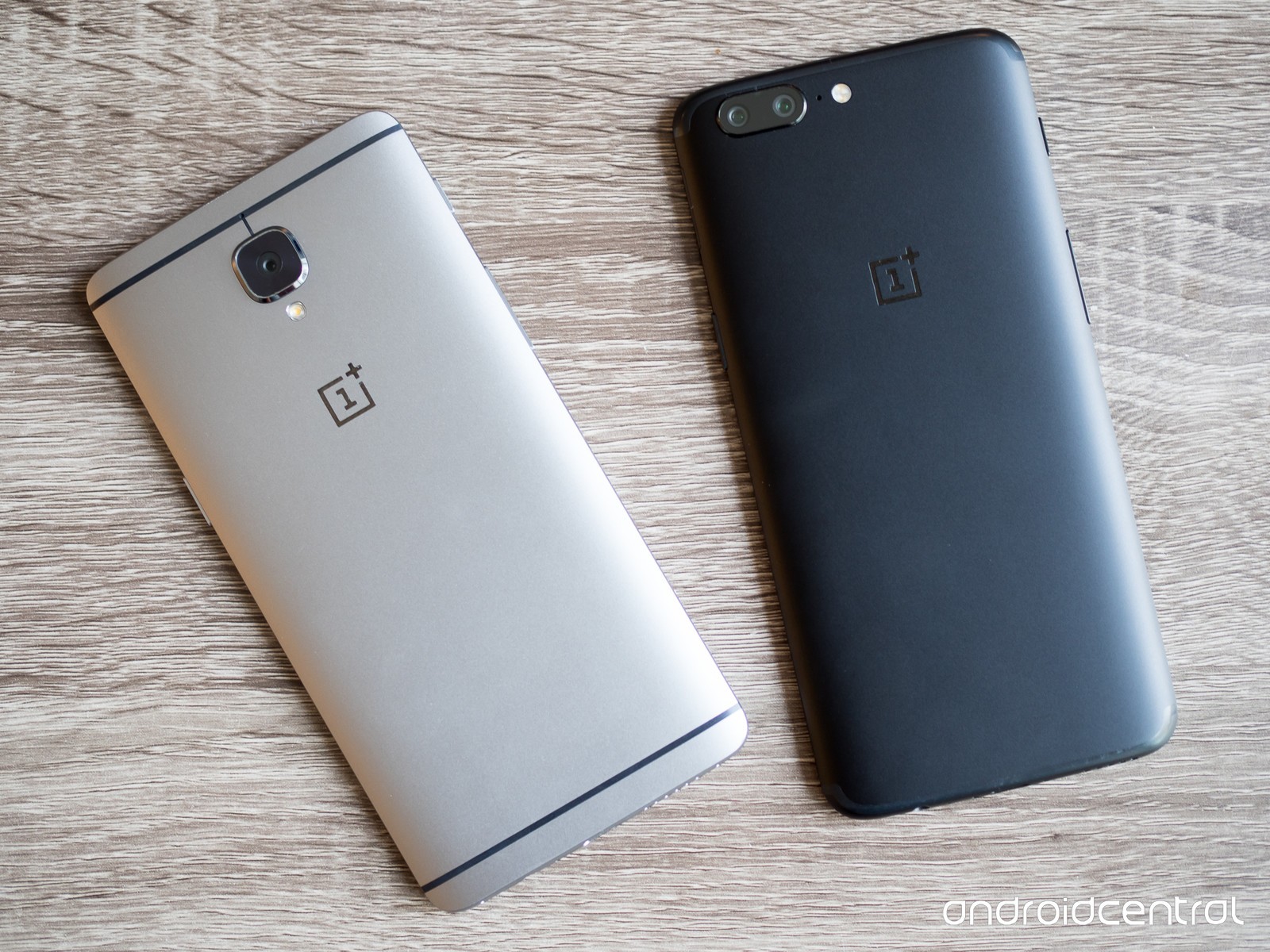
1. Screen size
I’ve been very strict about this point, almost always going for 4.5‘ screen Smartphones, which was good and also limiting! Those phones are known as mini, usually come with one gigabyte of RAM and don’t preform as well as they should, but now I realize that 5′ is the least you should go for, and the more screen real estate, the better! Just don’t go for above 7′ screens, you would look like you are talking into a food tray!
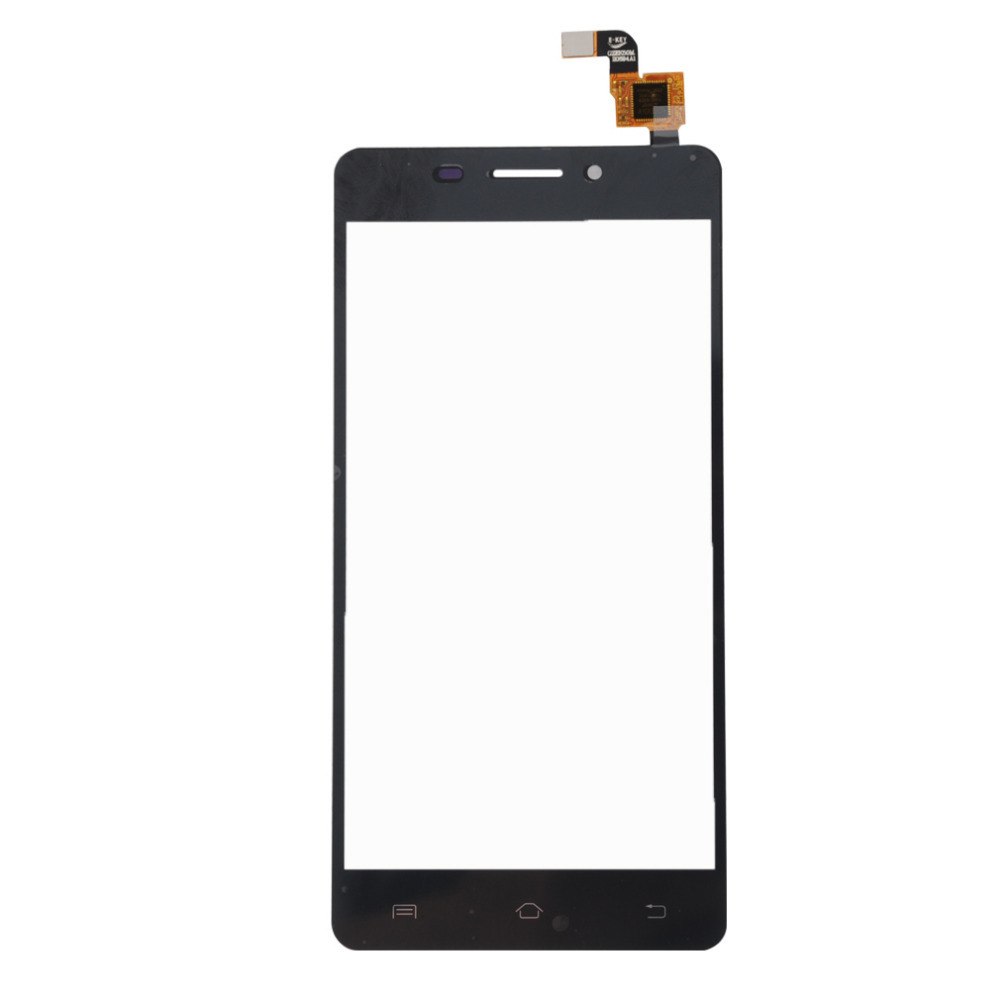 |
| Smartphone Screen |
2. Battery power
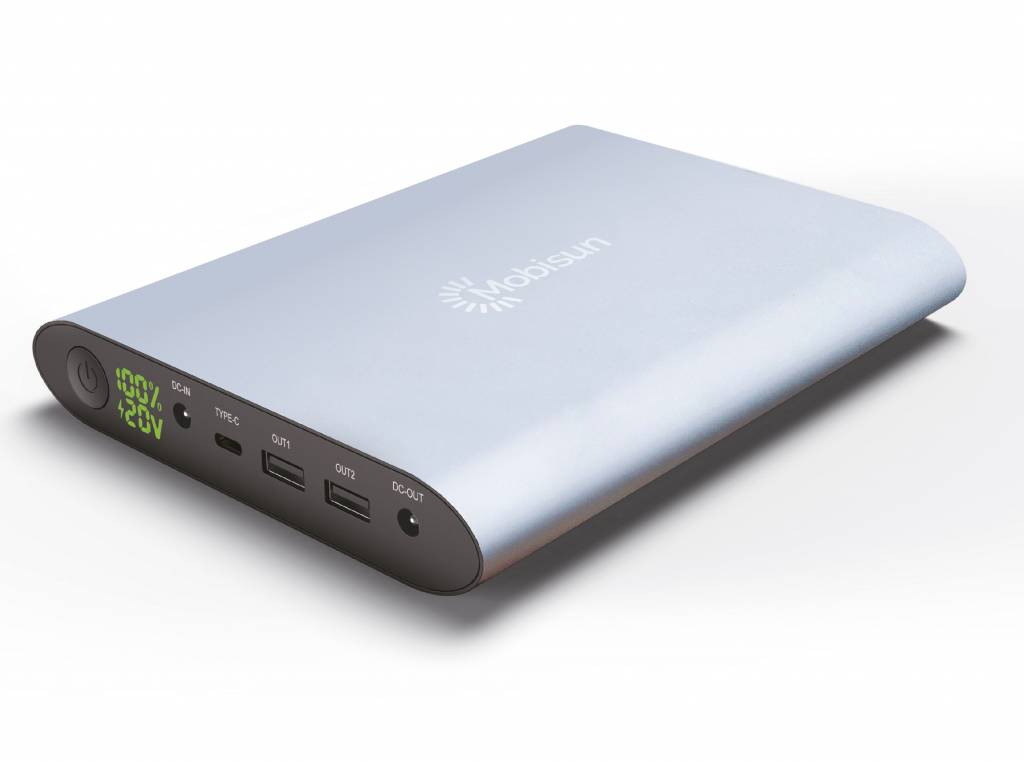
Who hates having more juice? The more the better, right? Well that’s exactly the case, with phones becoming faster and bigger, so does the need for bigger batteries to support all that high tech and some more, without having to sit by the charger all day, I would recommend to go for not less than 3000 mAh, and the more the better. Especially if you live somewhere with an electricity crisis.
3. Operating system
This is dedicated to Android of course, Windows Phone is dead, and I don’t have an iPhone, and probably never will, I recommend that you go for the highest version of Android you can get, and go for a company that has a good history of updating the phone, if you go for a Google phone for example, you will get the latest update always, amazing!
 |
| Android P logo |
4. OTG support
This goes without saying for many modern day phones, but it’s good to check because this feature expands the capabilities of your phone with all sorts of peripherals, you can even connect a joystick and play games! If your battery is big enough you can turn it into a battery bank and help a friend in need.
Some companies like Huawei likes to skim on this feature on the mid-range smartphones, so you might want to double check if OTG is a selling point for you.
 |
| USB OTG Logo |
5. Accessories
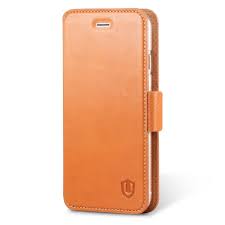
Make sure the Smartphone has accessories in the market, even if it has the latest Gorilla glass technology, it will be scratched with time, and having a cover can take a bump or two and save you from a dreaded trip to the repair shop, will also improve resale value, a tip from a compulsive phone hopper!
 |
| Phone case |
These are my top requirements in a Smartphone, there are some optional ones which I will list down below
-
Custom ROM
Having the ability to flash a custom ROM is a great idea – if done correctly – and it really expands options and gives a new refresh for the Smartphone, if not, don’t do it as it will ruin your Smartphone.
 |
| LineageOS logo |
In case you got tired of your smartphone, sell it and get a new one, someone will think it’s good and make their lives a little better!
What are your standards for a new phone? What are you looking for? Please share these with me in the comments section below.
Many of us dream to learn a new language but never actually do anything to do that! We are to busy
to take a course after work or simply won’t pay the cost for a course. Well today’s app has got you covered!
Let’s take a look at: Duolingo
Duolingo is an application that helps you learn another language for free, forever, in a fun and addictive way that’s similar to a video game!
Learning on your Smartphone Who doesn’t have a Smartphone now days? Everyone has at least one and they stare at them all the time! So why not stare at an application that will help you learn a new language in an easy fun way? It’s better than checking Facebook or Twitter every 20 seconds! All you need is a good Internet connection and you are good to go! (There are some lessons don’t require an Internet connection, it is needed to keep track of progress and score.)
Who uses Duolingo?
The app is cross platform and is available to Android, Apple iOS and Windows phone. There is also a web version so you can learn on the go and from anywhere! You can even use it in the class room for your students if you are a teacher, free of charge!
It is used by 120 million people around the world to use all sorts of languages, why don’t you join the ranks too?
Available languages
all you have to do is to download a version for your device, sign-up
with your e-mail and you are set.
Choose your native language
and see what languages are available for you!

This list is for the English speakers, it scrolls down as it offers
many options, other languages don’t have as much options as Duolingo uses statistics to provide each region with the courses on demand, and I haven’t found any course for the native Arabic speaker on Duolingo’s version for Windows phone, but I found a course on the website aimed at native Arabic speakers who migrated to Sweden.
Tracking progress
Set the number of experience
points you need to earn daily so Duolingo helps you keep track of your daily goal, you can set those from the settings, anywhere from 10 (casual) to 50 (insane).
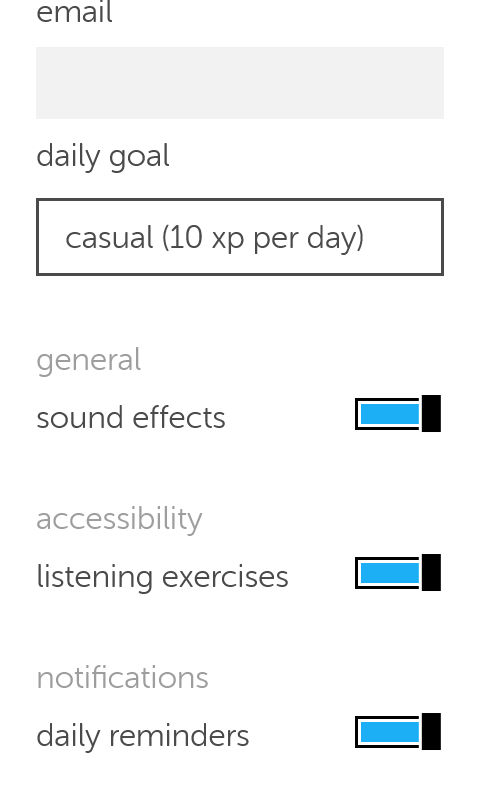
You can also control getting daily reminders (I highly recommend yo keep those ON).
How does it work?
- Duolingo
uses colors and sounds to make learning easy and fun and more game-like, by using a scoring system, ranking and rewards, similar to elements found in video games, and that’s where the name Gamification comes from.
learning itself is based of quizzes and games that aims to teach you the language you plan on learning.
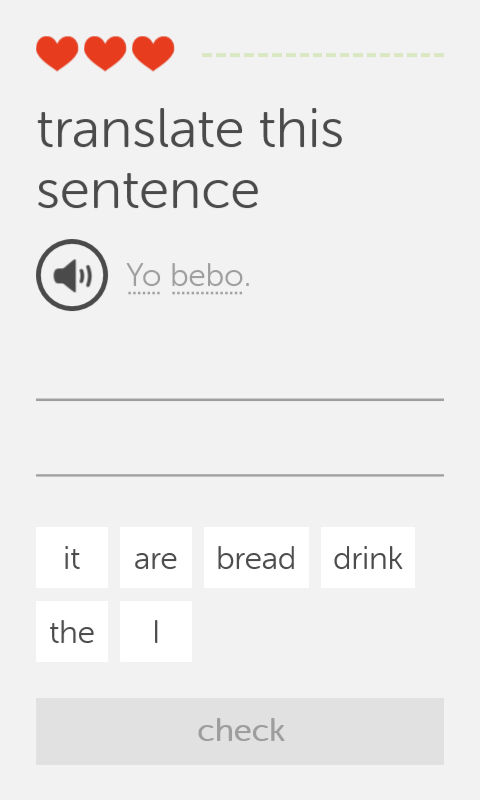
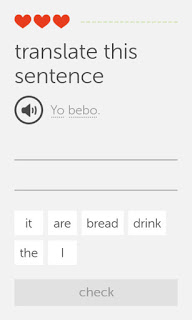
- This exercise i
s very simple, you listen the word by touching the speaker icon, then choose the correct words from the choices below, each correct answer fills up the bar to the right, and a wrong answer takes a try (a heart) and when you run out of hearts, you repeat the lesson all over again! There are many other exercises and I’ll leave those for you to discover!
Finally..
Duolingo is a fun app that helps you jump start your language learning and have fun doing it, I don’t think it can replace the full learning experience or taking courses, but it’s a start!
Will you download Duolingo? What is the language you always wanted to learn? Let me know what you think in the comments section below.
أنا الفائز بجائزة المدون المنتظم لعام 2025 من موقع مرجع التدوين
