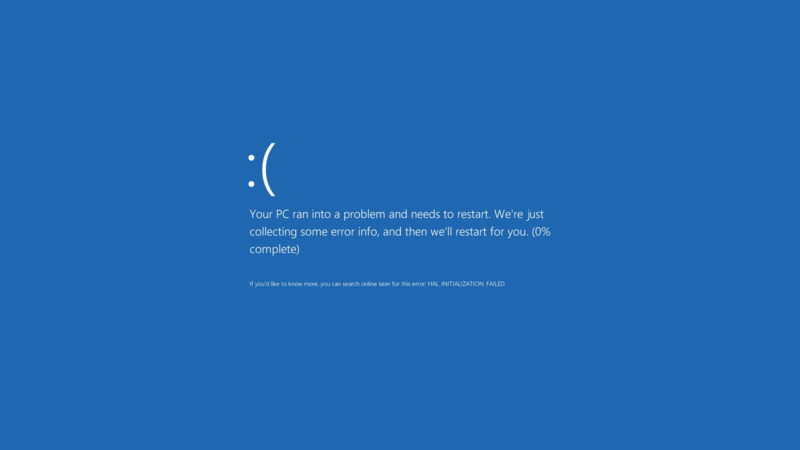
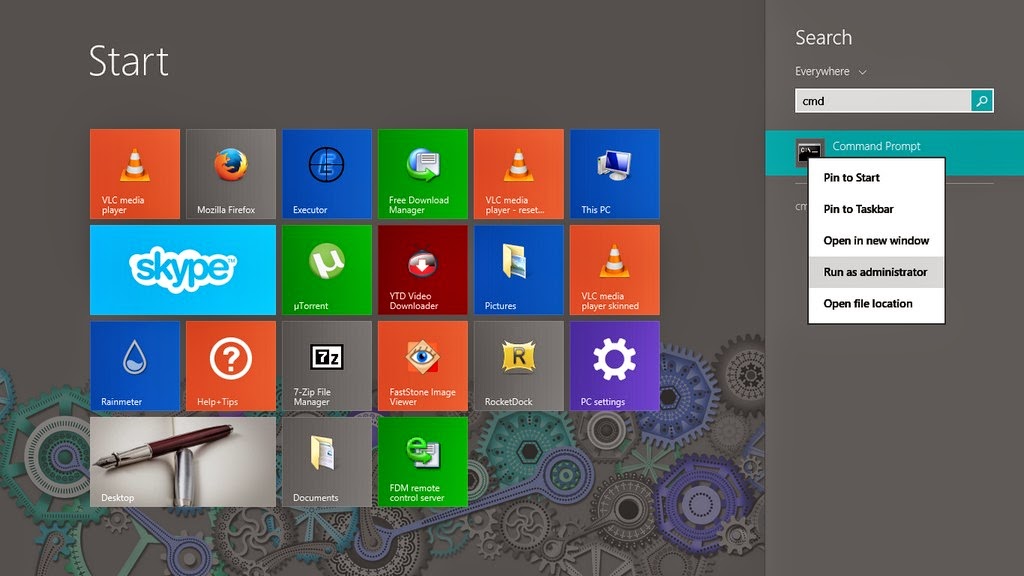
My laptop fan broke as I was cleaning the laptop from dust (who would have thought the fan blades were so soft!) and I had to look for a replacement, which proved to be a real pain!
Getting the fan
I didn’t know that the hardware / repair shops in Tripoli relied on junk laptops to provide spare parts! I thought they imported the parts in the same manner they imported laptops, but no! These people never seize to amaze me!
Repair shops buy damaged laptops to use them as spare parts, and since my laptop is such a rare limited edition laptop (not really) I had to look in over 20 stores around the capital to find a store that said maybe they can provide me with the part, I had to go home and comeback the next day.
The spare part looked much worse than the one I had running daily for the past four years!! And it was really expensive for a used one too!
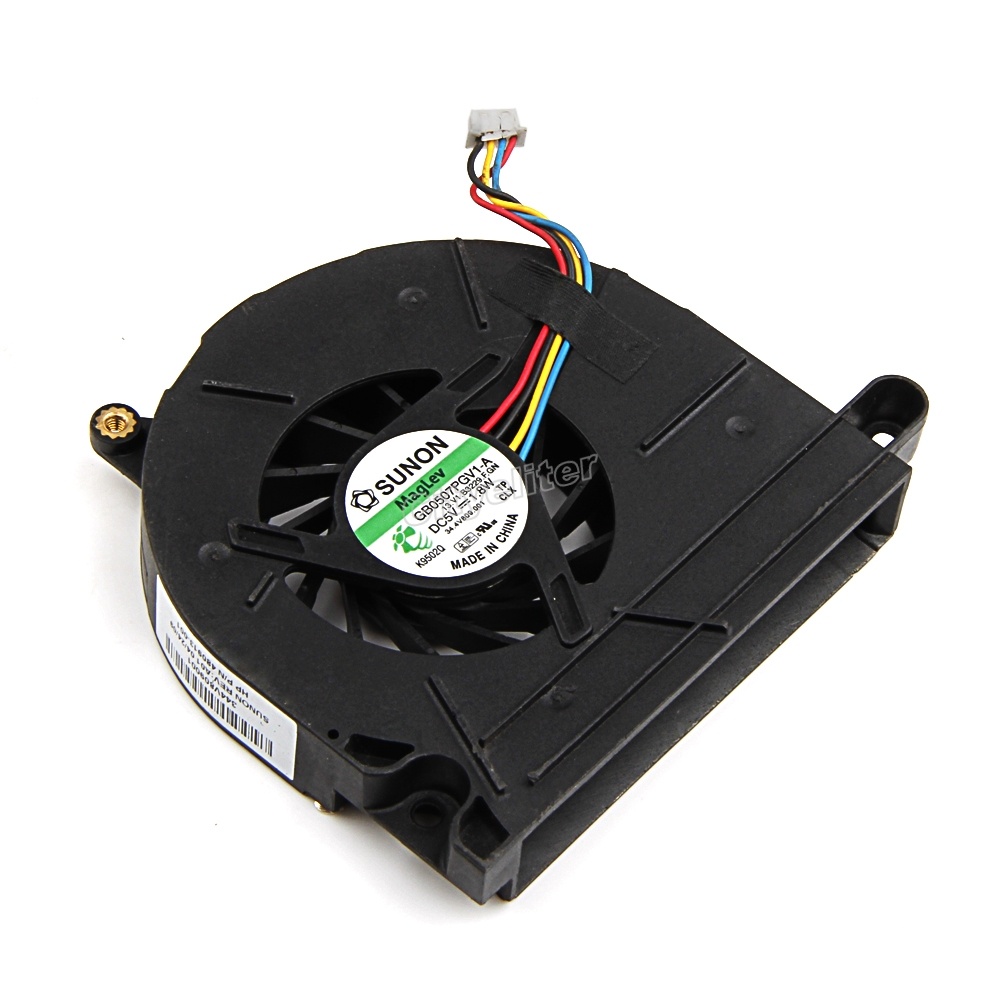 |
| A laptop fan |
You might wonder to yourself: Why didn’t I just get it off of Amazon or Ebay?
For a very simple reason, it would take so much effort and resources that it would lose all meaning! I’d probably rant about it in a another post some time.
The reason why the fan is so rare: It has four wires rather than the usual three like most laptops on the market have, so an extra wire cost me two days worth of downtime! Only in Libya..
I learned three things from this experience
- My laptop is a “unicorn” by Libyan standards, it’s rare and shoots pixie dust out of it’s fan when it flies above the rainbow (for the amount of money I paid for this fan, it better start shooting pixie dust!) and just for the record I bought it from Tripoli, a generic entry level laptop from a common manufacturer.

This is how repair shops view my laptop - Don’t ever, and I mean EVER, attempt to clean the laptop fan by any means other than compressed air, a lesson well learned indeed, even the smallest amount of pressure can break the fan blades and render the laptop useless.
- I never realized how much I relied on my laptop to do my daily tasks, which makes me think of getting a second laptop as backup, I always had a thing for Netbooks and had one for a couple of years before buying this laptop, maybe I’ll get one for the sake of portability, or I might even invest in a Raspberry Pi 3 or something as a backup system, I’ll blog about my findings when I make progress soon enough! My smartphone did a good job filling the gaps here and there, but there are some things that a smartphone can’t do, to me it’s not doesn’t qualify as a backup system.

To summaries everything said
I hope you enjoyed this update I provided, I feel the need to stay connected with my readers as often as possible.
What about you? Let me know what you think in the comments section below!
Do you have a good idea for a backup system?
Share this post using your social media and help the blog grow.