مرحبا بك عزيزي القارئ في عدد جديد من حديث الأربعاء، الفقرة الأسبوعية – وأحيانا الوحيدة -، التي أناقش فيها أفكارًا، وخواطر، ونشاطات، والكثير من هنا وهناك!
لذا ودون مماطلة، فلنبدأ هذا الحديث الجديد ..
مرحبا بك عزيزي القارئ في عدد جديد من حديث الأربعاء، الفقرة الأسبوعية – وأحيانا الوحيدة -، التي أناقش فيها أفكارًا، وخواطر، ونشاطات، والكثير من هنا وهناك!
لذا ودون مماطلة، فلنبدأ هذا الحديث الجديد ..
Until one of my readers asked me this question, I thought I posted about this, turns out I didn’t! Let’s take a look at some of the perks that Windows phone has!
It’s an opinion piece, so don’t get all worked up 😉
Having a Windows phone is unique, it’s unlike owning an Android device, they have a distinct look and feel to them that only a few can appreciate.
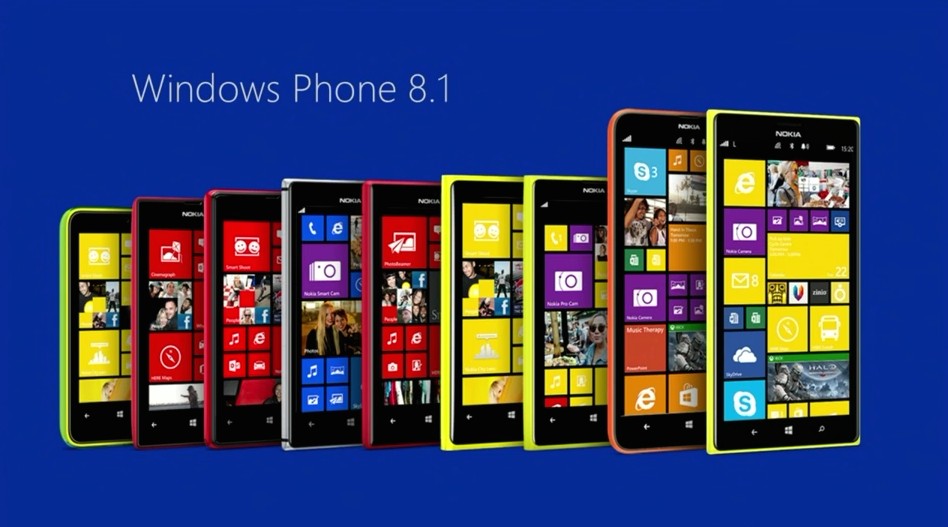
The interface is really easy to navigate through, no fuss and no unneeded widgets that get in the way.
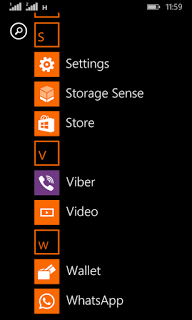
Many people complain that this “app” or that don’t exist for Windows phone, but the fact is the basic stuff exist with great support, while keeping the rust of the clutter out of the box.
Since Windows phone owns less that 3% of market share, it’s less likely to be targeted with malware, unlike Android who owns over 57% of the market share.
it reminded me of the E-series back at the day, phones that were built for business and comes packed with tools to help you work, Windows phone 8.1 comes with Windows’s own personal assistant “Cortana” (Later ported to Android) and many other apps like Microsoft Office, OneDrive, OneNote, tools that help you work, let’s not forget the excellent keyboard that comes pre-installed with the system, and the excellent integration with Windows computers.
It’s a unique feature of Windows phone that allows your phone to graph your movements via the sensor core and display it in a graphical interface, very accurately and with no impact to battery life and show what applications could use the motion data too. This feature isn’t available for other platforms such as Android and iOS. While Cortana (which was only available to Windows phone) became available for Android and iOS too, even when iOS have Siri as a virtual assistant by default.
These are some of the reasons I thought of to chose Windows Phone over Android, Keep your options open and don’t stick to one thing, I’ve used several Android smart phones in the past like the Samsung SII And Be Elite 2, and who knows what the future might hold?
Checkout my review of the Lumia 630 dual sim while you are at it.
Did you like this post? Would you consider buying a Windows phone in the future? Let me know what you think in the comments section below!
 It’s not all fun and games with Windows phone. It’s better than Android as it doesn’t crash as often, but I ran into several bugs the other day that I have to blog about.
I turned off the phone and removed the battery to remove the SD memory card that’s underneath (a major design flaw) and when I returned it, it was not the same! I noticed that many apps were refusing to work the way they used to! And the browser won’t load search results. I thought it was a connection issue ( Error 800704CF). but the error messages were about syncing with outlook ( Error 80070020).
At this point I was going to restore the factory default settings, which would have deleted everything on the phone and I would have to start all over!
After researching several error codes I realized it was far too simple!
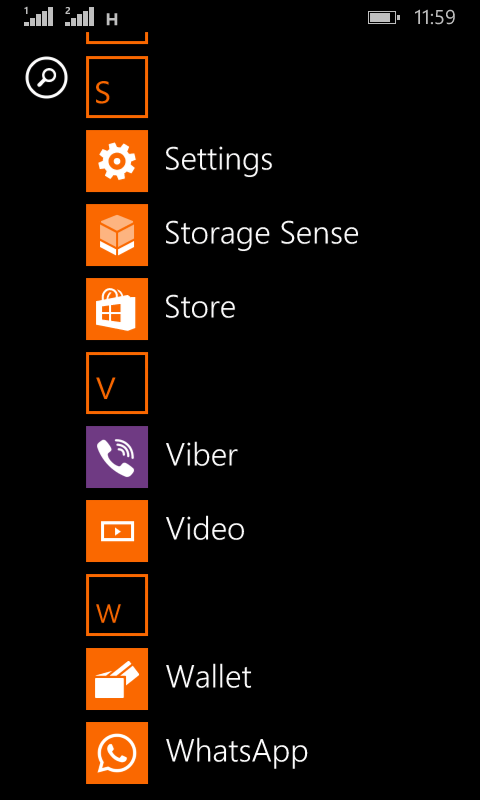
I set the date wrong! (Error 80072F05) The easiest fix was to set the time automatically, to do this follow these three easy steps!

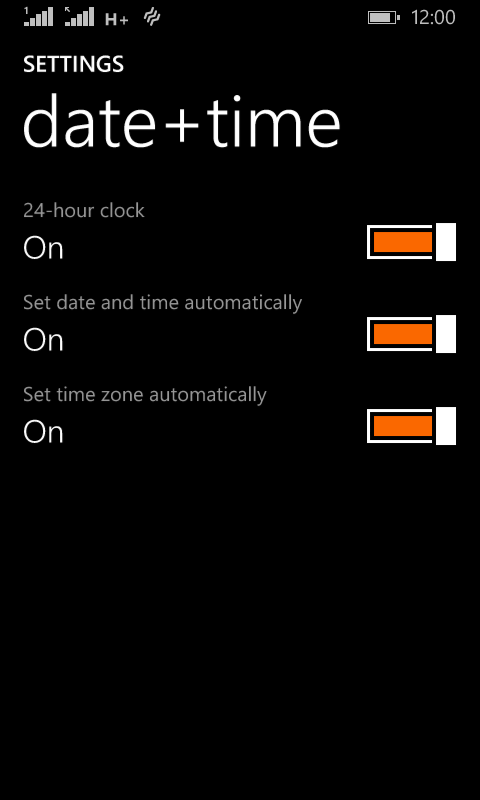
and the phone went back to normal!
The codes I encountered were: 80070020, 800704CF and 80072F05. So if you face any of those the first thing you need to check is the time settings. I hope you found this tip useful, and please share it with your friends and family to help the blog grow!
As soon I did so there was a Lumia Cyan update installed. And after the usual steps I began to install the insider build 166 (was out on July 13th 2015)

I left it installing because the download took a long time, after it finally downloaded and installed many things stopped working! I was given some error codes but doing some research did me nothing! (CV: irVVS0fyS0ifo9wW
0x80072f05)
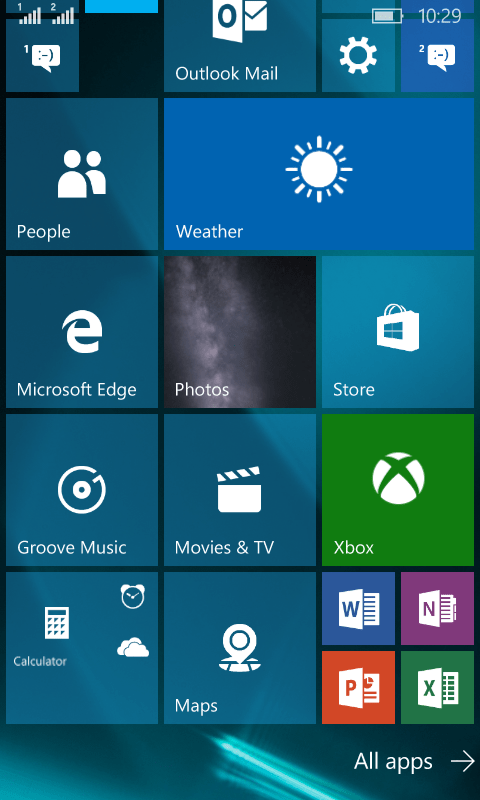
Office was gone!
OneNote stopped working!
All the updates that were pending stopped working as well.
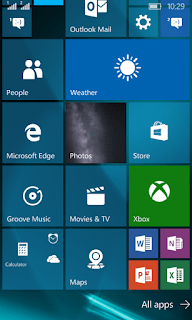
There were some nice improvements. I can’t deny! The already great typing experience has become even easier with the added cursor and several UI improvements that made it consistent with the desktop version.
I had to install the 512 build that came out on the 12th/08/2015.
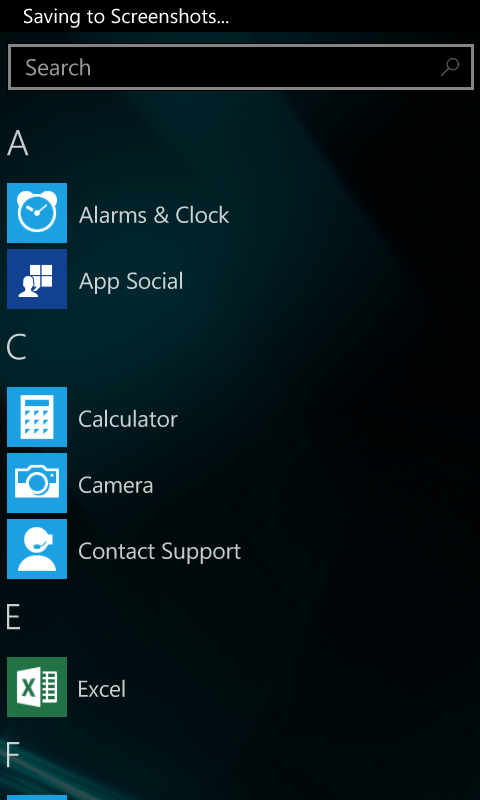
After a while the 512 build finished installing. It looks good so far. Office is broken down to three apps: Word preview, Excel preview and Powerpoint preview. (Which needed to be purchased then installed from the store).
The store worked fine after the upgrade, and the errors aren’t displayed anymore!
The phone became slower and hotter. So a reset was due. It worked better. But the office applications requires an office 365 license to work. And Onenote became so hard to manage! (I needed to scroll so much to get to anything).
The phone lags a little bit and Cortana became less responsive. So I decided to rollback to 8.1
As confirmed by Microsoft upgrade adviser, Windows 10 won’t be available for Lumia 630 / 630 Dual. So this is the only way to get Windows 10 on your Lumia phone.