Category: Windows (Page 11 of 22)

LibreOffice 5.0 hanging on Ubuntu, can’t highlight fix!

While messing around with LibreOffice Writer 5.0 on Ubuntu I discovered that I can’t highlight text, and trying to highlight text made the whole program freeze! I managed to fix it and this is how I did it..

I always download two versions of LibreOffice, one for Linux and the other for Windows, usually the one with the issues it the Windows version, but in this case it worked fine, while the Linux version was acting off.

I assumed that the main culprit is the Java machine, because in Windows it refused to work with the 32 Java machine I had installed which ran version 4.4 well. So installing a 64 bit Java machine did the trick, and the reports worked fine!
I looked at the machines I have installed and they were: and none of them made the problem go away!
You can access them by clicking: Tools Options Advanced
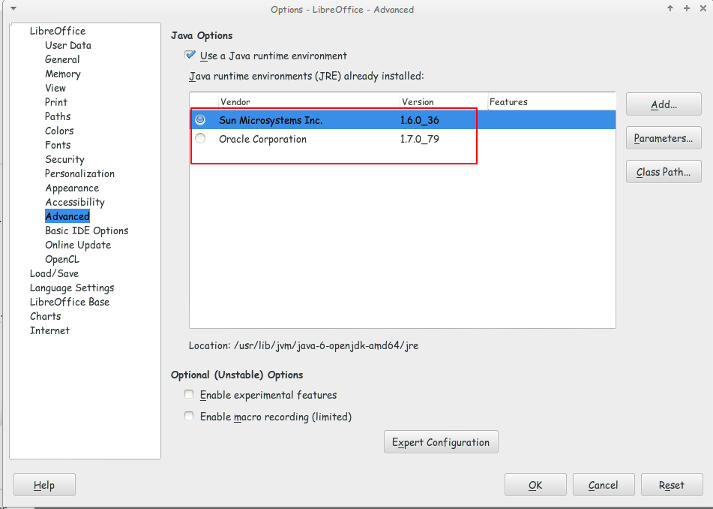
 

Java machines on Ubuntu

They were both excepted by LibreOffice but the problem persisted even after restarting over and over again!

I’ve finally been able to fix the problem that made LibreOffice hang and freeze when highlighting a text.

All you have to do is to navigate to:

/home/”User name”/.config/ and delete the folder LibreOffice.

It will work fine after that!!
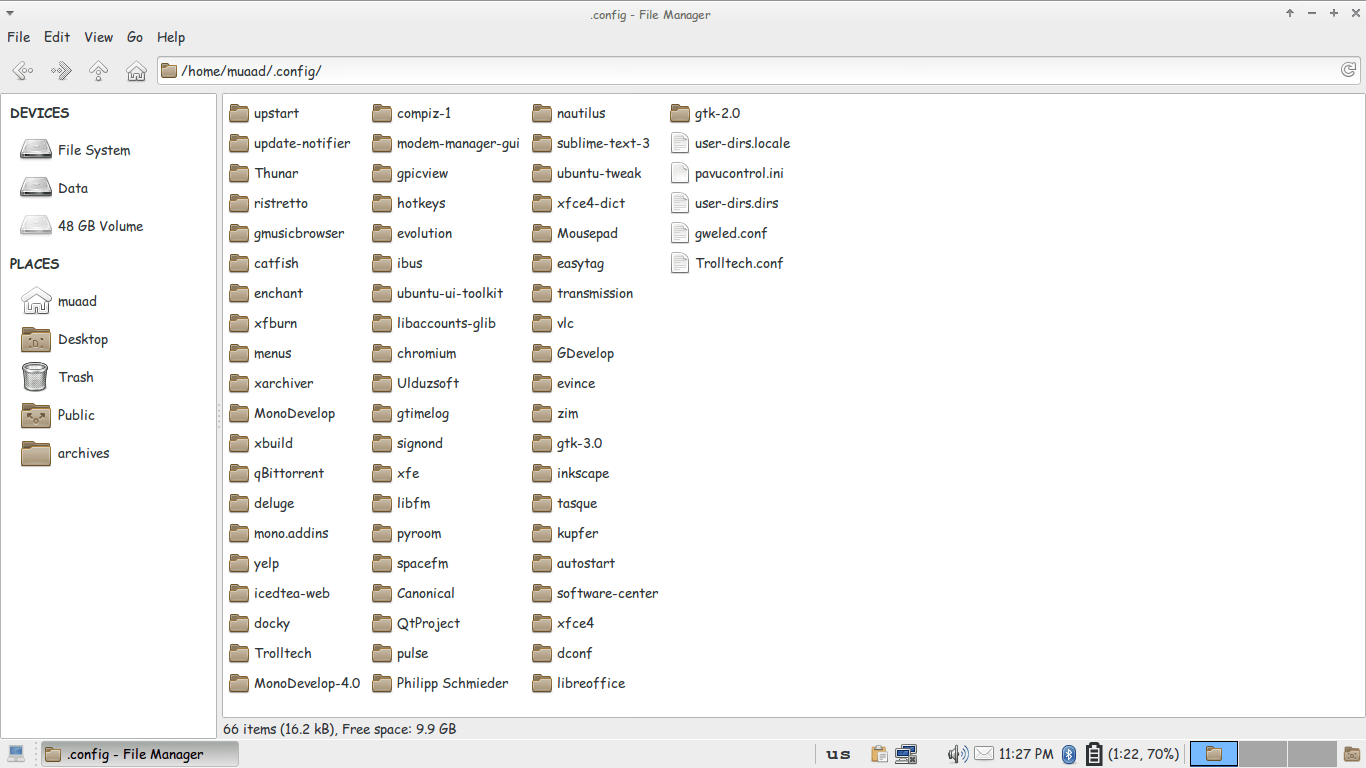
Thunar confing file unhidden to delete LibreOffice config

You might have to unhide the folder in your file manager!

It’s not a Java machine problem. But I don’t think it would hurt if you download the latest version.
لماذا نستخدم الویندوز؟

ولم لا ؟ فهو الذی وجدناه فی جهاز البیت عندما إشتریناه، وهو الذی یوجد بكمبیوتر المدرسة و العیادة. وكافی الانترنت. وهو الذی أخذنا علیه دورة الكمبیوتر التی أهلتنا للوظیفة التی نحلم بها، وهو الذي يحوي عشرات اﻷلاف من اﻷلعاب التي تمتعنا وتسلينا،  وهو الذی أصبح ملازما للكمبیوتر ولایفارقه بإضافاته العدیدة، وإصدارات برامجه التی تصدر كل سنة..

ميكروسوفت تجبر شركات العتاد أن تحمل اﻷجهزة بأنظمة تشغيلها، دون أن ننسى أنها صارت مصنعة عتاد تحمله بنسخة ويندوز (الأخيرة) و بعد شرائها شركة نوكيا صارت اﻷمور أوضح.
سیاسة میكروسوفت الاحتكاریة تتلخص فی أنك:

  •  تدفع ثمن البرنامج.
  • التحدیث.
  • دورات التدریب.
  • الدعم الفنی والصیانة.

مجددا هذا فی الدول المتقدمة. أما فی الدول الأقل تحضرا فإن نسخة الويندوز المكركة لا تكلف شيئا، وكذلك اﻷوفيس، والفوتوشوب، واليد العاملة رخيصة، والعتاد رخيص..

ولكن؟
كم من مرة حصل إنهيار شامل للجهاز؟ غزو فيروسي رغم وجود مضاد فيروسات وغيرها من برامج الحماية المكركة كذلك!
كم من مرة تلف الهاردسك بالكامل وخسرت سنوات من الملفات؟
هل تعلم أن الجهاز الموجود به برامج مكركة أكثر عرضة بكثير للإختراق من أجهزة ويندوز العادية؟
كم مرة تقوم بالفورمات في السنة؟ من تجربة شخصية كنت أقوم بالفورمات مرتين أو ثلاث في السنة (في ظروف مثالية) ووصلت معي الى مرة في اﻷسبوع!!
ليس من المفترض أن ينهار الويندوز هكذا، وحتى وإن إنهار فهنالك طرق أكثر ودية لتصليحه دون اللجوء للفورمات وإعادة تنصيب كل برنامج مكرك تستعمله.
هل تعتقد أن كل هذه مصادفات؟
إن ويندوز يمكنها حظر كل النسخ المقرصنة ولكنها سمحت بها حتى لا تتجه إلى سواها، فهي تعلم عاجلا أم أجلا أن أموالك ستقع بين يديها!
أنا لست ضد أن تتربح ويندوز من المستخدمين، أنا ضد القرصنة وضد الإحتكار..
من حق كل مستخدم أن يستخدم البرامج التي تلائم إحتياجاته، شريطة إحترام التراخيص.
أتمنى أن تكون هذه التدوينة أفادتكم، وأتمنى ردودكم التفاعلية.

LibreOffice 5.0 is out!

Finally after what seemed like forever! LibreOffice 5.0 is out!
“LibreOffice 5.0 is the tenth major release since the launch of the project and and the first of the third development cycle. LibreOffice is a full feature open source office suite which compares head to head with every product in the same category, while it stands out for superior interoperability features.”


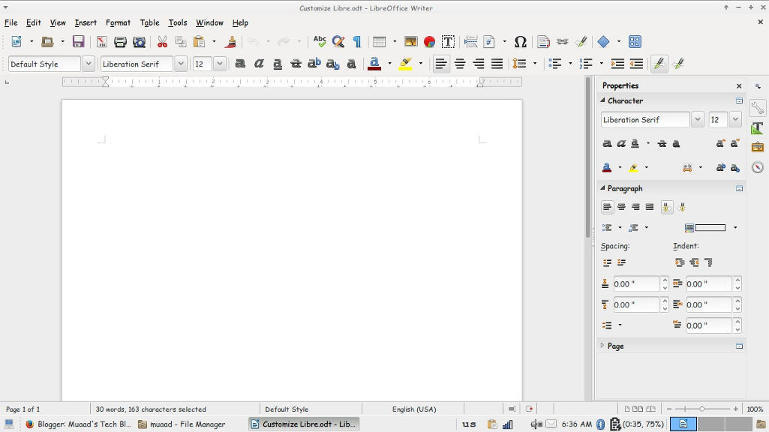
I’ve downloaded it for both Windows and Linux. And I immediately noticed the different GUI elements implemented into LibreOffice 5 in comparison with 4.x which are differently cleaner and takes less screen space!


Thanks to improved filters the compatibility between LibreOffice and other office suits like Microsoft Office has improved. And a lot of under the hood work has been done to improve the stability and reduce the crashes overall.
Version 5 with be the foundation of the Android version, Ubuntu touch, and the upcoming cloud version.

Note: if you are downloading the 64x version for Windows you are going to need a 64x Java machine.

It looks really good and I can’t wait to sink my teeth into it and make full use of it’s amazing features!

Customize LibreOffice with these awesome native themes

With LibreOffice 5.0 just around the corner, I thought I should share this awesome tutorial with you to make LibreOffice look better and enhance your productivity!
LibreOffice’s killer looks is just one of the many features it sports. Today I’ll be showing you how to change the default look to enjoy the awesome themes it has!

At first, let’s take a look at the default theme:

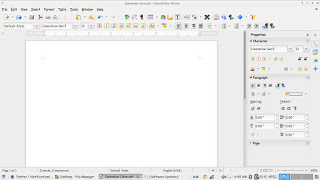
Not bad! It looks fresh and modern, especially if you are coming from “another” productivity suit, this one is called Tango and it’s the default theme. Now the question is: How to change the theme?
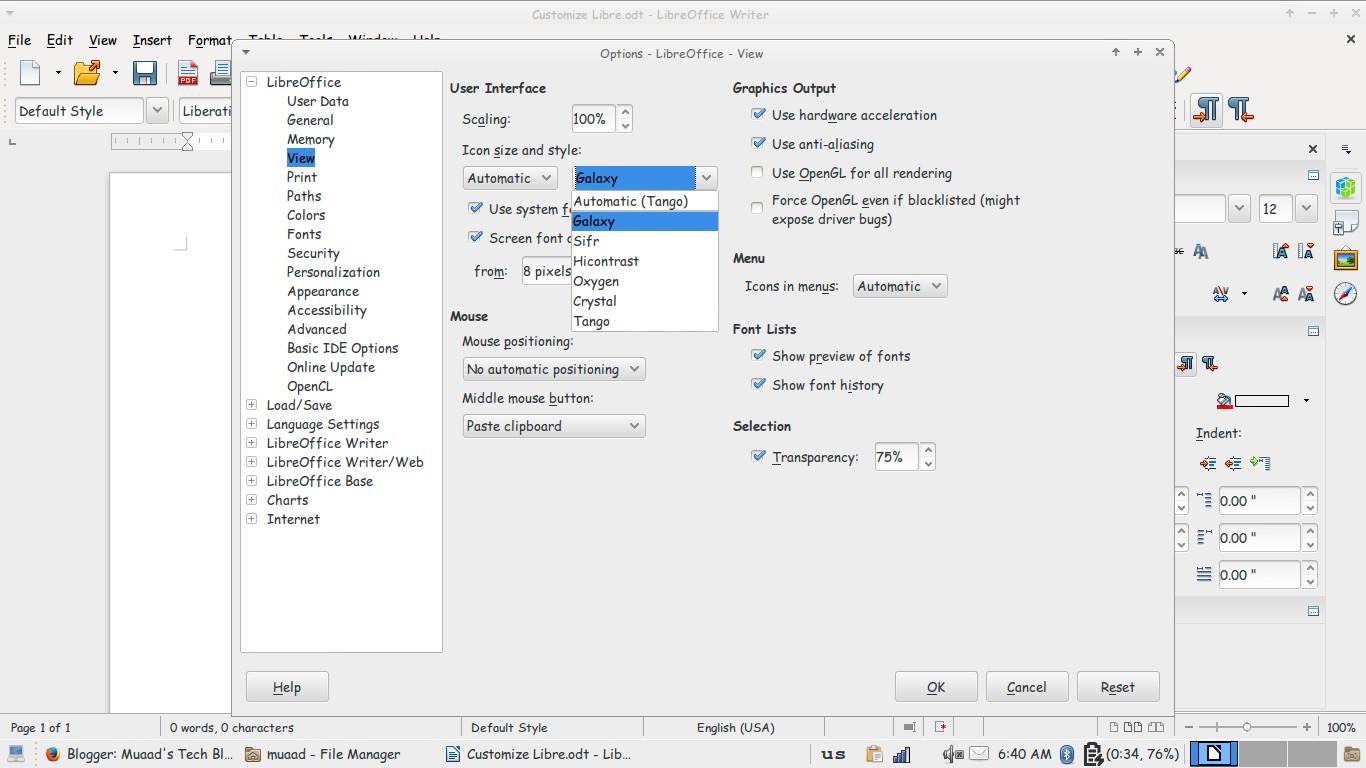
Navigate to: Tools Options View and choose the theme you like from: User interface Icon size and style.

Options menu

There is a total of six themes available (Tango included) and we are going to take a look at all of them! Then I’m going to say which is the best one!

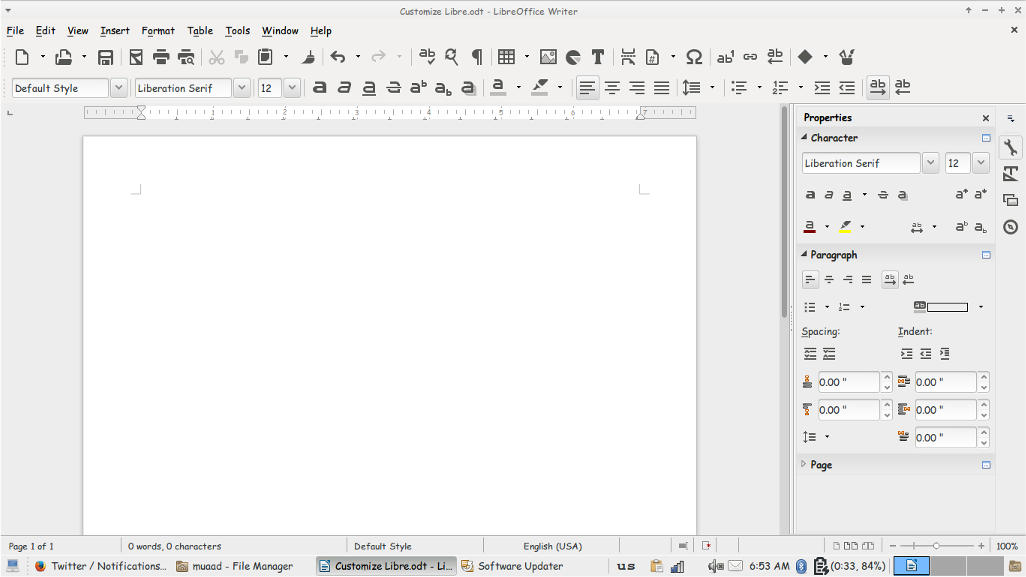
Tango
Tango (Default theme)
Crystal
Crystal


High Contrast
 High contrast


Oxygen
Oxygen  


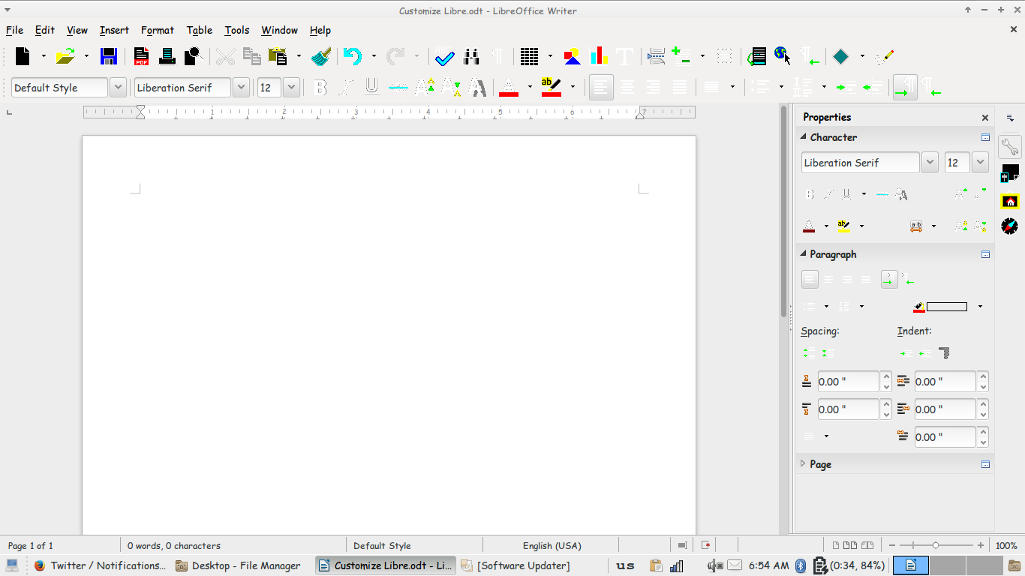
Sifr
Sifr
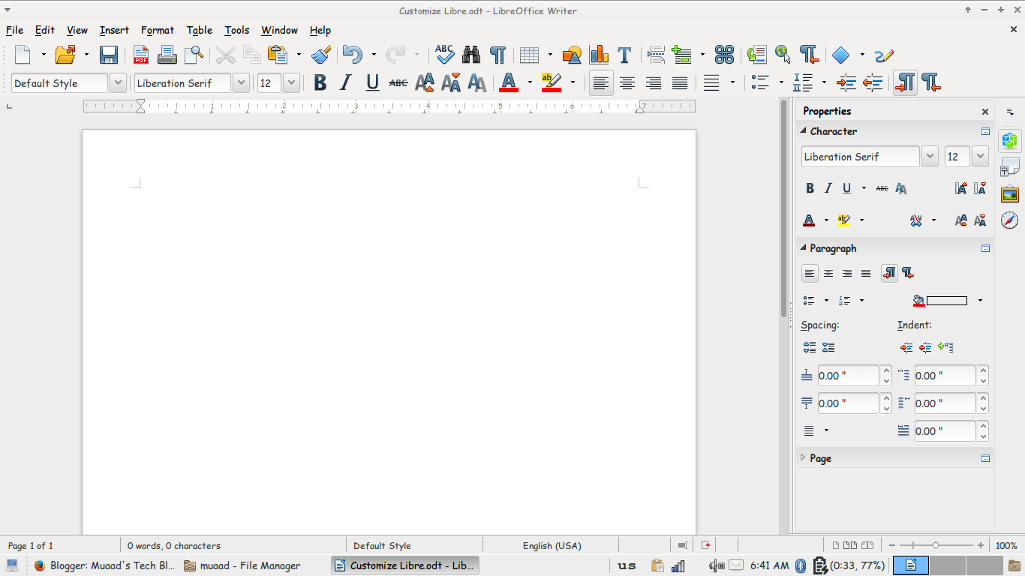
Galaxy
weight: normal;”>Galaxy
Pretty sweet, don’t you think? 

And I’m willing to tell you the best one!

The best theme is the one you like the most and allows you to be most productive!
Which one is the one for you? Let me know in the comments section below! 
I like Sifr btw 😉
« Older posts Newer posts »