مساء الخير عزيزي القارئ، وأهلا بك لعدد جديد من حديث الأربعاء. يأتيك متأخرًا على غير عادته. وذلك لانشغالي ببعض الأمور الحياتية. لذلك هلّم معي، ولنطالع معًا، مفردات هذا الحديث الجديد.
مساء الخير عزيزي القارئ، وأهلا بك لعدد جديد من حديث الأربعاء. يأتيك متأخرًا على غير عادته. وذلك لانشغالي ببعض الأمور الحياتية. لذلك هلّم معي، ولنطالع معًا، مفردات هذا الحديث الجديد.
اليوم، نودع عامًا ميلاديًا جديدًا. ونستقبل عامًا آخر. نسأل الله خيره، وخير ما فيه، ونعوذ بالله من شره، وشر ما فيه.
في هذه التدوينة أستعرض بعضًا من حوادث هذا العام، وكيف مر علي، وبعض الأحداث التي وثقتها، والبعض مما لم يتم توثيقه، وأشاركه لأول مرة على هذه المدونة.
I fresh installed Ubuntu 14.04.4 lately and things has been smooth, most of the issues I encountered were because of the interface change, looking back maybe the interface was buggy, and I should have read the bug list before installing it!
After installing I noticed that every time I reboot the system shows prompt to send error messages, I sent the error to the developers thinking that was it, I send the error report and I’m done, but another one came, and another one.. And it just keeps happening every time I reboot (to install updates for example) so it became a minor nuisance!
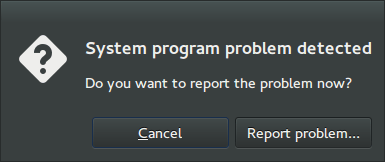
I remember facing this issue back in April 2014 when I first installed Ubuntu, and the fix was so easy!
Apparently Ubuntu tends to look for records of errors and send them, even the old ones that have been reported, so the easy way to stop it is to disable Apport.
Disabling Apport
It’s actually very easy to do, just go to the terminal by pressing Ctrl + Alt + T
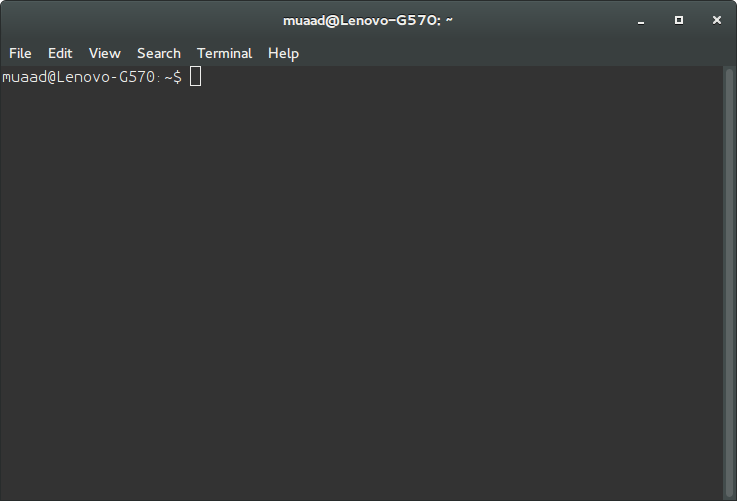
Then type in gksudo gedit /etc/default/apport and press Enter. You will be prompted to enter your password, please do that.
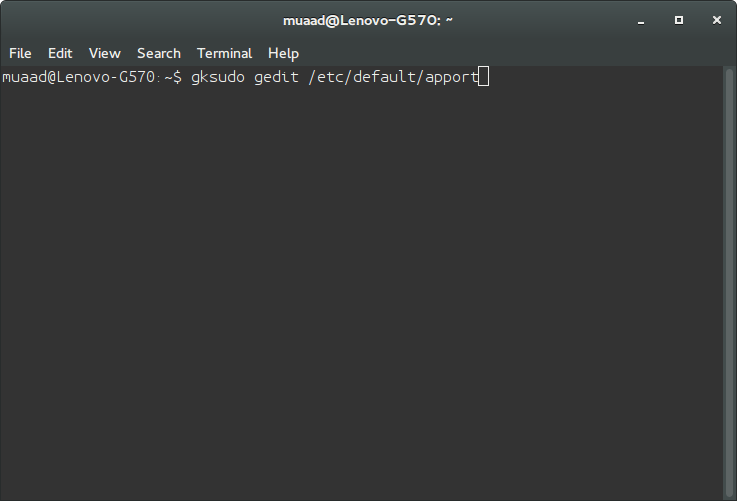
Be careful because this command is running Gedit in root privileges and we will use it to change a vital part of the system, so follow the steps carefully!
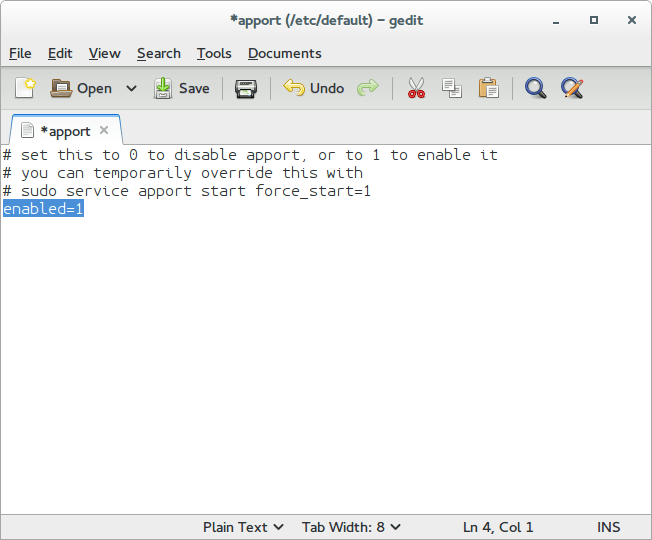
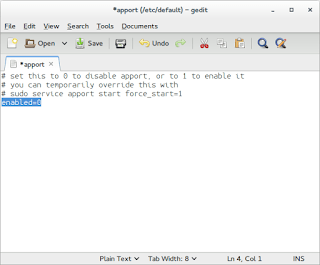
Change Enabled=1 to Enabled=0 and save.
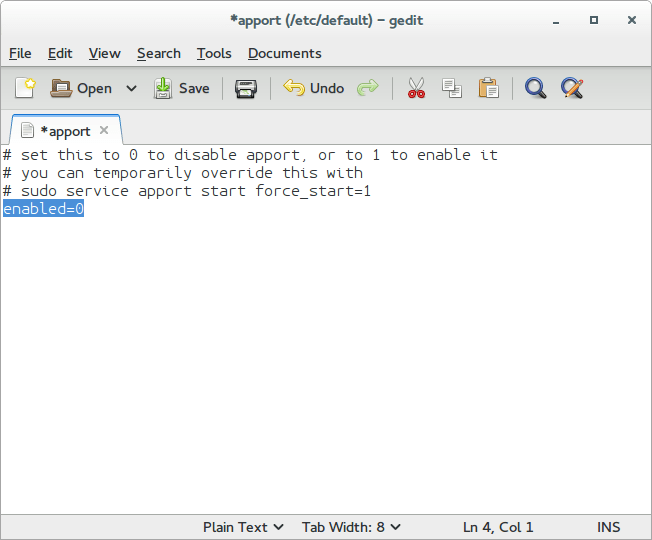
Close Gedit and the terminal.
The next time you reboot, you won’t see such error messages!
It’s as easy as that!
You can research the issue further by visiting this link.
I just moved to Gnome and noticed several bugs! First of all I didn’t know how to go to sleep mode!
That was very easy, click on the right corner and hold ALT and the power off button will change to sleep. That’s great! But now that I can go to sleep mode, the computer won’t wake up!
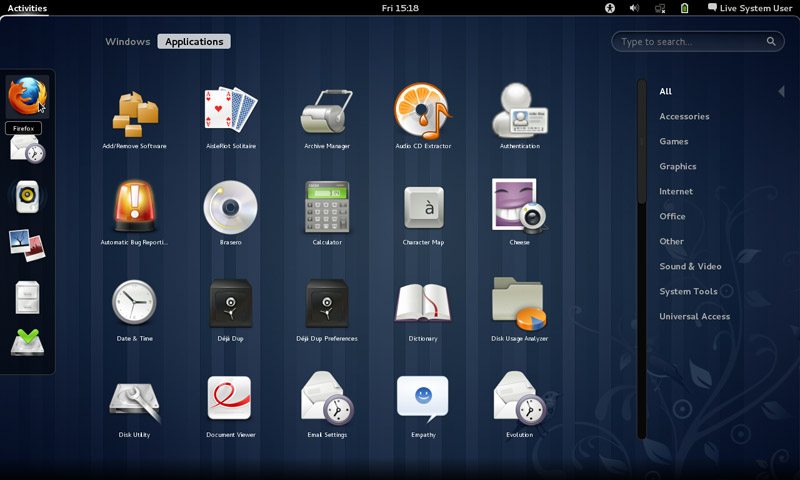
It doesn’t show up anything! Just a laminated dark screen and I have to power it off to be able to use the computer!
In addition to the sleep and wake bug fix, and the extensions staying enabled after reboot, the Gnome classic mode loads an interface rather than just a background with a mouse cursor, but it looks the same as Gnome. I’m yet to figure that out!
My fix to that was very simple, Installing Ubuntu Gnome 14.04.4 a fresh install.