Category: Fix (Page 3 of 11)

Focuswriter not starting stuck on loading sounds fixed

Focuswriter is a free and open source (FOSS) cross-platform distraction free writing software that is lightweight and easy to use. Today I’ll show you how to bypass the loading sounds bug and fix it completely!


Focuswriter logo

The problem

It all started when I tried to enable the typing sounds on my Netbook running Antix Linux, the program froze and I had to shut it down manually. After that whenever I try to start the program, it won’t start!


Attempted fixes

Trying to uninstall the program and install it again didn’t work! Even removing configuration files from Synaptic didn’t work, no matter how many times I install and uninstall it again, the problem persists!

The fix

Using your file manger of choice, navigate to /home/[username]/.config/GottCode/ and in it you will find one file only: FocusWriter.conf
Delete it and restart the system, after it starts again, you will have Focuswriter running like it should.
A new configuration file will be created automatically, no need to worry about the file being deleted. 

Focuswriter interface

Final words

Going for a lightweight mixture of a Netbook, Antix and Focuswriter can be a winning combination, and as a slight compromise bucklesrping can be installed individually for an aesthetically pleasing writing experience. And if you are typing at night, enable the leds on your keyboard!

Do you use any of these tools? Do you find this tech tip useful? Please leave your opinion in the comments section below, and I’ll see you in the next one.

Enable LED light on JINDIAO K8 Multimedia LED Keyboard in Linux!

LED keyboards are awesome! They make night working and gaming so much easier -especially if you live somewhere where electricity goes off very often– And they look great!
Some affordable models like the Jeway Phantom K7 Keyboard and JINDIAO K8 Multimedia LED Keyboard won’t work with Linux right away, but with some clever hacking you can make your affordable keyboard into a fully functional, Linux friendly hardware. 
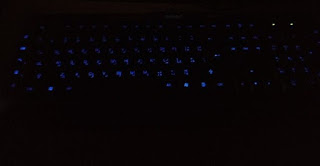
 

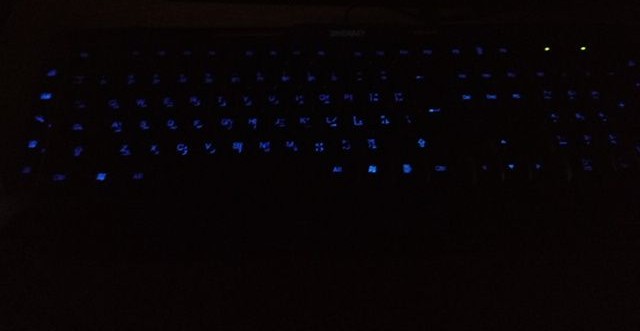
A picture of the keyboard led on


An issue with support

Sadly these products don’t have websites and the companies don’t provide any kind of support, let alone for Linux! But that’s where this post comes in handy.

The case

When you turn on the computer and press the LED switch, it works during boot. But as soon as the Linux kernel loads it turns off and stays off. You might even notice new lines when booting similar to the Comm reset issue, but don’t worry, Xset is our friend!

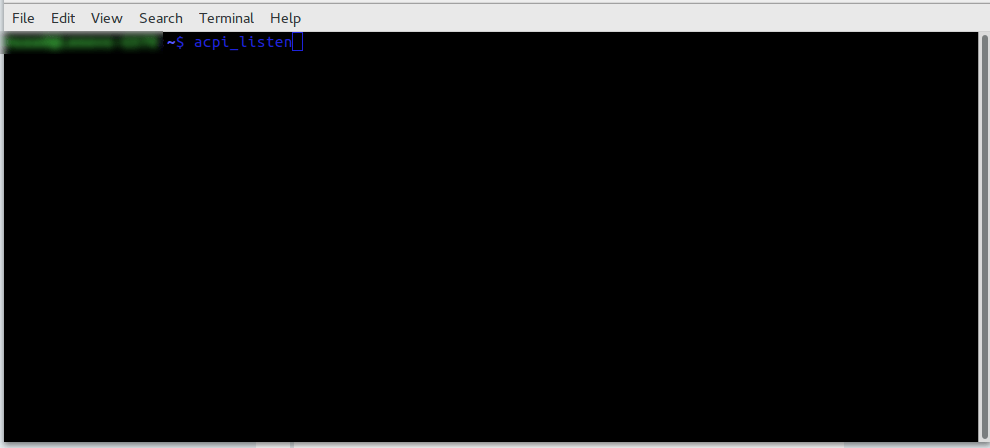
Testing the button with acpi_listen 

The button that enables the led light isn’t recognized by Linux, you can make sure by typing in the command acpi_listen and testing it for yourself. It won’t be recognized and won’t give out a code, unlike other multimedia keys.  

Enable the keyboard light

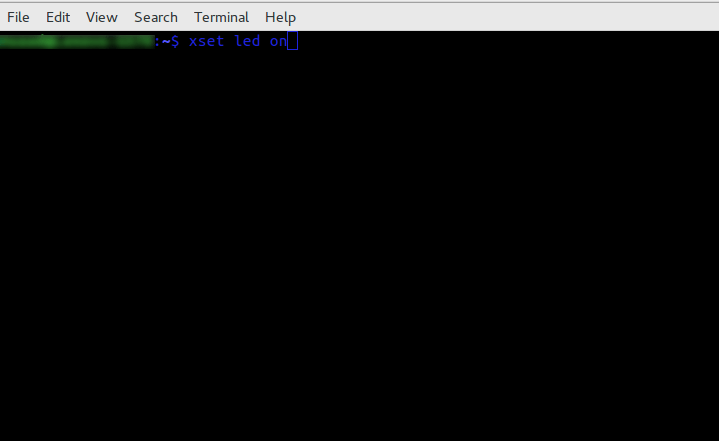
To enable the keyboard light, all you have to do is to open a terminal window and type in the command
for the light on the keyboard to work:

xset led on 


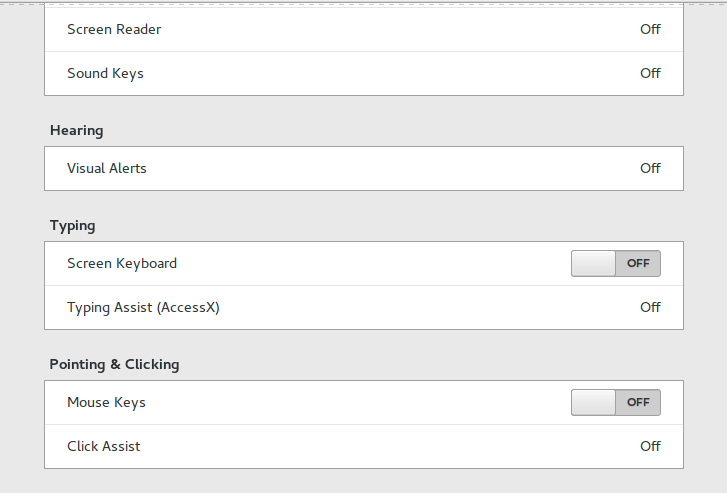
Yes it’s as simple as that, but that command is incomplete! When I tried it on my computer it enabled the mouse keys, an old bug dating back to 10 years ago in Xorg that didn’t get fixed. I made sure the two were related (the LED being on and mouse keys). 


Having to go into accessibility every time and disable the mouse keys by hand every time the computer was out of sleep was frustrating, no where near a fix!

But luckily, the terminal has a fix..

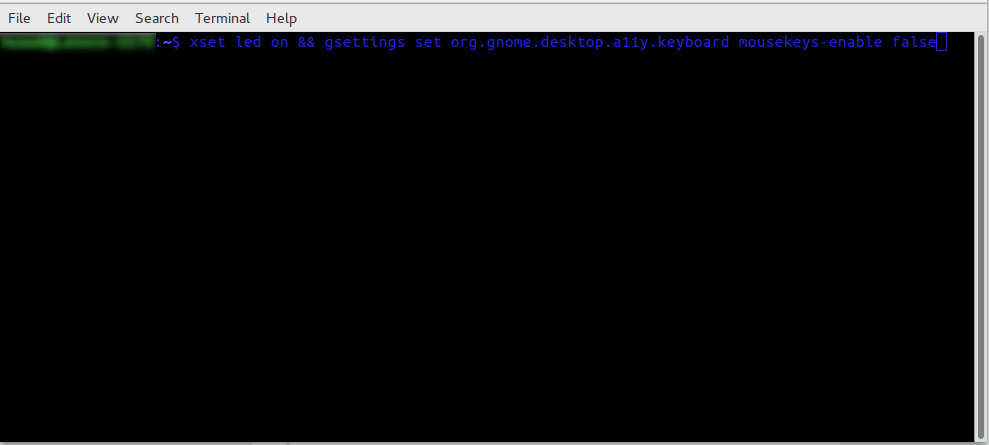
To enable the LEDs and maintain regular Number pad functionality use this command in the terminal

xset led on && gsettings set org.gnome.desktop.a11y.keyboard mousekeys-enable false

This will enable the led light and keep the number pad acting the way it should. 

You will have to enter this command every time you turn off your computer, if I managed to turn it into a bash script and make it start with the system, I will update this post.

Final words

You don’t have to break the bank to get a decent looking keyboard, and using Linux doesn’t mean you need to sacrifice functionality or have to dual boot windows just for a keyboard to function normally!

Let me know how the code worked for you. And have a good one.  

P.S: If you shutdown or unplug the keyboard, you will have to enter into the terminal the script again.


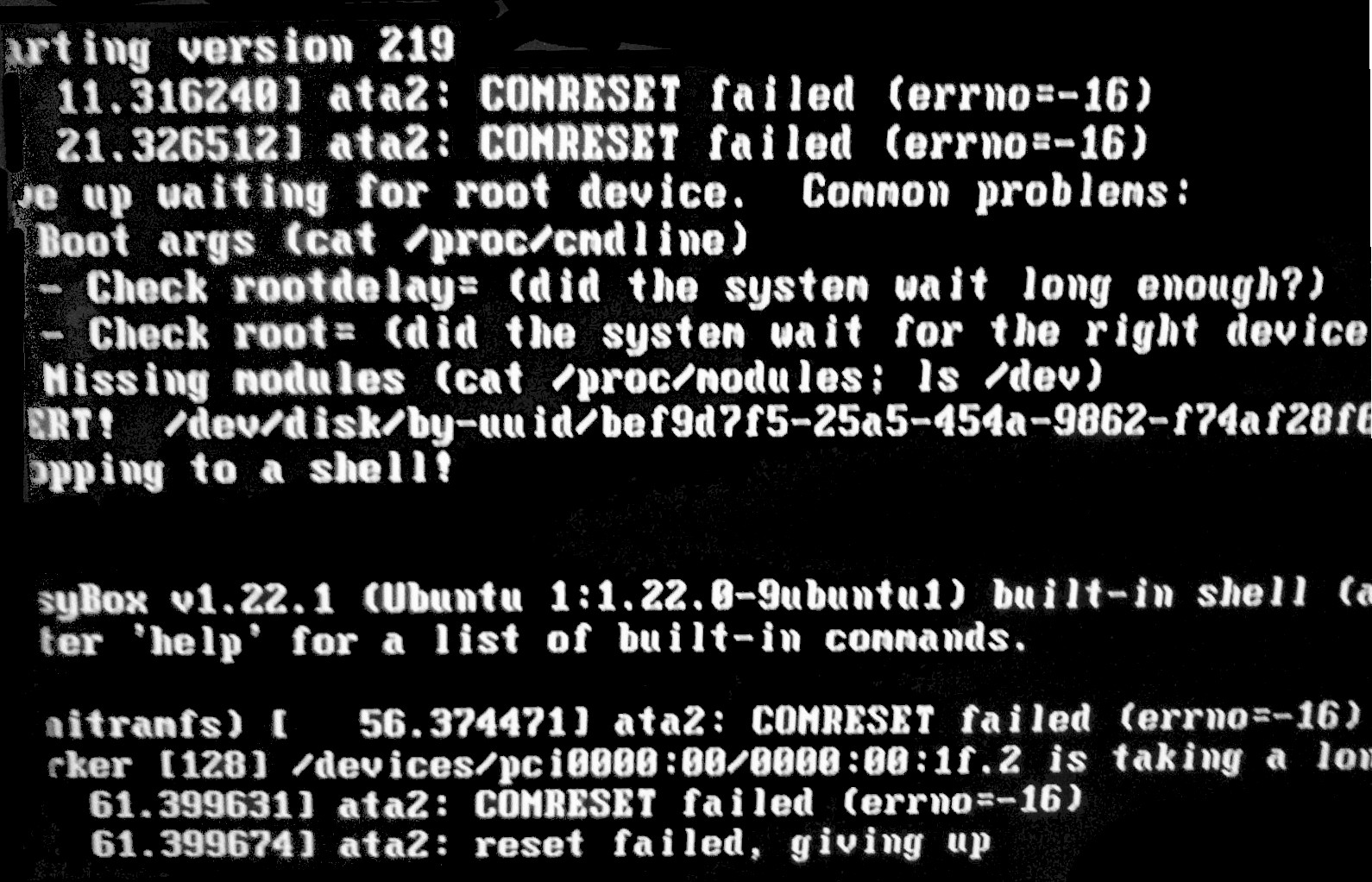
Should you replace your SSD after the COMRESET failed (errno=-16) error?

It is a scary boot screen to wake up to, but things aren’t that simple really, should you throw the SSD in the trash and buy a new one? Or simply ignore the message like it didn’t happen? Well today we will look into it with more detail.

 COMRESET failed (errno=-16)

I’ve been having this error now (on and off) for over a year, the disk works fine but tends to throw an error every now and then, I am running Ubuntu Gnome 16.04 and the bug seems to be affecting Linux alone.

When contacting the manufacturer of the drive (silicon power) they suggested to update the firmware via a utility on the website, since it’s Windows only I had to remove Linux, install Windows to update, and then come back to Linux.

Since it started I’m backing up my data daily and creating images with parted magic every week, so far the disk hasn’t died on me (reached around 6400 hours, and the bug appeared in 4000 for the first time).

Do you have to replace the SSD right away?

From my experience, it’s not necessary to replace the drive right away, but backing up is a must!

I’ve installed Gsmartcontrol and set the system to check for errors on startup (was recommended to do so on Askubuntu) and it’s reporting no errors on all tests (short, long and contingency).

I do recommend that you get the drive checked, and if possible send it back if it’s still under RMA.

Update

I swapped out the SDD with the old HDD due to an increase in the COMRESET failed (errno=-16) error, I guess my laptop is showing it’s age, and I am due to replacing it soon anyway.

Are you suffering from this issue too? What did you do to fix it? Please comment below.  

Update #2

Even after getting a new HDD, I still get the same error message! While the same SSD on another device doesn’t!!

« Older posts Newer posts »